 EN
 IT Italiano
 ES Español
 FR Français
 DE Deutsch
Description
What it is
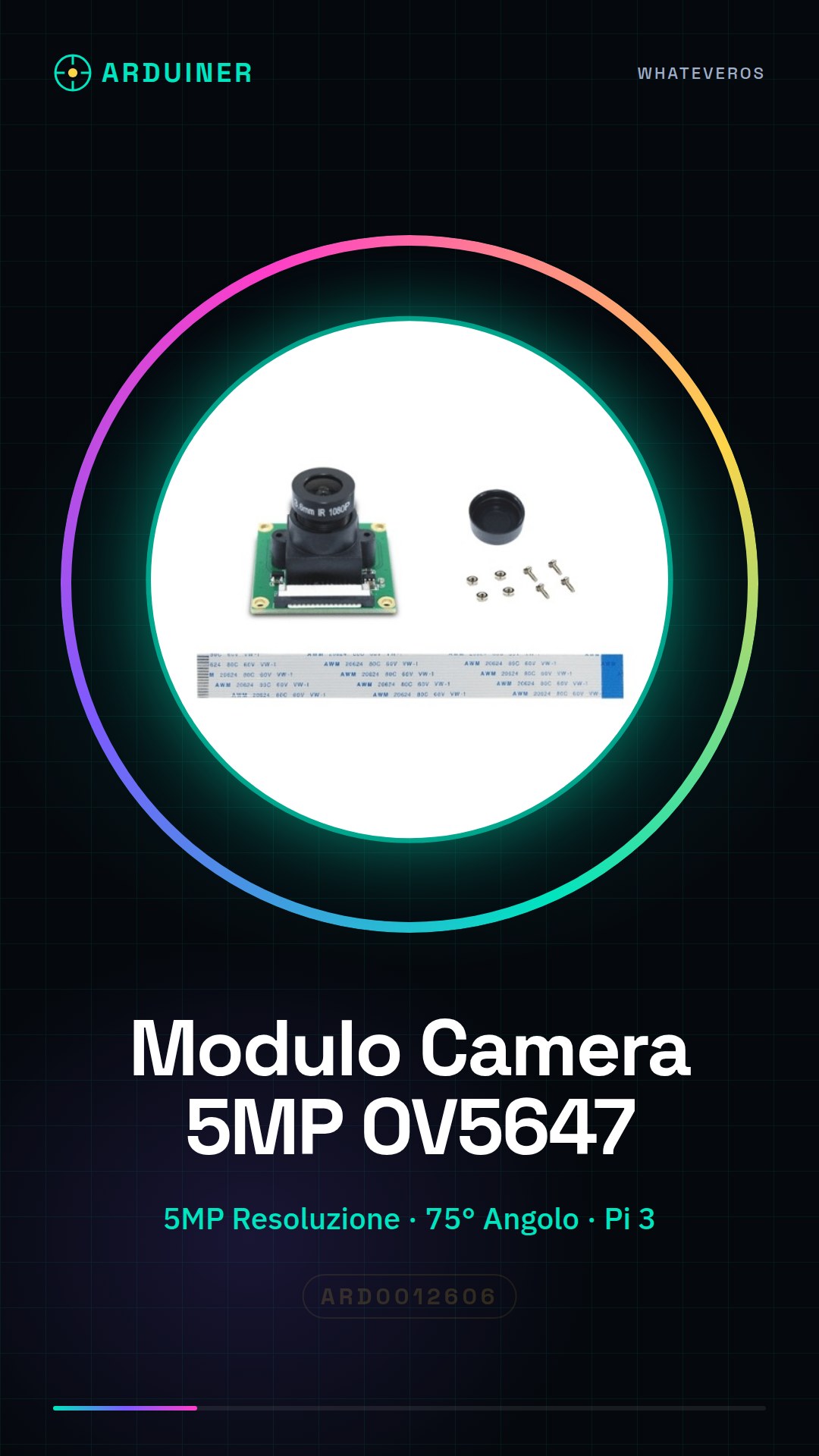
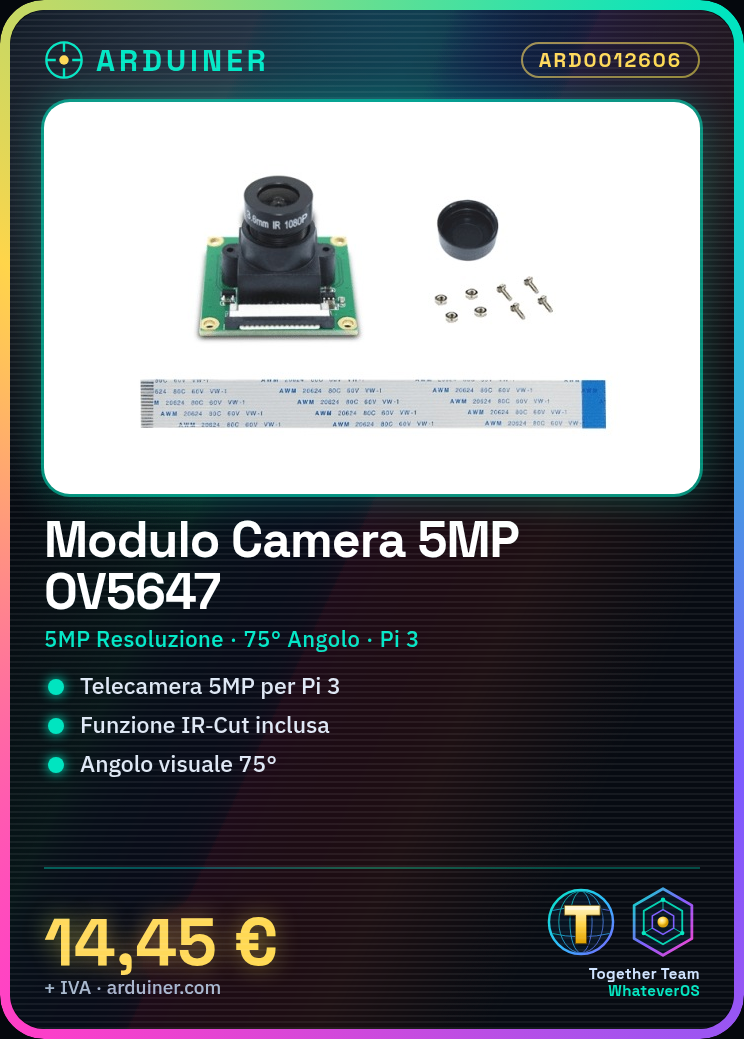
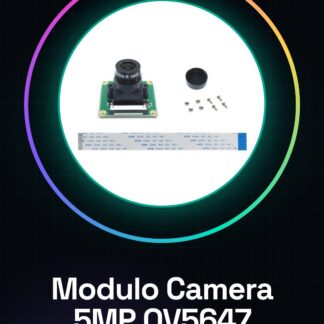
The 5MP OV5647 IR-Cut 75° Camera Module for Raspberry Pi 3 is a device that allows you to integrate a high-definition camera with your Raspberry Pi 3, facilitating the implementation of artificial vision and monitoring projects.
Features
- Resolution 5MP
- OV5647 Sensor
- 75° Field of View
- Compatible with Raspberry Pi 3
- IR-Cut Function
What it is for
This module is ideal for creating a home or industrial monitoring system. You can use it to integrate the camera with a motion detector to send alerts when movement is detected. Additionally, it is useful for artificial vision projects and applications that require visual data collection.
Tutorial: How to Use the 5MP OV5647 IR-Cut 75° Camera Module
This module allows you to integrate a high-definition camera with your Raspberry Pi 3, ideal for artificial vision and monitoring projects.
What you need
- 5MP Camera Module OV5647 IR-Cut 75°
- Raspberry Pi 3
- micro-USB cable
- HDMI cable (optional)
Steps
- 1. Install the module: Position the module on the Raspberry Pi 3 and ensure it is properly soldered.
- 2. Connection: Connect to the Raspberry Pi 3 with a micro-USB cable.
- 3. Activate the camera: Open the terminal and type `vcgencmd camera 1` to activate it.
- 4. Configuration: Use `raspi-config` to configure the HDMI output (optional).
- 5. Driver installation: Install the necessary drivers with `sudo apt-get install raspicam-nodejs`.
- 6. Test the camera: Use `raspistill` to take a simple photo.
- 7. Advanced configuration: Modify the camera parameters with `raspistill -o image.jpg -ISO 800`.
- 8. Test: Connect the Raspberry Pi 3 to a monitor to view real-time images.
Mini project
Create a simple monitoring system with the camera and a motion sensor. In 30 minutes, install the sensor, configure the camera, and set it up to send alerts when motion is detected.
Common mistakes
- Forget to activate the camera with `vcgencmd camera 1`.
- Do not configure the HDMI output correctly.
- Do not install the necessary drivers.
- Incorrect use of `raspistill` parameters.
Recommended accessories
- Motion sensor
- HDMI cable
- MicroSD for image storage
- Insulation wraps to protect the connectors
Frequently asked questions
How can I view images in real-time?
Use `raspivid -o – -t 0` to view images in real-time on the screen.
What parameters can I modify with `raspistill`?
You can modify ISO, resolution, exposure, and other parameters.
What should I do if the camera does not turn on?
Ensure that the Raspberry Pi 3 is properly connected and that the camera is activated with `vcgencmd camera 1`.
Reviews
There are no reviews yet.