 EN
 IT Italiano
 ES Español
 FR Français
 DE Deutsch
Description
What it is
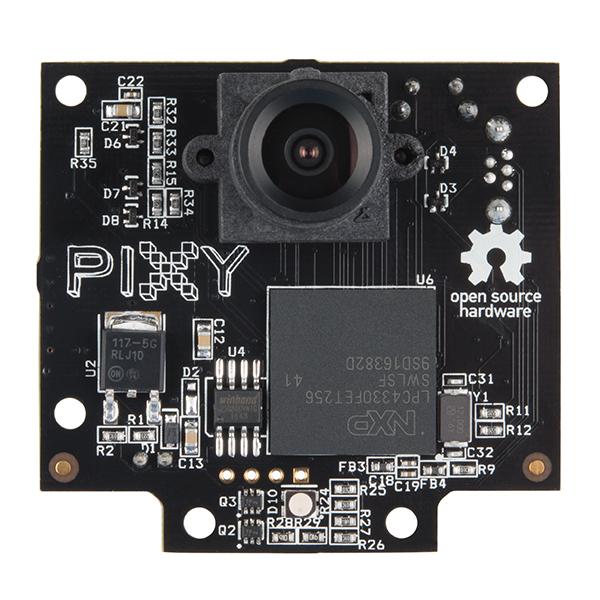
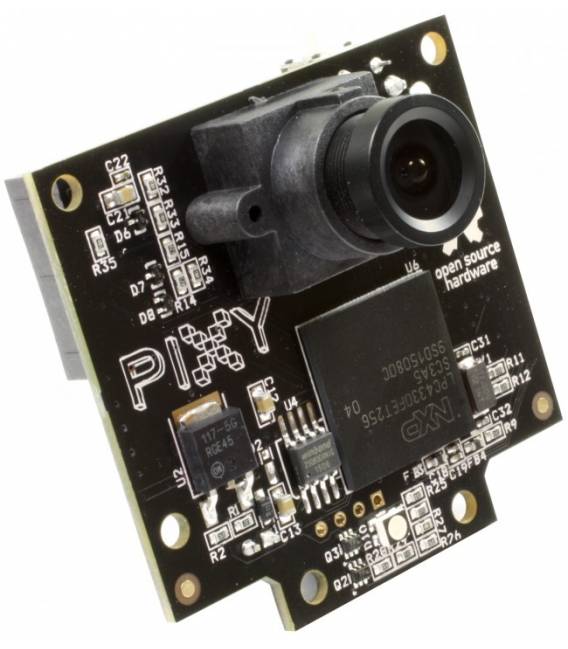
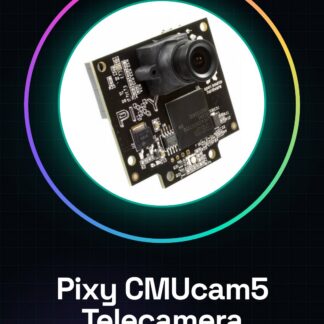
The Pixy CMUcam5 is an intelligent camera designed for color-based object tracking. It can be programmed to recognize specific colors and follow objects of that color in real-time. It is ideal for robotics projects, automated control, and human-machine interaction.
Features
- Color-based object tracking
- Customizable programming
- Compatible with Arduino and Raspberry Pi
What it is for
The Pixy CMUcam5 is useful for a variety of applications, including:
- Creating robots that follow objects of a certain color
- Developing color-based surveillance systems
- Creating interactive games
Its compatibility with Arduino and Raspberry Pi makes it a versatile choice for electronics and robotics projects.
Tutorial: How to use Pixy CMUcam5
The Pixy CMUcam5 is an intelligent camera ideal for projects that require tracking colored objects. Useful for beginners and intermediate makers.
What you need
- Arduino or Raspberry Pi
- Micro-USB cable
- FFC cable
- 1 kΩ resistor
- MicroSD (optional)
Steps
- 1. Download and install the Pixy driver for Arduino or Raspberry Pi.
- 2. Connect the Pixy CMUcam5 to your Arduino or Raspberry Pi with the micro-USB cable.
- 3. Connect the Pixy CMUcam5 to your Arduino or Raspberry Pi with the FFC cable.
- 4. Set the 1 kΩ resistor between VCC and GND to protect the camera.
- 5. Connect a display or monitor to view the data.
- 6. Load the default Sketch code onto your Arduino.
- 7. Configure the color to track through the Pixy software.
- 8. Test your project.
Example code
void loop() {}Mini project
Create a robotic hound that approaches objects of a certain color.
Common mistakes
- Forget to connect the 1 kΩ resistor.
- Set the wrong color in the Pixy software.
- Do not install the Pixy driver.
- Connect the camera without the FFC cable.
Recommended accessories
- Arduino Uno
- LCD 16×2 Display
- Color sensors
- LiPo Battery 3.7V
Frequently asked questions
How can I connect the Pixy CMUcam5 to a Raspberry Pi?
Connect the Pixy CMUcam5 to the Raspberry Pi with the micro-USB cable and install the Pixy driver.
Which colors can I program?
Check the datasheet for the list of supported colors.
What does the default Sketch code do?
The default Sketch code is empty. Customize the code to your needs.
Reviews
There are no reviews yet.