 EN
 IT Italiano
 ES Español
 FR Français
 DE Deutsch
Description
What it is
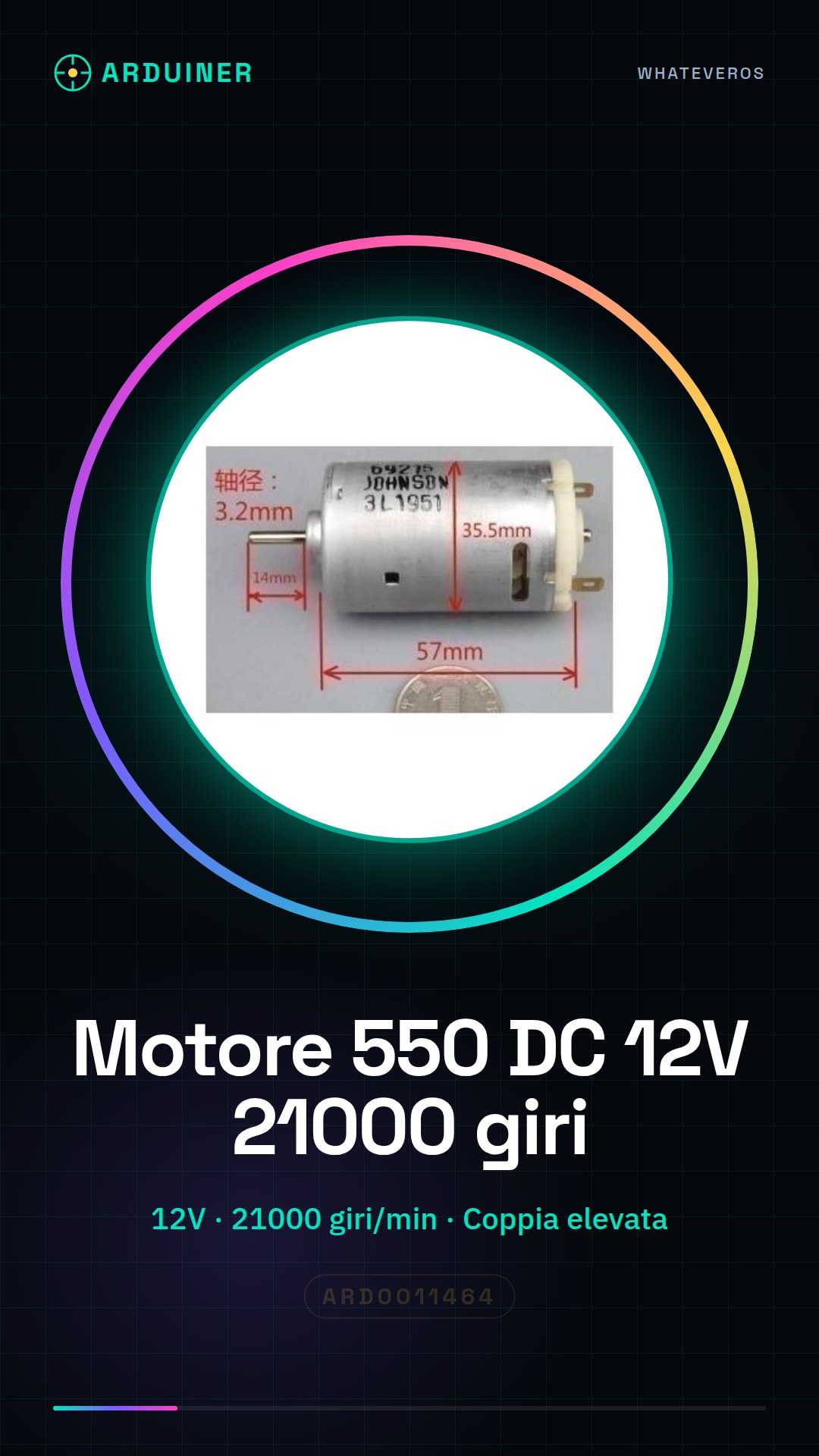
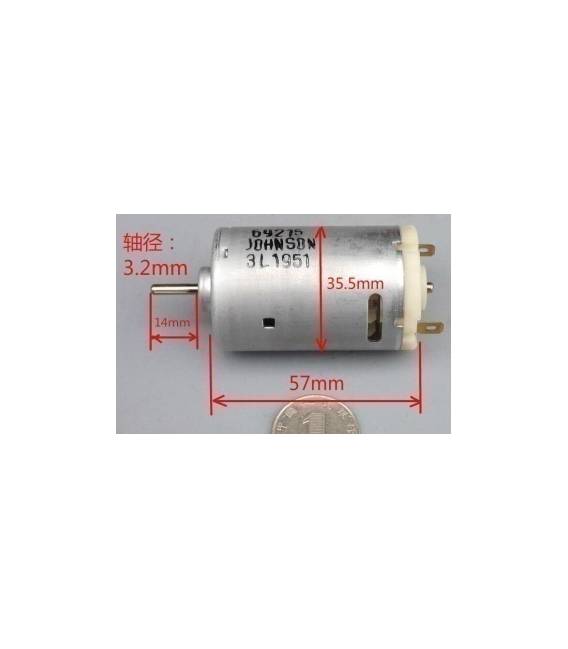
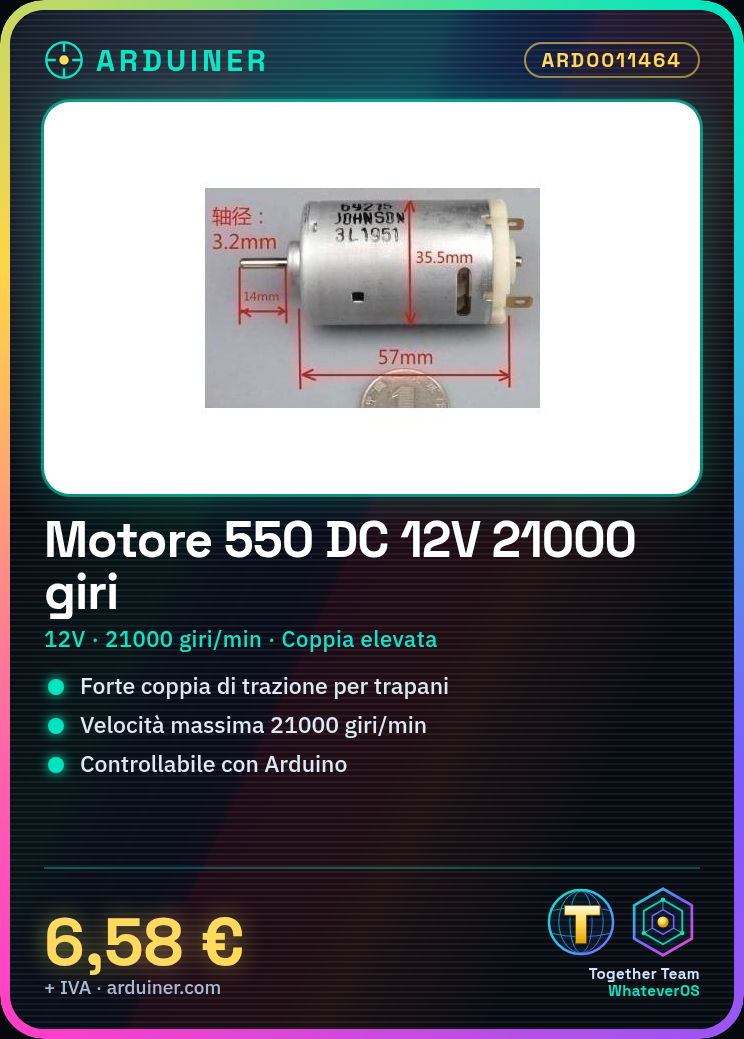
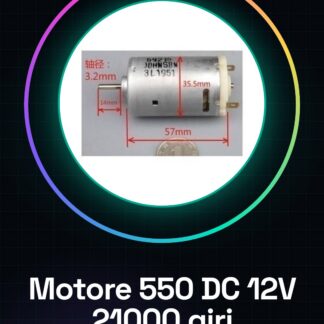
The 550 DC Drill Motor is a 12V electric drill motor with a maximum speed of 21000 RPM. This motor offers a strong torque, making it suitable for applications that require power.
Features
- Type: DC Motors
- Model: 550
- Operating Voltage: 12V
- Max RPM: 21000 RPM
What it is for
This motor is ideal for creating electric drill systems controlled by Arduino. It can be used in various projects that require a strong torque, such as electric drills or motorized devices.
Tutorial: How to Use DC Motor 550 – High Torque
The DC Motor 550 is ideal for projects that require a strong torque such as electric drills or any other motorized device. This tutorial will guide you through the installation and operation of the motor.
What you need
- Arduino Uno
- Prototype Board
- 12V Power Connection
- Relay (if used with Arduino)
- Jumpers
Steps
- Connect the breadboard to the Arduino Uno.
- Check the motor datasheet for the required connectivity and power specifications.
- Connect the motor pins to the breadboard based on the specifications found in the datasheet.
- If using a relay, connect it between the Arduino and the 12V power source to control the motor via Arduino.
- Write the Arduino sketch to turn the motor on or off via the relay (if necessary).
- Verify that the motor functions correctly before integrating it into your final project.
Example code
void setup() {
  pinMode(relayPin, OUTPUT);
}

void loop() {
  digitalWrite(relayPin, HIGH); // Accende il motore tramite relay
  delay(5000); // Attiva il motore per 5 secondi
  digitalWrite(relayPin, LOW); // Spegne il motore
}
Mini project
Create an electric drill system controlled by Arduino that activates with a simple command.
Common mistakes
- Connect the motor voltage directly to the Arduino without using a relay.
- Do not check the motor specifications before installation.
- Use connectors or cables insufficient for the current required by the motor.
Recommended accessories
- Relay 5V
- Breadboard
- Various jumpers
- Power supply 12V
Frequently asked questions
Can the motor be used with a voltage lower than 12V?
Check the datasheet for the motor’s voltage tolerance.
How can I control the motor from a button on Arduino?
Use a sketch that reads the state of the button and changes the relay output accordingly.



Reviews
There are no reviews yet.