 EN
 IT Italiano
 ES Español
 FR Français
 DE Deutsch
Description
What it is
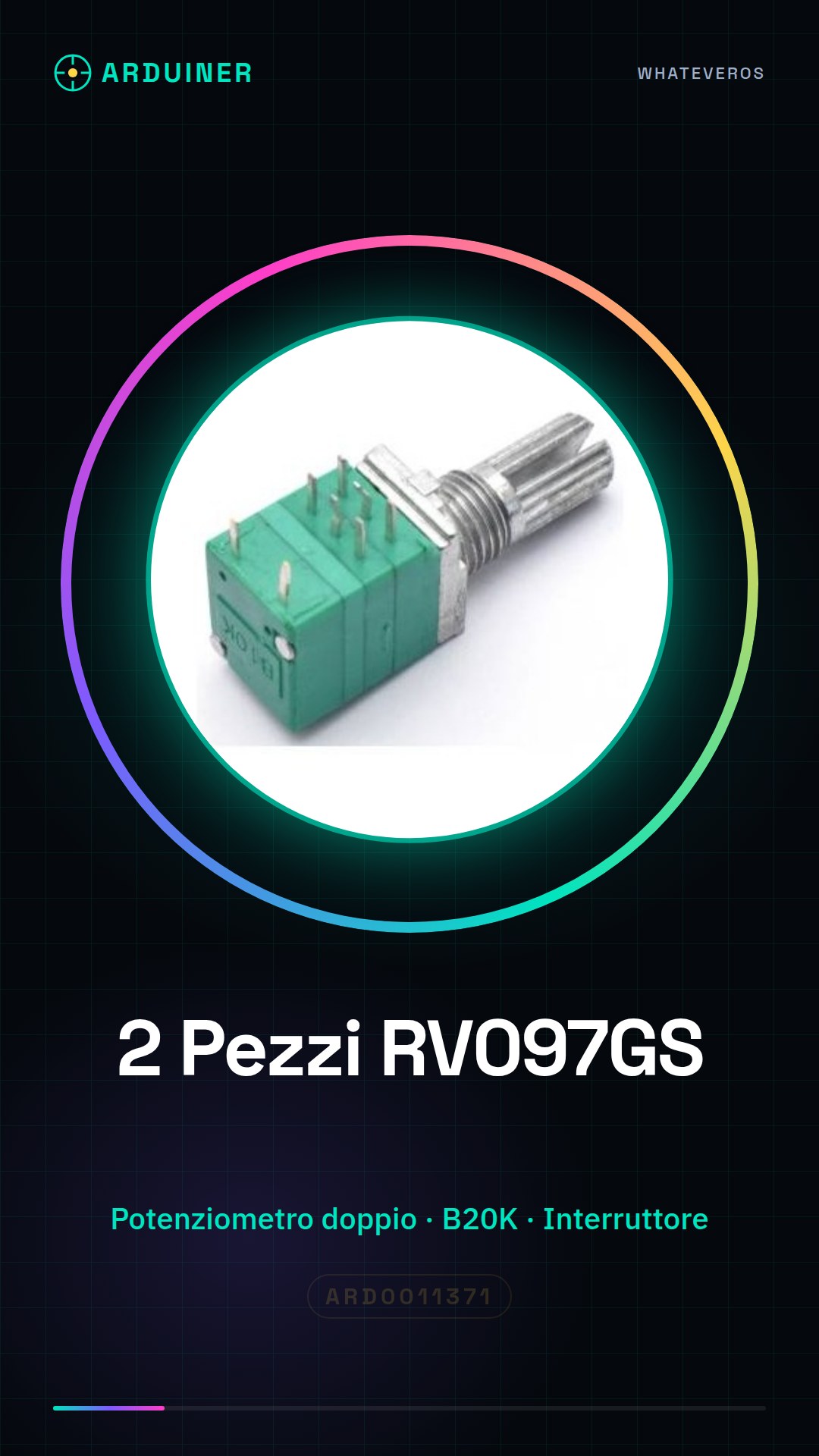
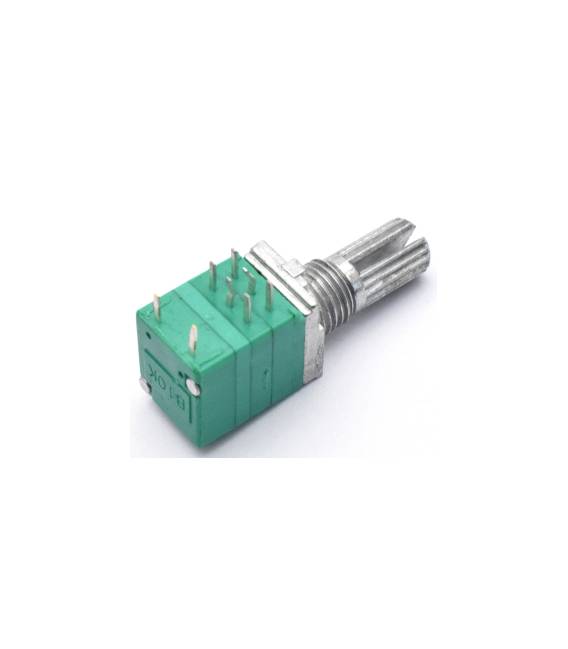
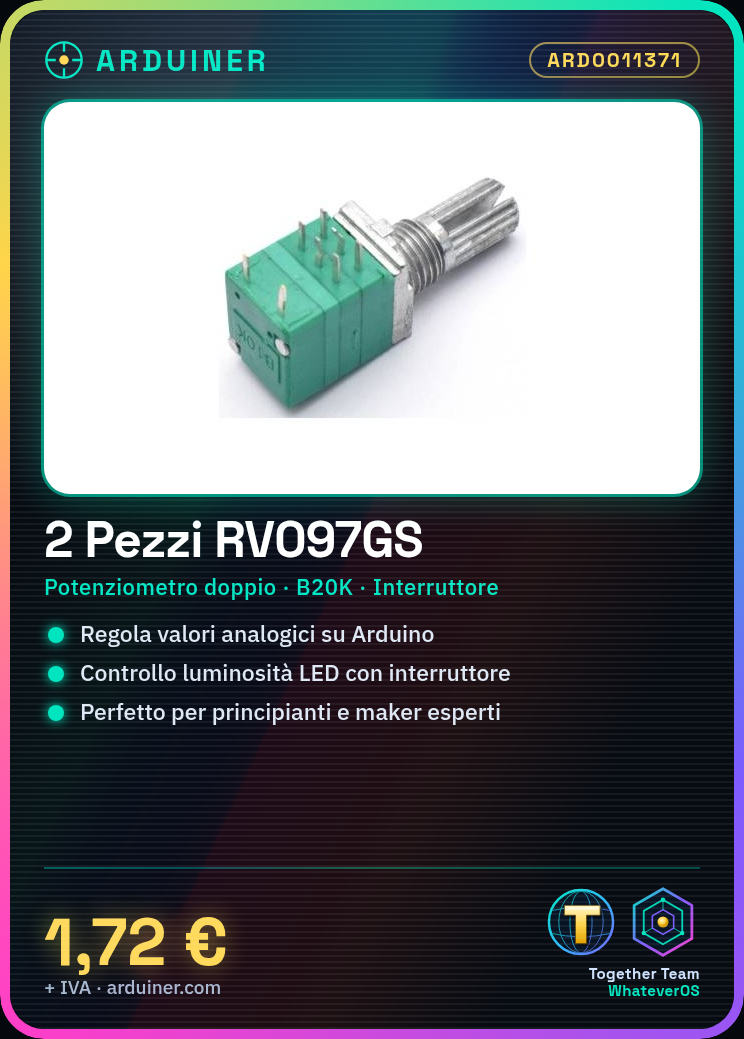
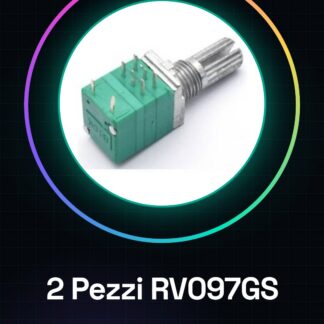
The RV097GS pieces are double B20K potentiometers with a switch, useful for adjusting analog values in electronic projects such as those based on Arduino. This component is ideal for both beginners and experts in the creation of various types of DIY devices.
Features
- 2 pieces RV097GS double B20K potentiometer with switch
- Designed for precise adjustments in Arduino and DIY projects
What it is for
The RV097GS can be used to create a dimmer for an LED lamp. By connecting the potentiometers to two analog pins of the Arduino and the switch to the GND pin, the brightness can be controlled flexibly.
Tutorial: How to use RV097GS Double B20K Potentiometer with Switch
The RV097GS potentiometer is an extremely useful electronic component for Arduino projects, allowing for continuous adjustment of the analog value. Ideal for both beginners and more experienced makers.
What you need
- Arduino Uno/Nano
- USB Cable
- 3D Printing (optional)
- Connect to PC
Steps
- Connect the potentiometer to pins A0, A1, and GND of the Arduino using wires.
- Verify the correct circuit connection with a multimeter or by checking the digital output in Serial Monitor.
- Write an Arduino sketch to read the value of the potentiometer.
- Insert and verify the function of the switch connected to the GND pin.
- Test the entire circuit by adjusting the two potentiometers and pressing the switch.
Example code
int valA0 = 0;
int valA1 = 0;
void setup() {
Serial.begin(9600);
pinMode(A0, INPUT);
pinMode(A1, INPUT);
}

void loop() {
valA0 = analogRead(A0);
valA1 = analogRead(A1);
Serial.print(valA0);
Serial.print(", ");
Serial.println(valA1);
delay(500);}
Mini project
Create a dimmer for an LED lamp using the RV097GS. Connect the potentiometers to two analog pins of the Arduino and the switch to the GND pin.
Common mistakes
- Do not correctly connect all terminals of the potentiometer.
- Insert a resistance value incompatible with the circuit.
- Ignore the function of the switch during configuration.
- Use an incompatible electrical voltage with the Arduino.
Recommended accessories
- RGB LED
- Variable resistors
- 3D printing for custom cases
- Connection cables
Frequently asked questions
How do potentiometers connect?
Potentiometers should be connected to the Arduino’s analog pins and to GND.
What is the resistance of the potentiometer?
Check the datasheet to obtain the precise resistance value.



Reviews
There are no reviews yet.