 EN
 IT Italiano
 ES Español
 FR Français
 DE Deutsch
Description
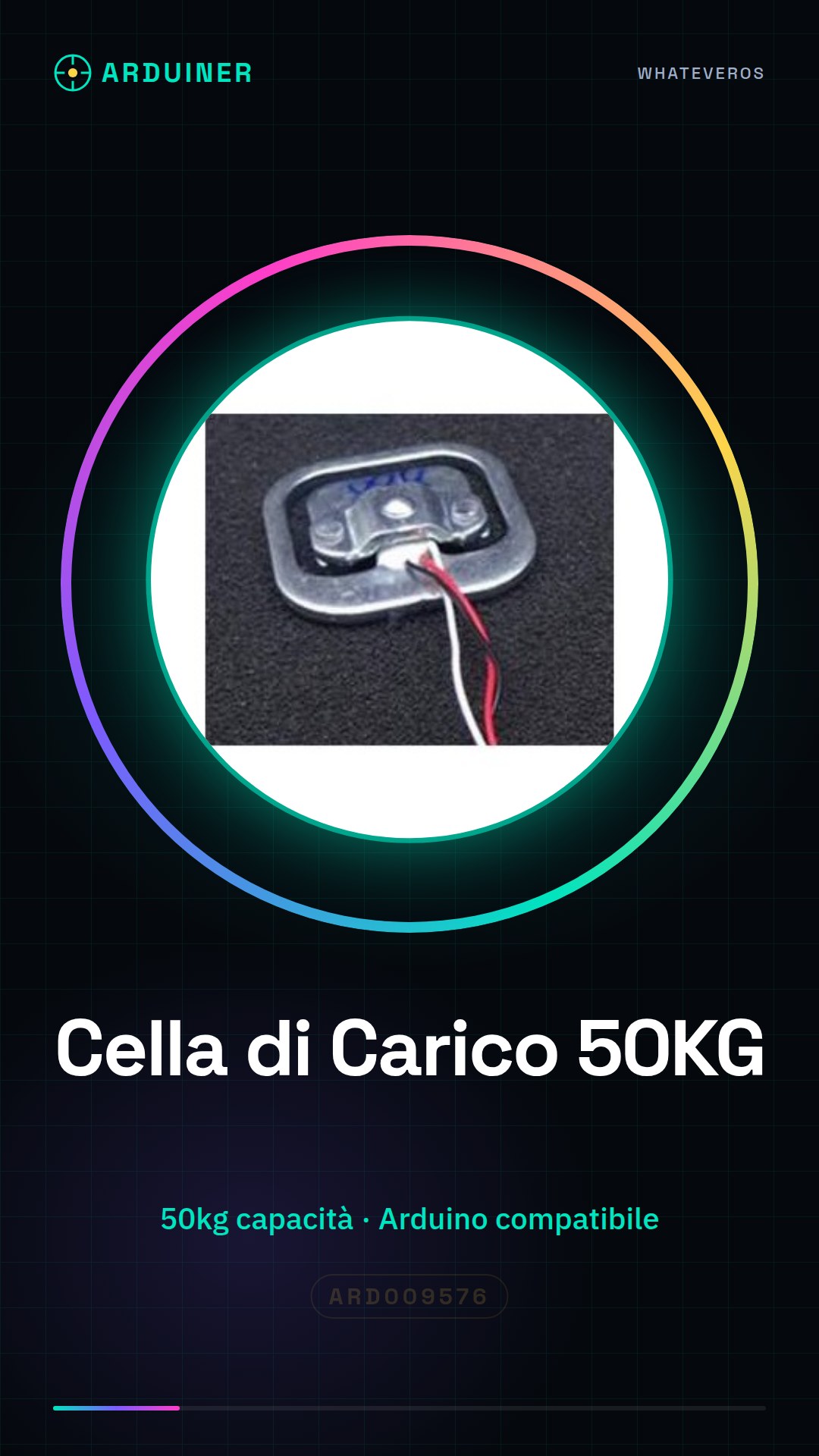
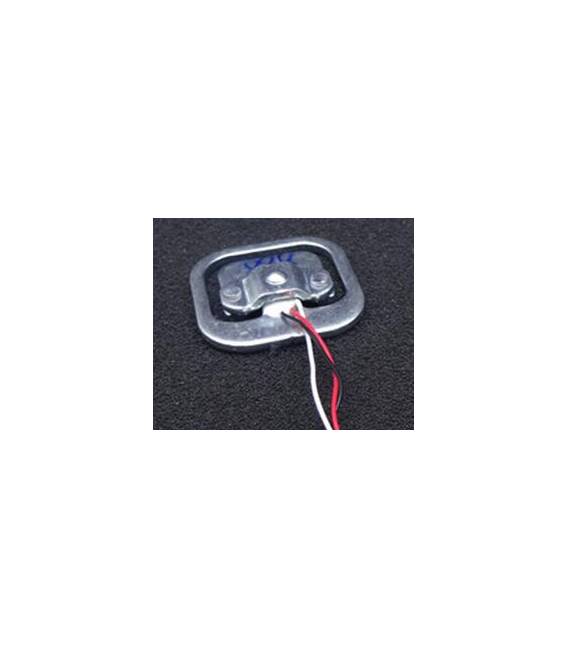
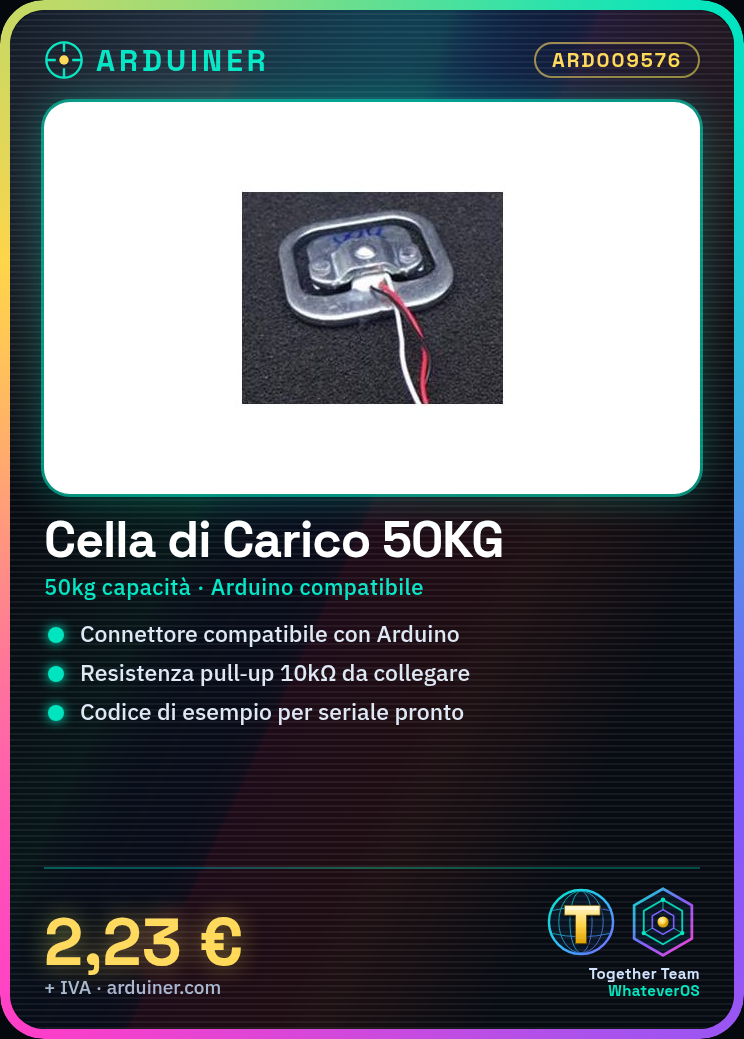
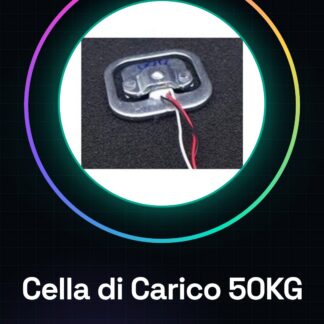
50KG Load Cell Scale Weight Sensor
Tutorial: How to Use 50KG Load Cell
The 50KG Load Cell is an ideal weight sensor for industrial or domestic scale projects. Suitable for beginners and intermediates.
What you need
- 50KG Load Cell
- Compatible connector
- Arduino or microcontroller
- Pull-up resistor (10kΩ)
Steps
- 1. Check the compatible connector specification on the datasheet.
- 2. Prepare the load cell on the workbench.
- 3. Connect the load cell pins (VCC, GND, S) to the microcontroller.
- 4. Attach the pull-up resistor between VCC and S.
- 5. Upload the minimum code to the microcontroller.
- 6. Test the connection with a serial software.
- 7. Verify the correct weight reading.
- 8. Adapt the code to your specific needs.
Example code
void loop() { Serial.println(analogRead(PIN_S));}Mini project
Build a simple weighing system using the 50KG Load Cell and an Arduino. In 60 minutes you can have a working system.
Common mistakes
- Connect VCC to GND by mistake.
- Omit the pull-up resistor.
- Use an incompatible pin.
- Forget to upload the code.
Recommended accessories
- Arduino Uno
- 10kΩ resistor
- USB cable
- Proof balance
Frequently asked questions
How can I test the load cell?
Use a proof balance or a known weight.
Which connectors are compatible?
Check the datasheet for detailed specifications.
Do I need an Arduino to use this load cell?
No, but it is the most common microcontroller for weighing projects.
Can I use this load cell with other microcontrollers?
Yes, but adapting the code may be necessary.
Reviews
There are no reviews yet.