 EN
 IT Italiano
 ES Español
 FR Français
 DE Deutsch
Description
What it is
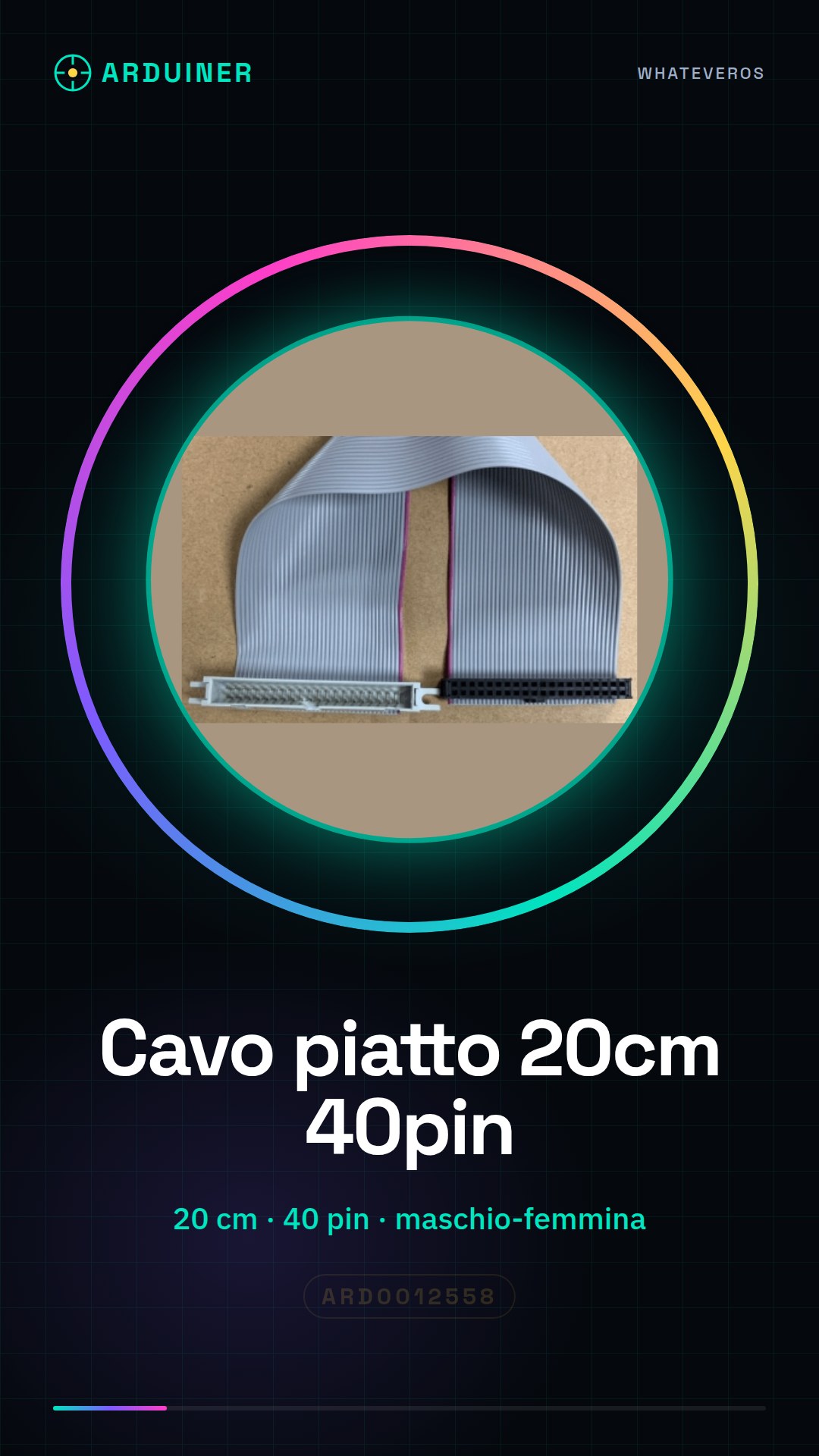
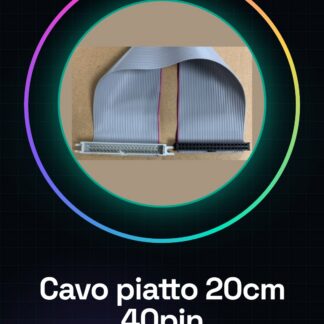
The 20 cm male-female 40pin flat cable is an electronic connector used to establish a secure and stable connection between different electronic boards, such as an expansion board and an Arduino motherboard.
Features
- Length: 20 cm
- Number of pins: 40
- Connection: Male-female
What it is for
This cable is essential for connecting an expansion board to an Arduino board or other compatible electronic components. It can be used for LED control projects, motor control, and other electronic devices.
Tutorial: How to use 20 cm 40pin flat cable
The 40pin flat cable is essential for connecting different electronic boards to each other, for example, to connect an expansion board to an Arduino motherboard. This tutorial will guide you through the installation and use of this cable in a simple and straightforward manner.
What you need
- 40pin flat cable
- Arduino board
- Expansion board or connector
- Test Pins
- Multimeter
- Plastic bag or container (optional)
Steps
- Check that the flat cable is compatible with your electronic boards. Verify the number of pins and the layout.
- Connect the flat cable to the male side of the Arduino board or expansion board. Ensure that the pins are properly aligned.
- Connect the female end of the flat cable to the other board or connector. Make sure the contacts are well established.
- Use a multimeter to check the connectivity between the pins. Ensure there are no short circuits.
- If necessary, use a plastic bag or container to protect the flat cable and prevent accidental contact.
- If you are using the cable for a 3D printer or drone, make sure the cable is long enough and flexible for the operations.
- If you are using the wire for a 3D printing project, make sure the wire does not interfere with the printer arm’s movement.
- Check the connection stability before performing any critical operation.
Mini project
Connect an expansion board to an Arduino board through the 40pin flat cable and create a simple LED or motor control project.
Common mistakes
- The pins are not properly aligned.
- The wire is damaged or does not work correctly.
- Stability of the connection is not verified before using the wire.
- The wire is not long or flexible enough for the intended use.
Recommended accessories
- Arduino Uno Board
- Expansion Board for Arduino
- Test Pins
- Multimeter
Frequently asked questions
Is the 40pin flat cable compatible with all Arduino boards?
Not necessarily, check the specific compatibility with your board.
How can I protect the flat cable?
Use a plastic bag or container to protect the wire from any potential damage.
Which tools are necessary to check connectivity?
A multimeter is sufficient to check connectivity between the pins.

Reviews
There are no reviews yet.