 EN
 IT Italiano
 ES Español
 FR Français
 DE Deutsch
Description
What it is
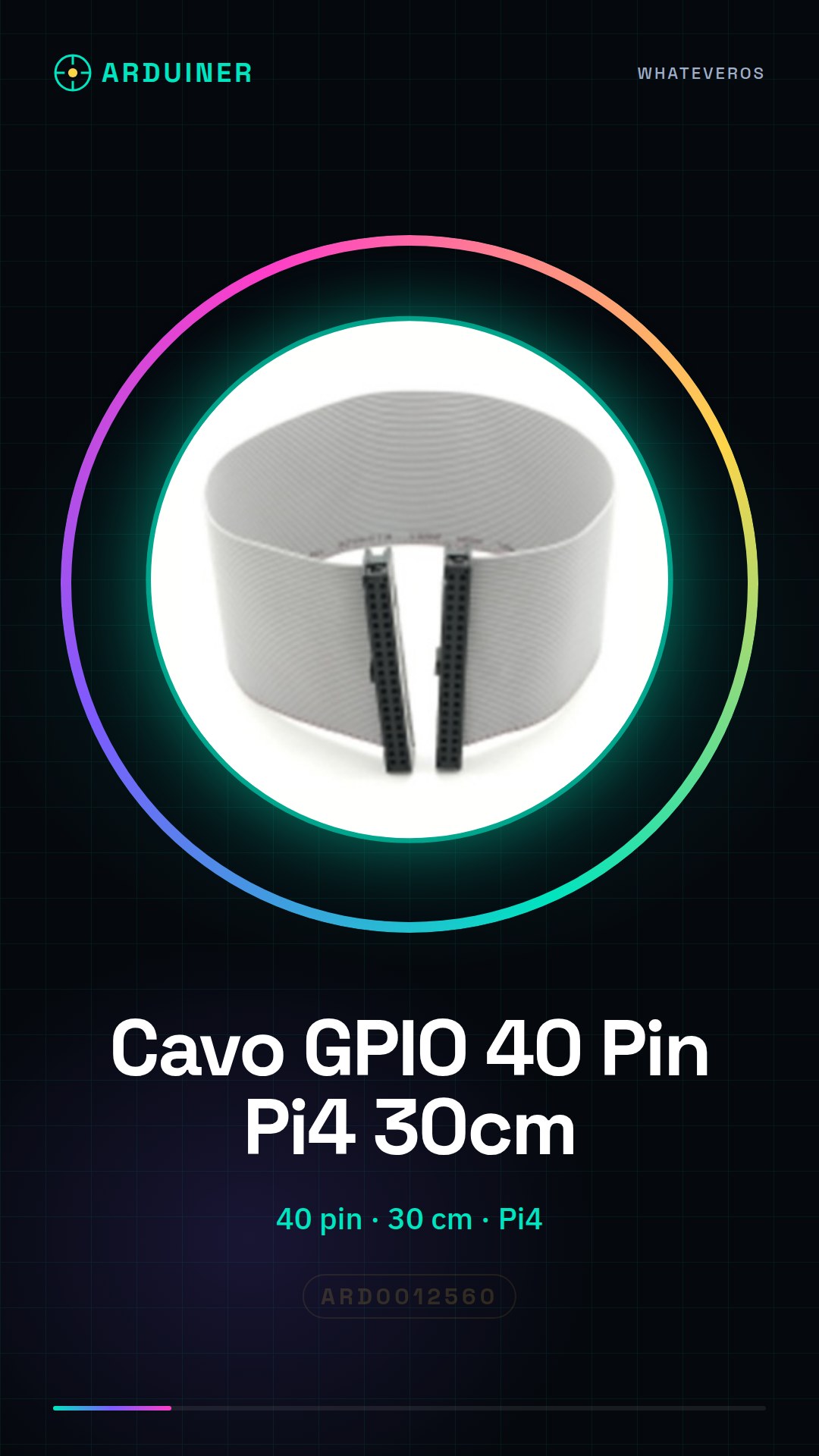
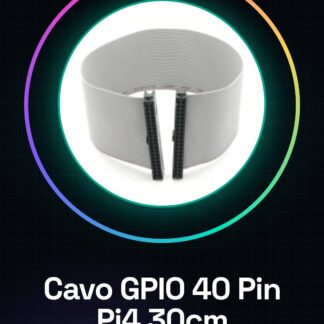
The 40 Pin GPIO Cable for Raspberry Pi 4, 30cm long, is an ideal connector for linking the Raspberry Pi to various electronic devices. This cable is designed to facilitate the connection between the Raspberry Pi and other components, making it easier to implement electronic and 3D printing projects.
Features
- Number of pins: 40
- Length: 30 cm
- Compatible with Raspberry Pi 4
What it is for
The 40 Pin GPIO Cable for Raspberry Pi 4 is used to connect the Raspberry Pi to devices such as motion sensors and LEDs. It can be used to create simple alarm systems and for electronic experiments. It is ideal for beginners and makers who want to start experimenting with electronics.
Tutorial: How to use 40 Pin GPIO Cable for Raspberry Pi 4
The 40 pin GPIO cable for Raspberry Pi 4 allows you to easily connect your Raspberry Pi to various electronic devices. This cable is ideal for beginners and makers who want to start experimenting with electronics.
What you need
- Raspberry Pi 4
- GPIO Connections
- Electronic Projects
Steps
- Check that the cable is compatible with your Raspberry Pi 4
- Position the cable near the Raspberry Pi GPIO connector
- Gently insert the cable into the GPIO connector, ensuring that all pins are perfectly aligned
- Check that the cable is securely inserted and that there are no signs of damage to the pins
- Check the functionality of the cable by connecting an electronic device
- Configure any necessary drivers or software for your project
- Test the cable’s features with a simple Python or bash script
- Repeat the tests with different devices to ensure compatibility
Mini project
Create a simple alarm system with a motion sensor and an LED. Connect the sensor and the LED to the Raspberry Pi via the GPIO cable and write a script to turn on the LED when the sensor is triggered.
Common mistakes
- Insert the cable backwards
- Force the insertion of the cable
- Do not check the compatibility of the cable with the Raspberry Pi
- Do not test the cable before using it in a project
Recommended accessories
- PIR Motion Sensor
- RGB LED
- 3D Printer for Raspberry Pi projects
- Raspberry Pi Prototyping Kit
Frequently asked questions
Is the cable compatible with other models of Raspberry Pi?
Check the cable’s datasheet for compatibility with other models of Raspberry Pi.
How can I protect the pins of the Raspberry Pi?
Use a GPIO pin protection kit.
What software tools can I use?
Python, Bash, GPIO Zero are good options for controlling GPIO pins.

Reviews
There are no reviews yet.