 EN
 IT Italiano
 ES Español
 FR Français
 DE Deutsch
Description
What it is
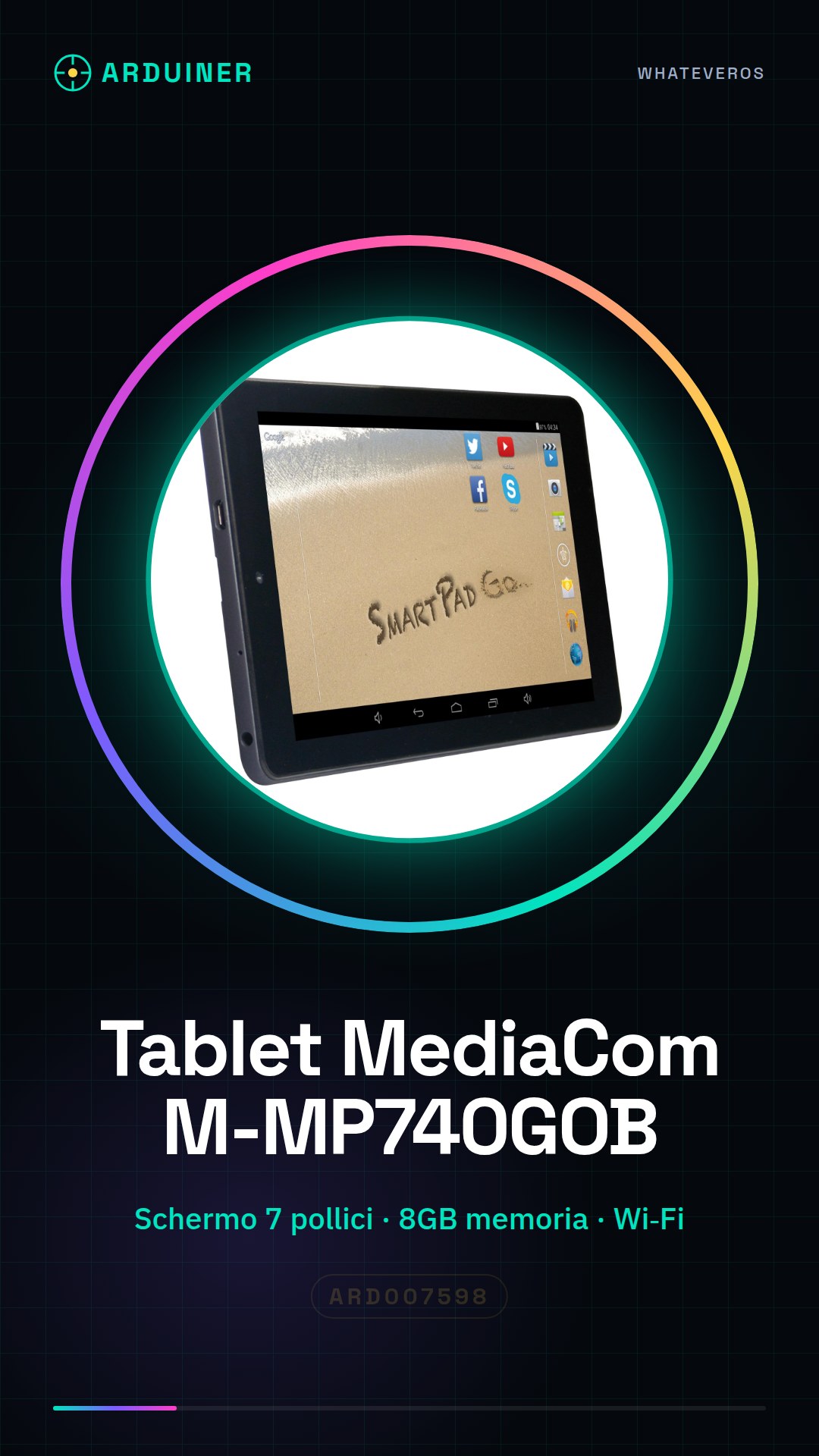
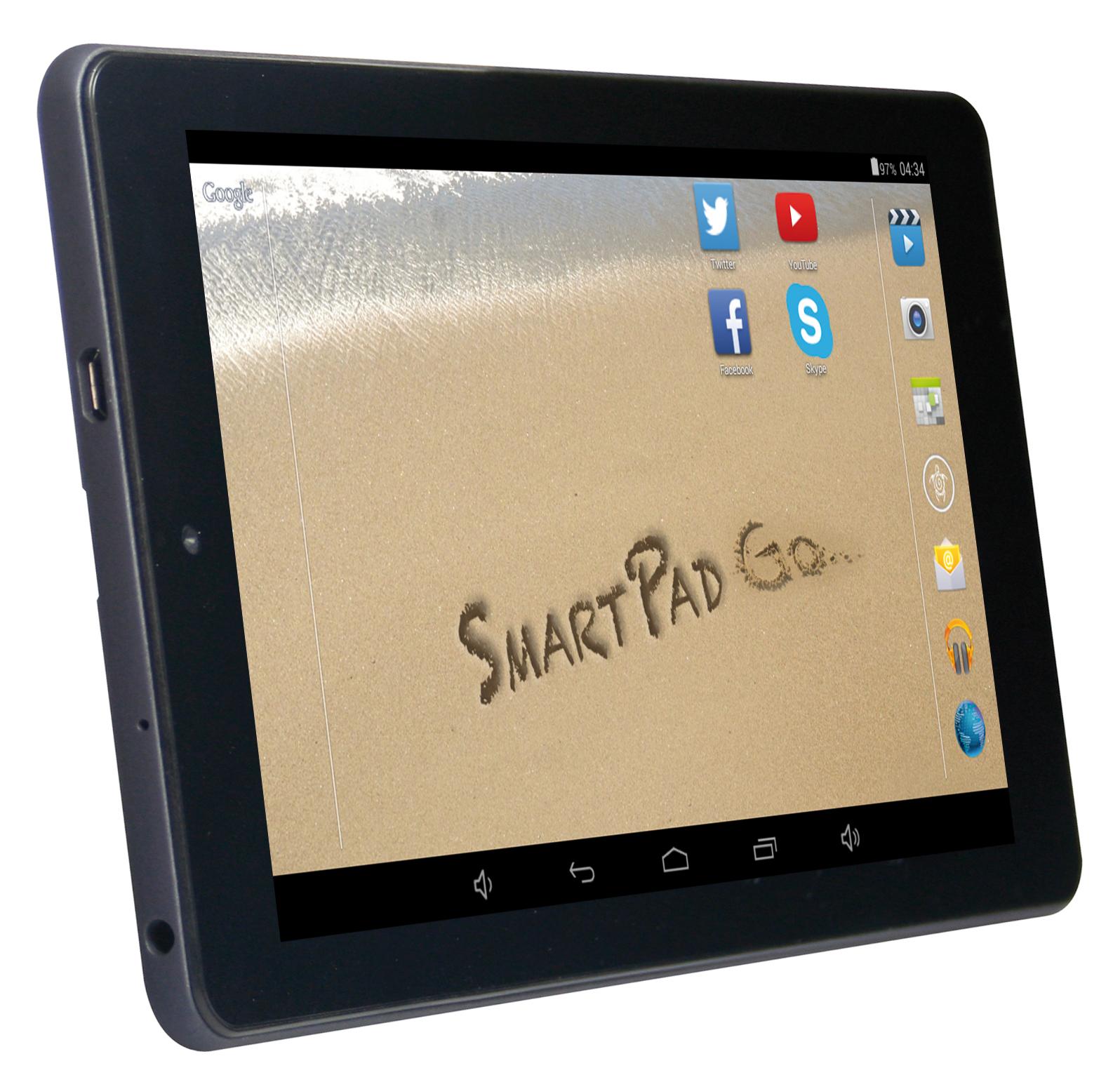
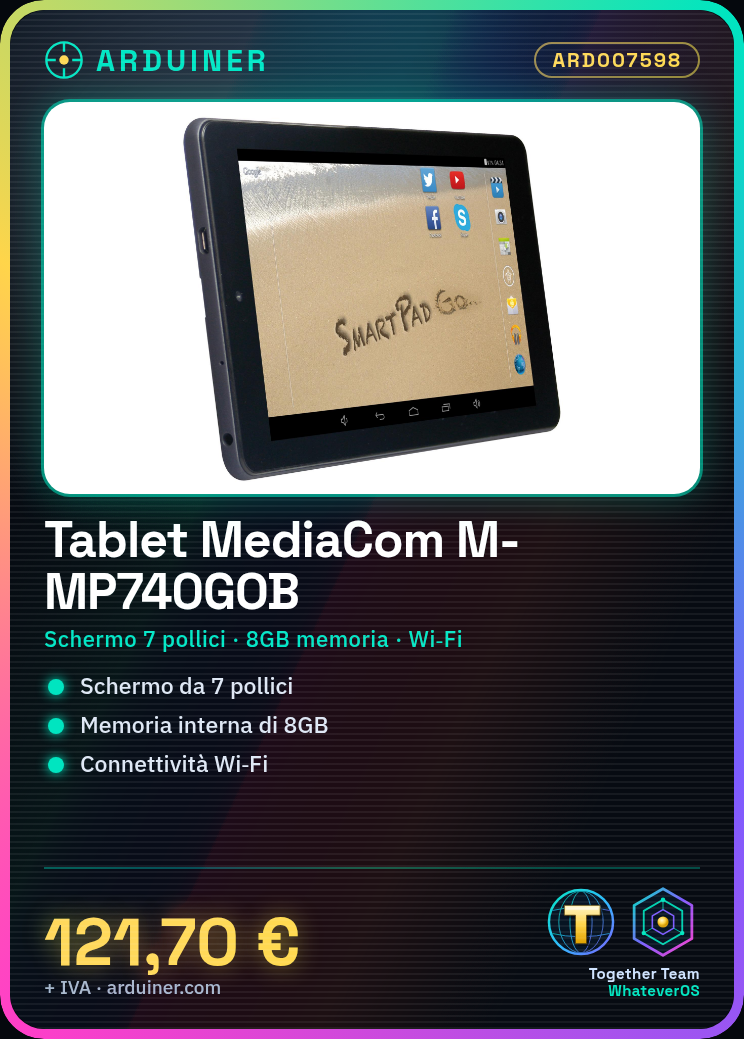
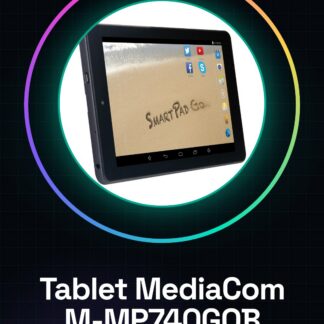
The MediaCom M-MP740GOB tablet is a portable device with a 7-inch screen and 8GB internal memory, ideal for those who want to develop light projects or browse online. Connected via Wi-Fi, it offers many possibilities for technology enthusiasts.
Features
- 7-inch screen
- Internal memory: 8GB
- Wi-Fi connectivity
What it is for
The MediaCom M-MP740GOB tablet is ideal for developing Arduino code and managing light projects. It can be used to create an environmental monitoring system with internet-connected sensors, collecting and displaying data on the screen.
Tutorial: How to use the Mediacom M-MP740GOB tablet
The Mediacom M-MP740GOB tablet is a versatile device that offers great flexibility for makers and technology enthusiasts. With a 7-inch screen and 8GB of memory, it is ideal for those who want to create light projects or simply browse online.
What you need
- Mediacom M-MP740GOB Tablet
- Wi-Fi Connection
- USB Power Supply
Steps
- Step 1: Ensure the tablet is fully charged before use. Connect the USB power supply to the tablet and the outlet.
- Step 2: Press the power button to start the device.
- Step 3: Configure the Wi-Fi connection by following the instructions on the tablet screen. Check your network specifications (SSID and password) before starting.
- Step 4: Install any available software updates from the settings menu.
- Step 5: Download and install the necessary applications for your projects or hobbies. For example, you can download a programming app like Arduino IDE or use Google Drive for cloud storage.
- Step 6: Configure it as a local server if you want to use it for 3D printing or remote data processing.
Mini project
Create an environmental monitoring project with the Mediacom M-MP740GOB tablet. Use a network of sensors connected to the internet to collect and display data on the tablet screen.
Common mistakes
- Do not check the Wi-Fi connection before use.
- Ignore software updates that may improve the device’s performance and security.
- Use an inadequate power supply for the tablet, potentially damaging it.
Recommended accessories
- USB power supply
- Wi-Fi cable (if needed)
- Temperature and humidity sensors
- Custom settings
Frequently asked questions
How can I connect the tablet to a remote server?
Check your network specifications and follow the Wi-Fi settings guide in the main menu.
Which applications are compatible with this tablet?
Most standard Android apps should be compatible, but always check the official app site for minimum system requirements.
Reviews
There are no reviews yet.