 EN
 IT Italiano
 ES Español
 FR Français
 DE Deutsch
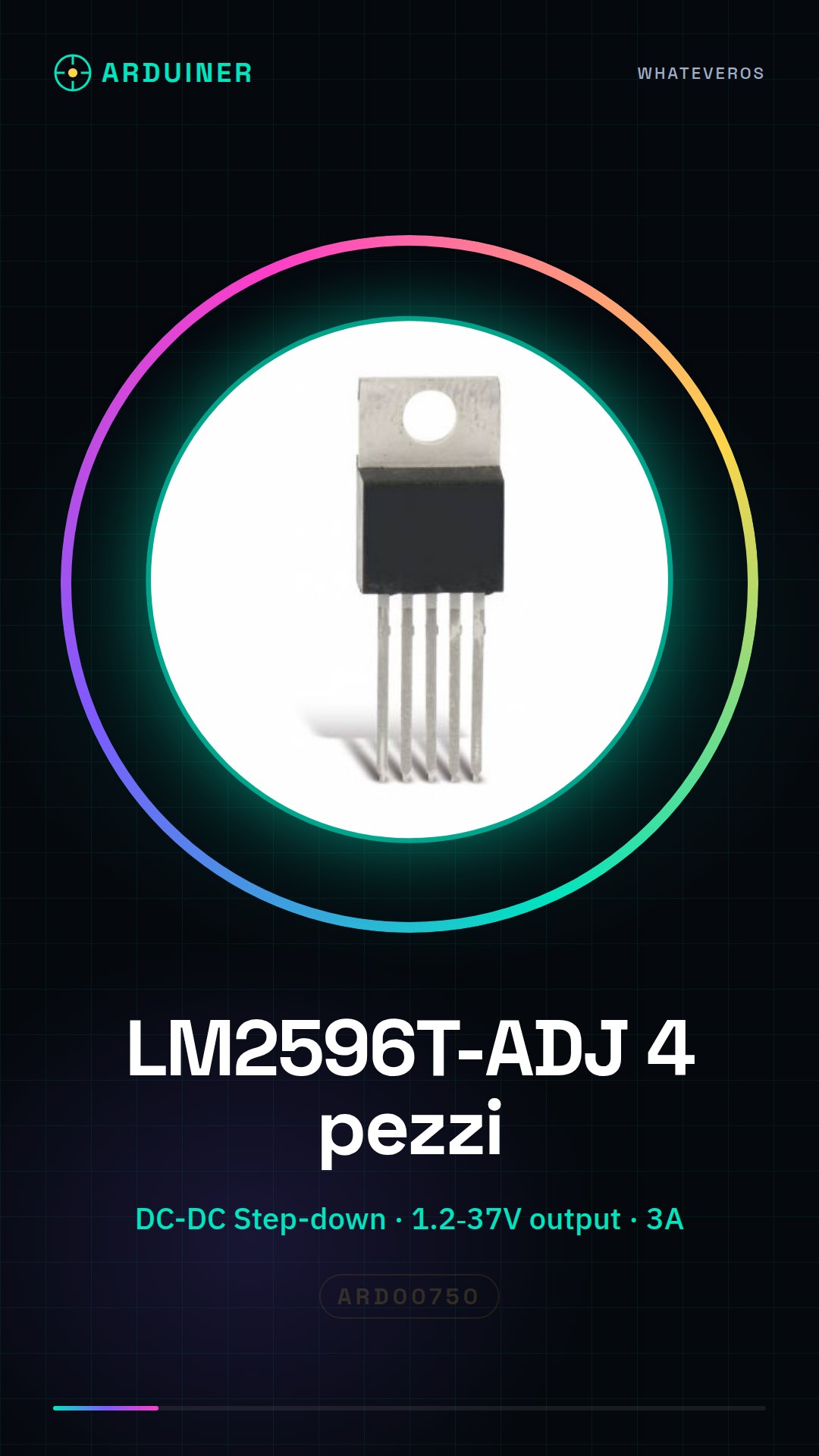
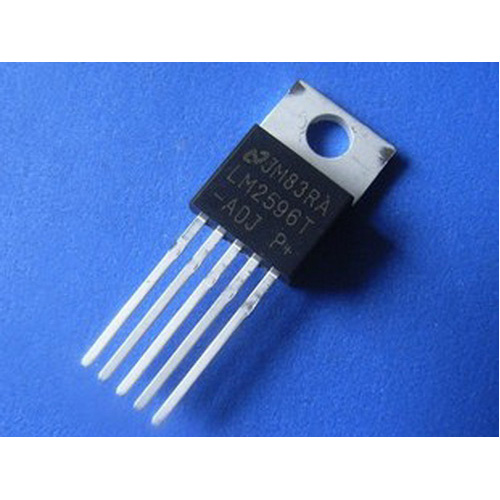
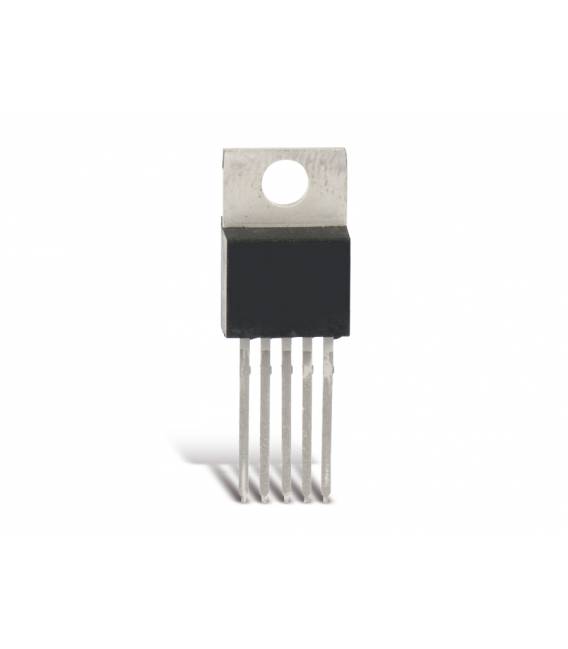
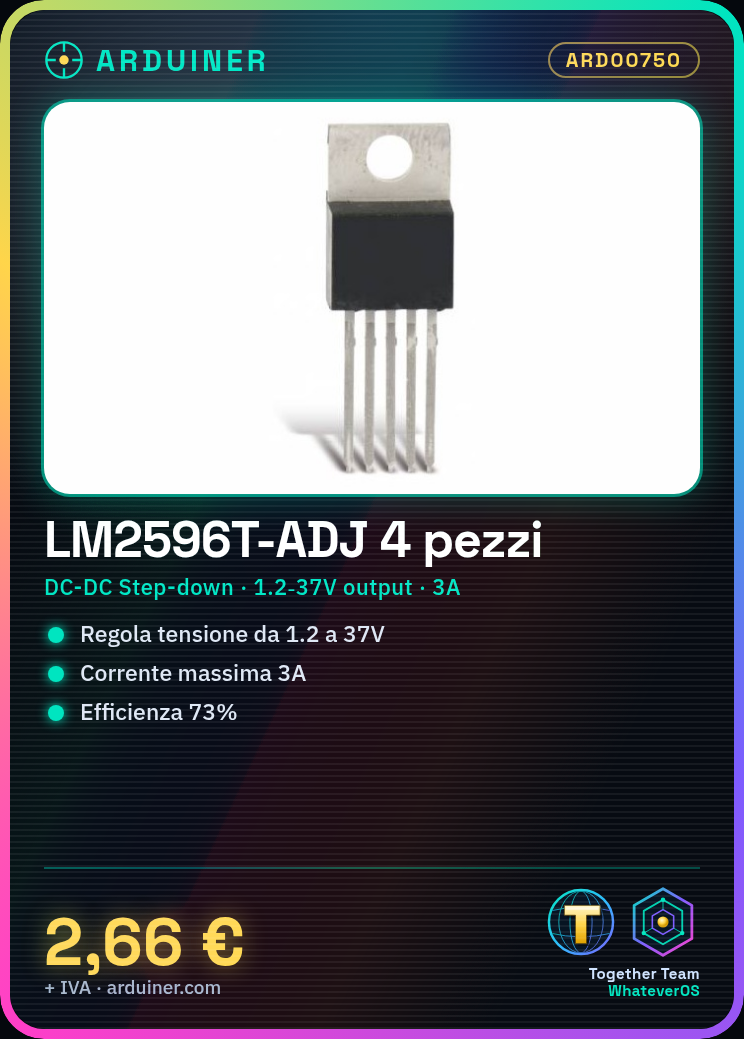
Description
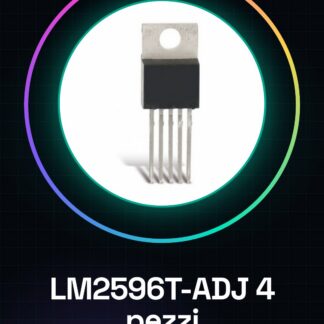
4PCS LM2596T-ADJ IC Integrated Circuits
Component Specifications:
| DC to DC Converter Type | Inversion / Step Down |
| Number of Outputs | 1 |
| Pin Count | 5 + Tab |
| Input Voltage | 40V |
| Output Voltage | from 1.2 to 37V |
| Frequency Range | from 127 to 173KHz |
| Output Current | 3A |
| Efficiency | 73% |
| Package Type | TO-220 |
| Packaging | Rail / Tube |
| Output type | Adjustable |
| Switching Regulator | Yes |
| Mounting | Th rough hole |
| Input Voltage (min) | 4.5V |
| Operating Temperature Range | from -40 ° C to 125 ° C |
| Operating Temperature Classification | Automotive |
We have the technical sheet of all components available, if it is not present in the product download card, send a message from the contact us form and we will publish it as soon as possible on our website.
Tutorial: How to use 4 Pieces LM2596T-ADJ IC Circuits
The LM2596T-ADJ is an adjustable voltage converter ideal for powering electronic circuits. Useful for beginner and intermediate makers.
What you need
- LM2596T-ADJ IC Circuits (4 pieces)
- Resistor
- Capacitor
- DC Power Supply
- Multimeter
Steps
- 1. Check the specifications on the datasheet.
- 2. Set up the circuit on a protoboard.
- 3. Connect VCC to pin 1 and GND to pin 8.
- 4. Set the output voltage with pin 2 (adjustable).
- 5. Connect a resistor between pin 2 and GND to stabilize the voltage.
- 6. Connect a 0.1µF capacitor between VCC and GND.
- 7. Verify the output voltage with the multimeter.
- 8. Test the circuit with a light load.
Mini project
Create a small power supply system for a temperature sensor.
Common mistakes
- Do not follow the specifications on the datasheet.
- Omit the 0.1µF capacitor.
- Do not test the circuit with a load.
- Incorrectly connect the pins.
Recommended accessories
- Protoboard
- Variable resistor
- Temperature sensor
- Digital multimeter
Frequently asked questions
Can I use any resistor to stabilize the voltage?
Choose an appropriate resistor based on the datasheet specifications.
Is it necessary to connect a capacitor?
Yes, to protect the circuit.
Can I use this IC to power a drone?
Check the power specifications of your drone.
Reviews
There are no reviews yet.