 EN
 IT Italiano
 ES Español
 FR Français
 DE Deutsch
Description
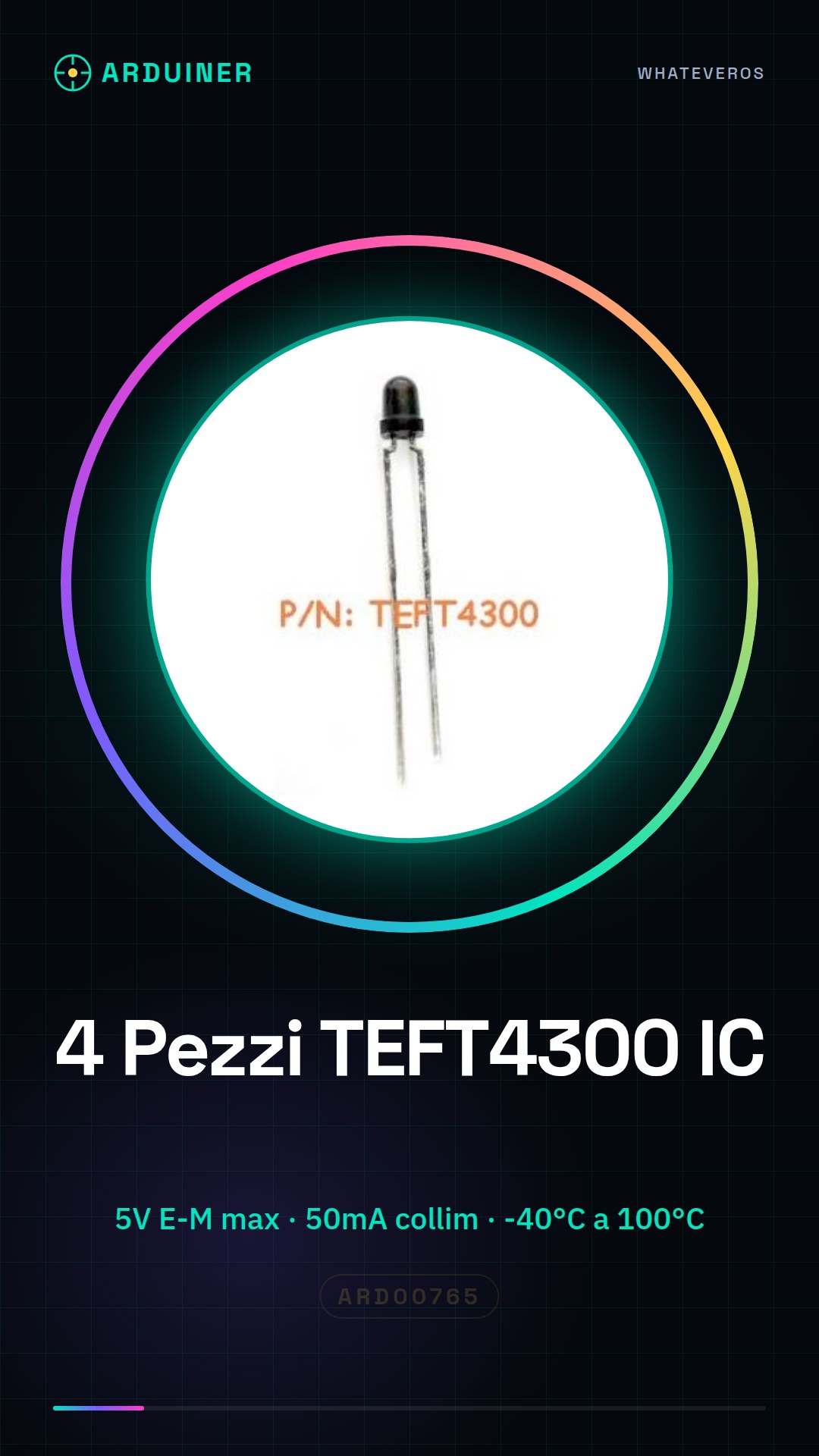
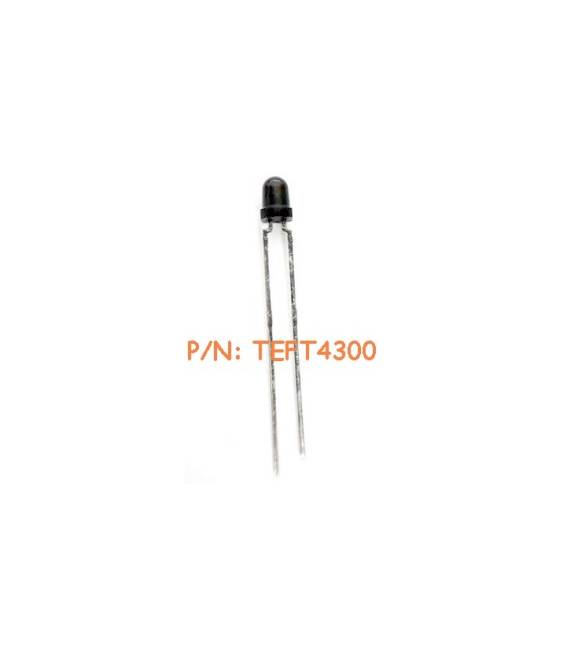
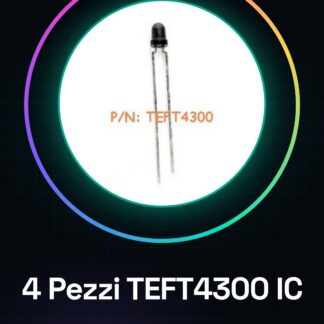
4PCS TEFT4300 IC Integrated Circuits
Component Specifications:
| Phototransistor Type | Phototransistor |
| Polarity | NPN |
| Number of Elements | 1 |
| Emitter-Collector Voltage (Max) | 5V |
| Collector-Emitter Voltage | 70V |
| Collector Current (DC) | 50mA |
| Emitter-Collector Saturation Voltage (Max) | 0.3V |
| Dark Current | 200nA |
| Light Current | 3.2mA |
| Power Dissipation | 100mW |
| Peak Wavelength | 925nm |
| Half-Intensity Angle | 60deg |
| from -40 °C to 100 °C | |
| Operating Temperature Classification | Industrial |
| Mounting | Through-Hole |
| Pin Count | 2 |
| Package Type | T-1 |
We have the technical datasheet for all components, if it is not present in the product download card, send a message from the contact us module and we will publish it as soon as possible on our website.
Tutorial: How to Use 4 TEFT4300 IC Circuits
The TEFT4300 are power ICs used to regulate energy in electronic circuits. Ideal for beginners and intermediates.
What you need
- TEFT4300 IC Circuits
- Multimeter
- X-Acto Knife
- Test connections
- Arduino or equivalent microcontroller
Steps
- Check the datasheet for the specifications of the TEFT4300.
- Prepare the 4 TEFT4300 and the test connections.
- Connect pin 1 (GND) of the TEFT4300 to ground.
- Connect pin 2 (VCC) to your microcontroller or power supply.
- Connect pin 3 (IN) to the control signal.
- Verify the correct polarity of the connections.
- Test the circuit with a multimeter.
- Load a simple code to control the state of the TEFT4300.
Mini project
Create a simple protection circuit for an LED using a TEFT4300. In 30 minutes you can control the current to the LED.
Common mistakes
- Connect pin 1 (GND) to ground.
- Omit the polarity check.
- Do not use a multimeter to test the circuit.
Recommended accessories
- Arduino UNO
- LED
- 1kΩ resistor
- Multimeter
Frequently asked questions
How can I verify the correct polarity of the connections?
Use the multimeter in resistance measurement mode. Measure between the pins and ground. The contact should be high (infinite) for a wrong connection and low for a correct connection.
Which specifications should I check on the datasheet?
Check the supply voltage, maximum current, and input and output pins.
Can I use another microcontroller instead of Arduino?
Yes, any microcontroller with support for I/O can work.
Does the TEFT4300 automatically regulate the current?
No, the TEFT4300 is a transistor relay that requires a control signal to regulate the current.
Reviews
There are no reviews yet.