 EN
 IT Italiano
 ES Español
 FR Français
 DE Deutsch
Description
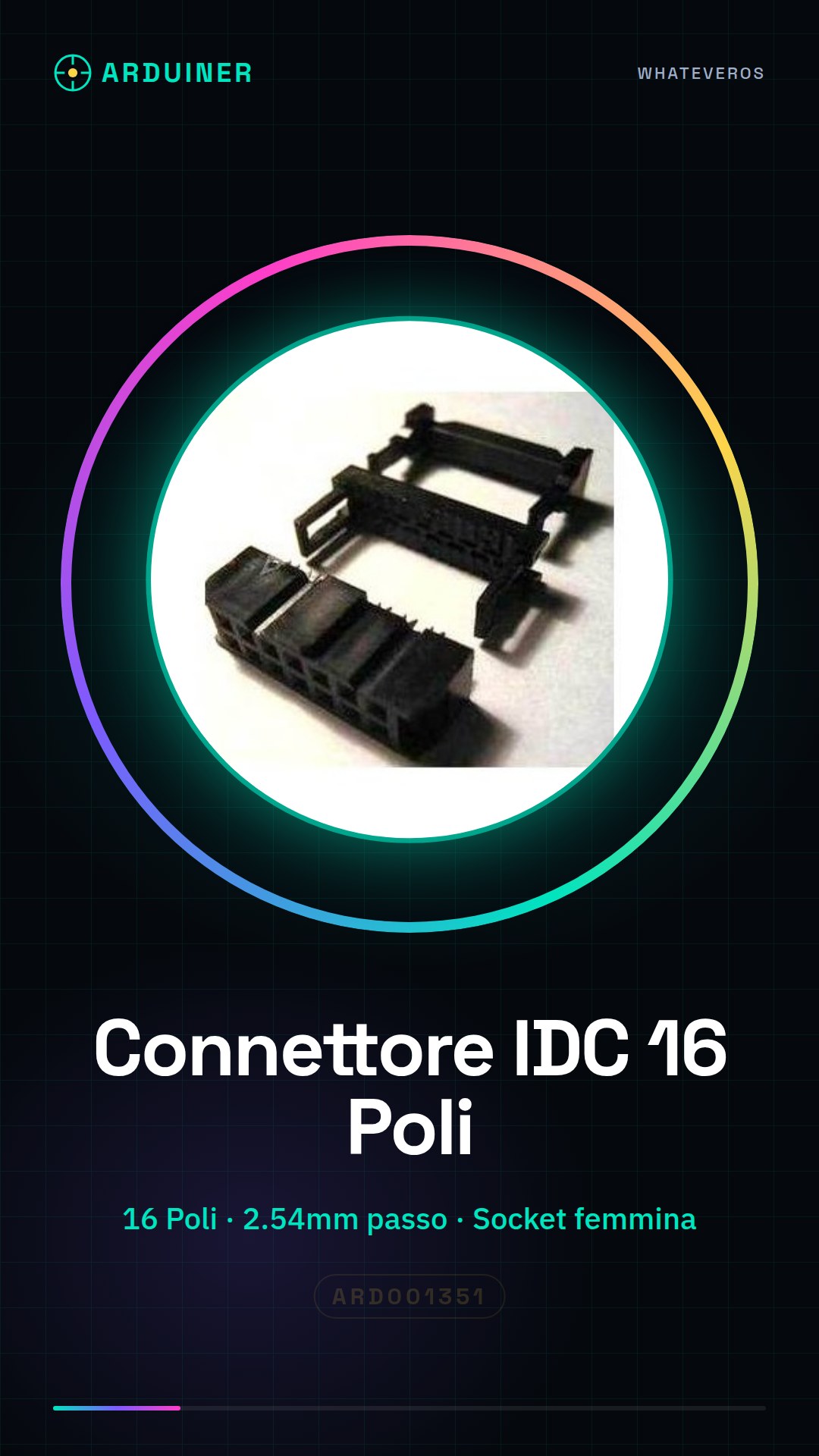
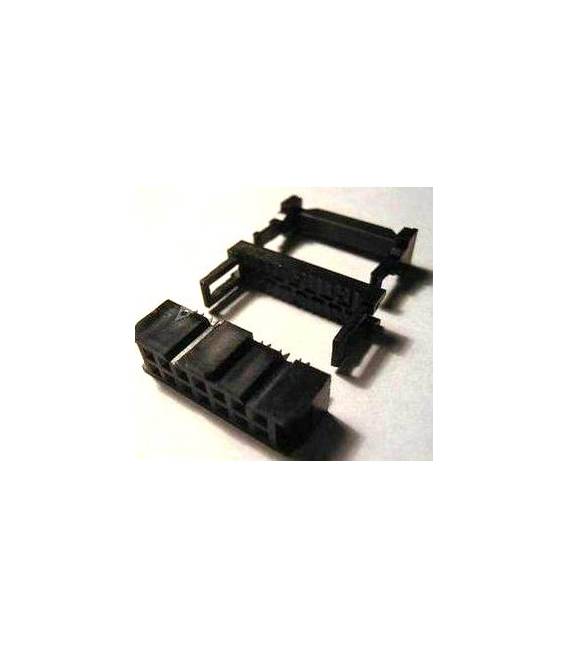
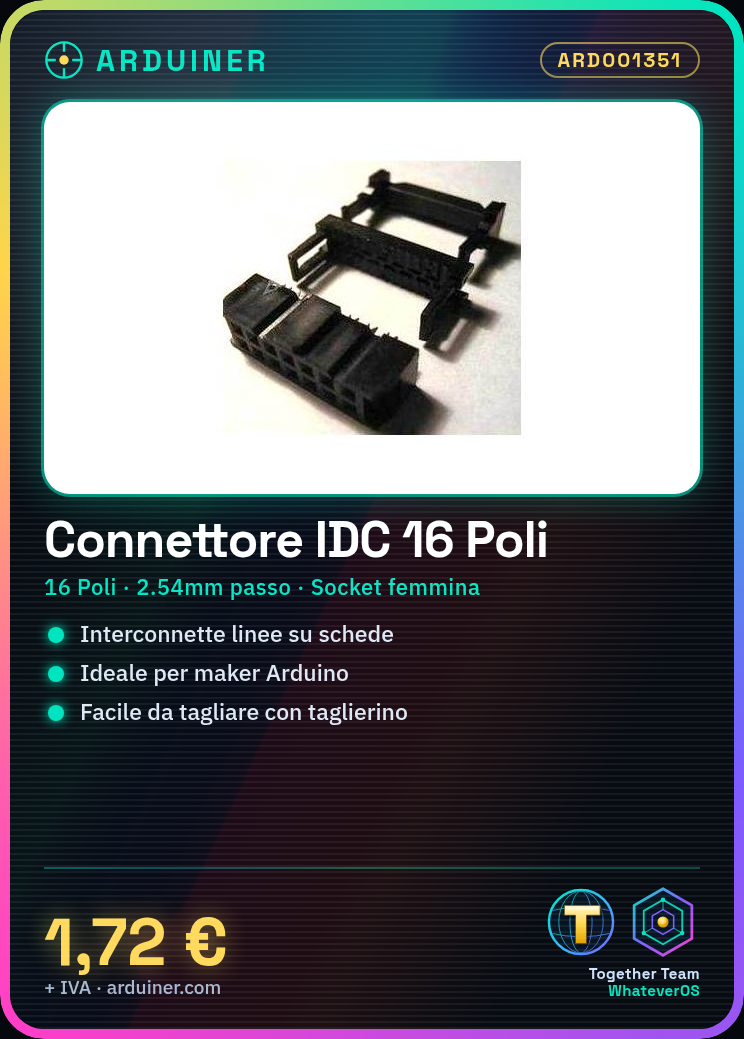
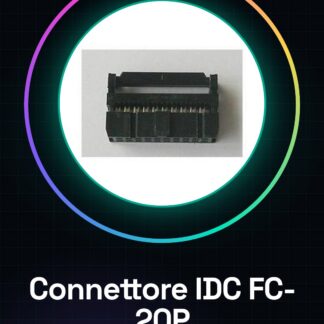
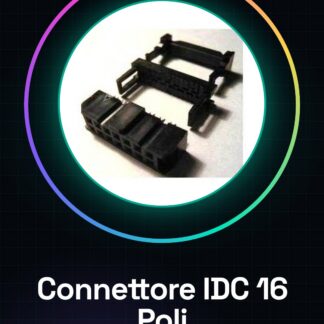
IDC Connector for 16-Pin Flat Cable
Tutorial: How to Use IDC Connector for 16-Pin Flat Cable
This IDC connector is ideal for applications requiring the interconnection of electrical lines on boards or modules. It is particularly useful for beginner and intermediate makers working with Arduino, Raspberry Pi, and other electronic projects.
What you need
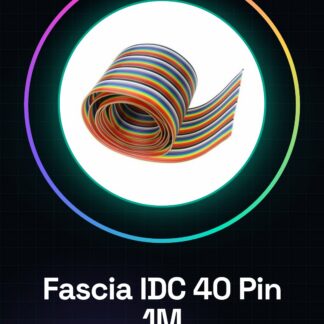
- IDC flat cable
- utility knife
- electric brush
Steps
- Check the datasheet for the connector dimensions to ensure the IDC flat cable is compatible with the connector pins.
- Cut the desired length of the IDC flat cable using a utility knife.
- Gently insert the flat cable into the connector, ensuring that each individual wire is properly inserted into one of the connector pins.
- If necessary, apply a small amount of thermoplastic solder on the back of the connector to secure the wires and prevent them from disconnecting.
- Check proper installation by ensuring that each individual wire is securely inserted into its respective terminal.
- Connect the other end of the flat cable to another connector or directly to a board/module.
Mini project
Create a simple home security system using this IDC connector to connect motion sensors, emergency buttons, and other devices.
Common mistakes
- Insert the flat cable incorrectly
- Do not verify proper wire installation in the connector terminals
- Cut the flat cable too short
Recommended accessories
- IDC flat cable
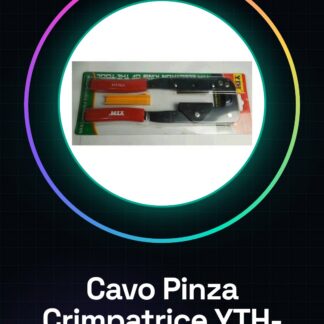
- Wire stripper tool
- Thermoplastic housing
Frequently asked questions
Does the connector easily disconnect?
If you have applied the thermoplastic housing correctly, the risk of disconnection is minimal.
Can I use this connector with other types of flat cables?
Check the datasheet to ensure that the connector poles are compatible with the width and arrangement of the wires in your flat cable.
Reviews
There are no reviews yet.