 EN
 IT Italiano
 ES Español
 FR Français
 DE Deutsch
Description
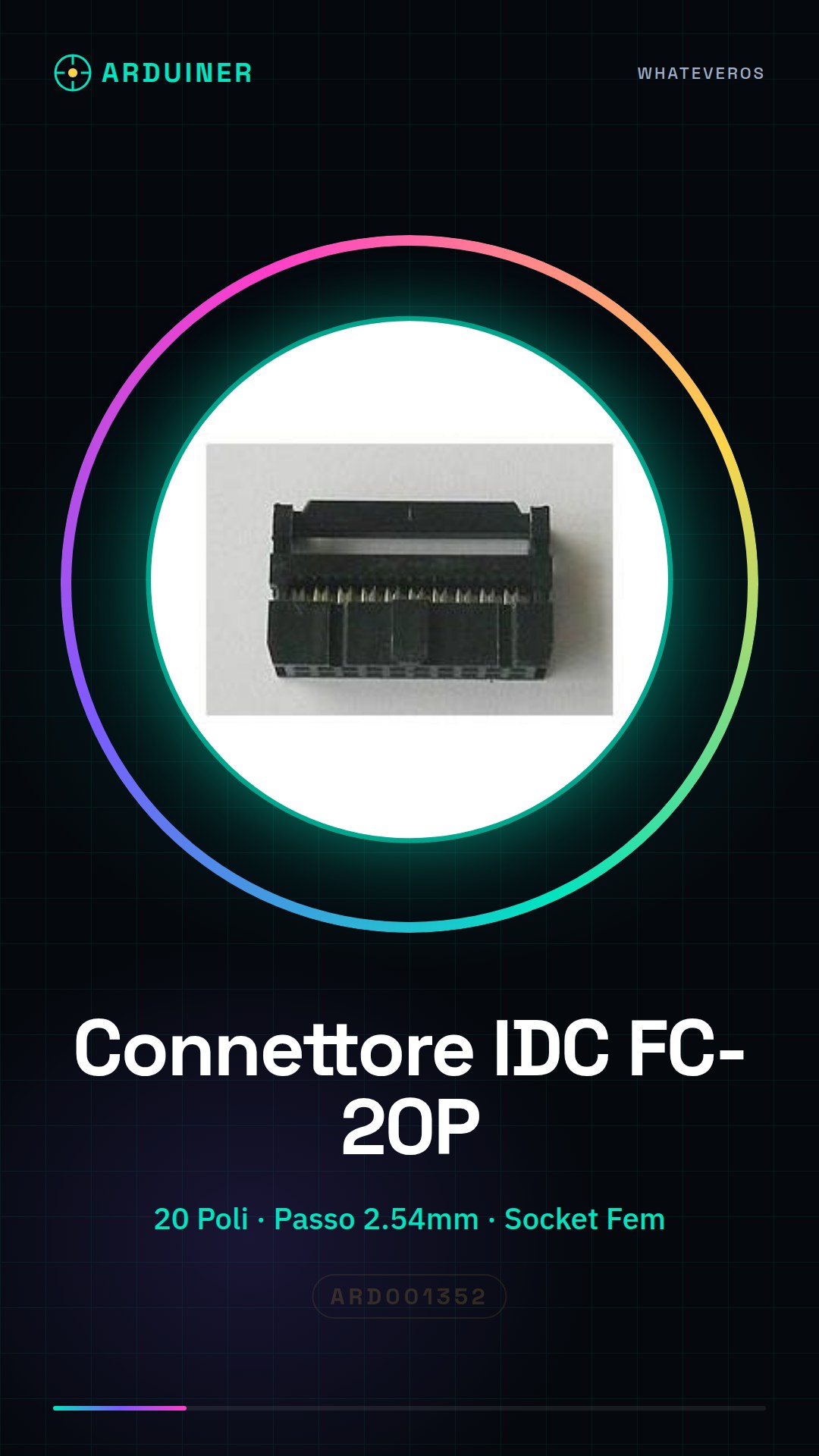
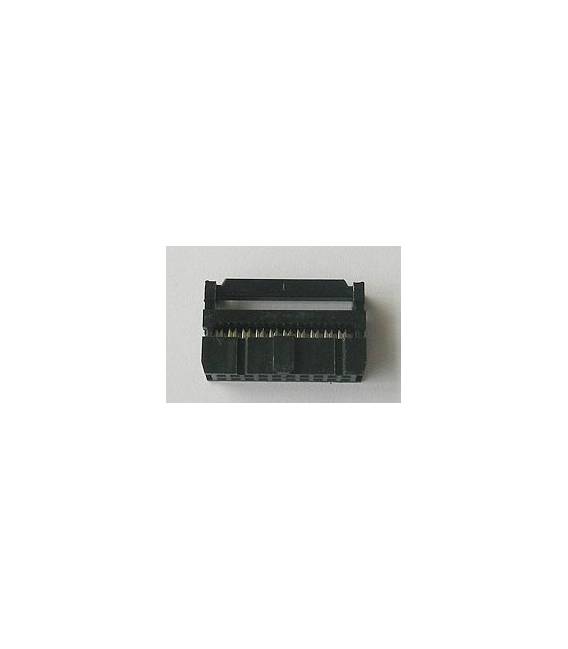
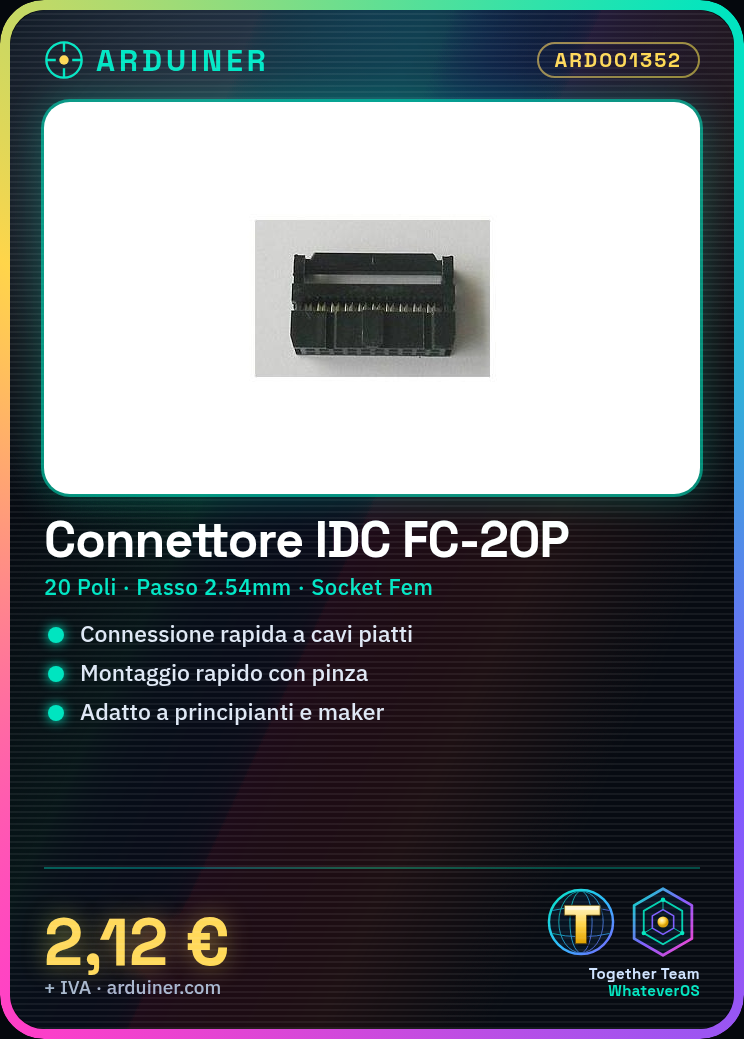
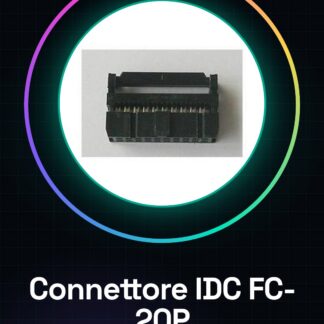
IDC Connector for 20-Pin Flat Cable FC-20P Socket Female
Tutorial: How to Use IDC Connector FC-20P
IDC (Inter-Integrated Circuit) connectors are useful for quickly connecting flat cables to printed circuit boards or test boards. This tutorial is ideal for beginners and makers who want to add quick connectivity to their projects.
What you need
- 20-pin flat cable
- wire stripper tool
- motherboard or printed circuit board
- pliers
Steps
- Check that the flat cable has exactly 20 conductors.
- Use the wire stripper tool to separate the first two wires of the flat cable, creating a small gap between them.
- Insert the separated part of the flat cable into the IDC FC-20P connector. Ensure it is properly inserted and not bent.
- Use pliers to press the opposite side of the connector, thus securing the cable inside.
- Check the stability of the insertion by ensuring that the wires are securely fastened and do not protrude from the connector.
- Now connect the connector to a motherboard or printed circuit board by gently inserting the pins into the appropriate socket.
Mini project
Create an Arduino-controlled lighting system with 20 LEDs and a flat cable to connect the LEDs to the board.
Common mistakes
- Insert the cable without first properly separating it.
- Press the pliers too hard, damaging the connector or the cable in the process.
- Do not carefully check the insertion of the cable into the connector.
- Connect the connector to an incompatible socket.
Recommended accessories
- 20-Pin Flat Cable
- IDC Connector Pliers
- Arduino Uno R3 Board
- Various LEDs
Frequently asked questions
The cable does not connect well to the connector.
Check that the wires are properly separated and fully inserted into the connector.
Can I use these connectors with other types of cables?
Check the connector datasheet to ensure it is compatible with the type of cable you are using.
Reviews
There are no reviews yet.