 EN
 IT Italiano
 ES Español
 FR Français
 DE Deutsch
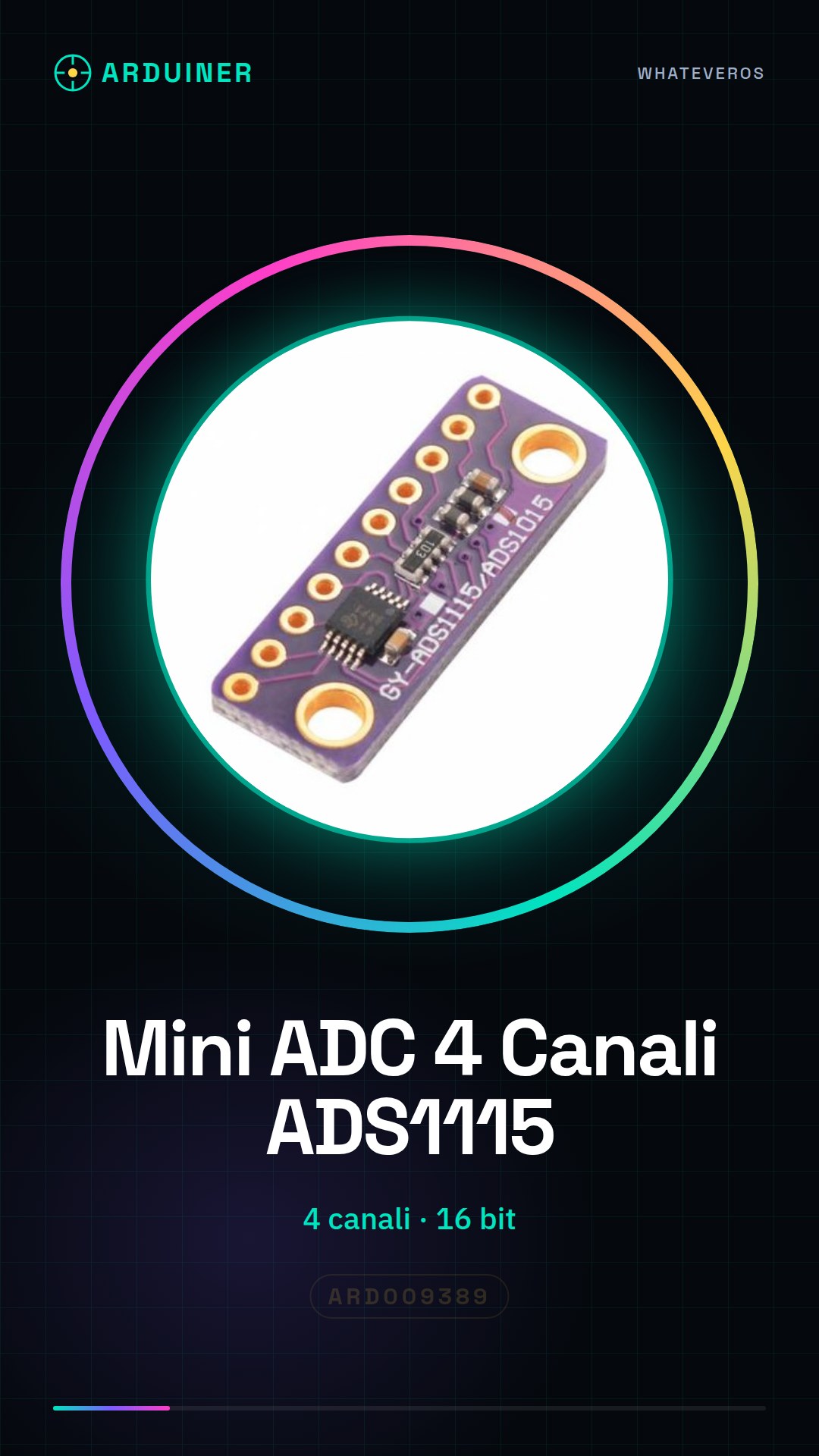
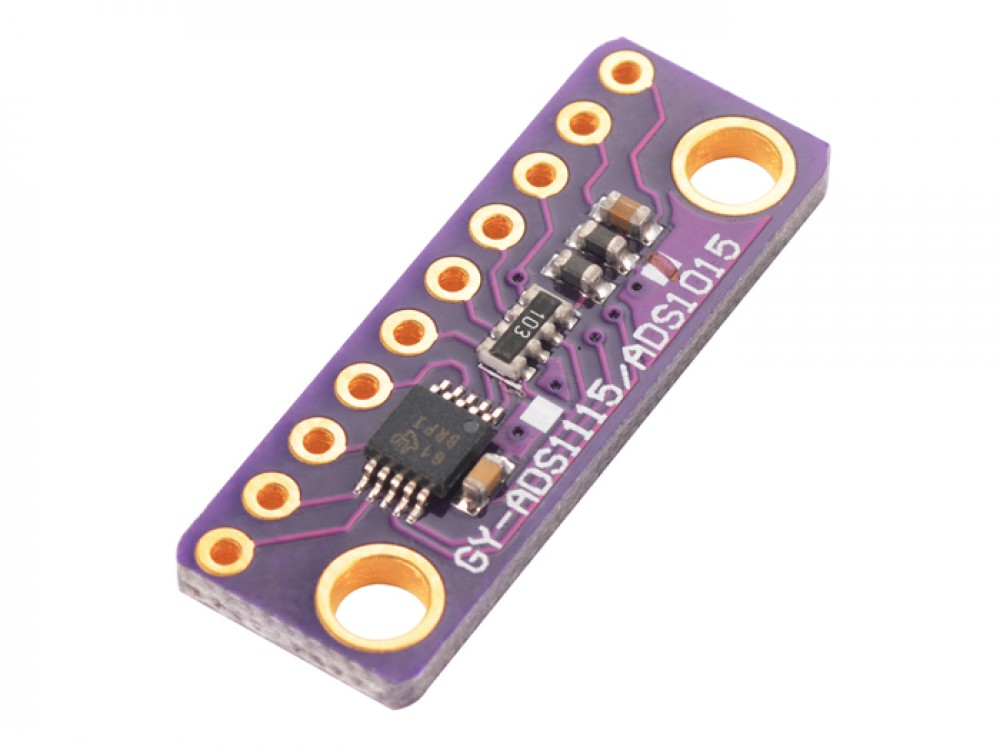
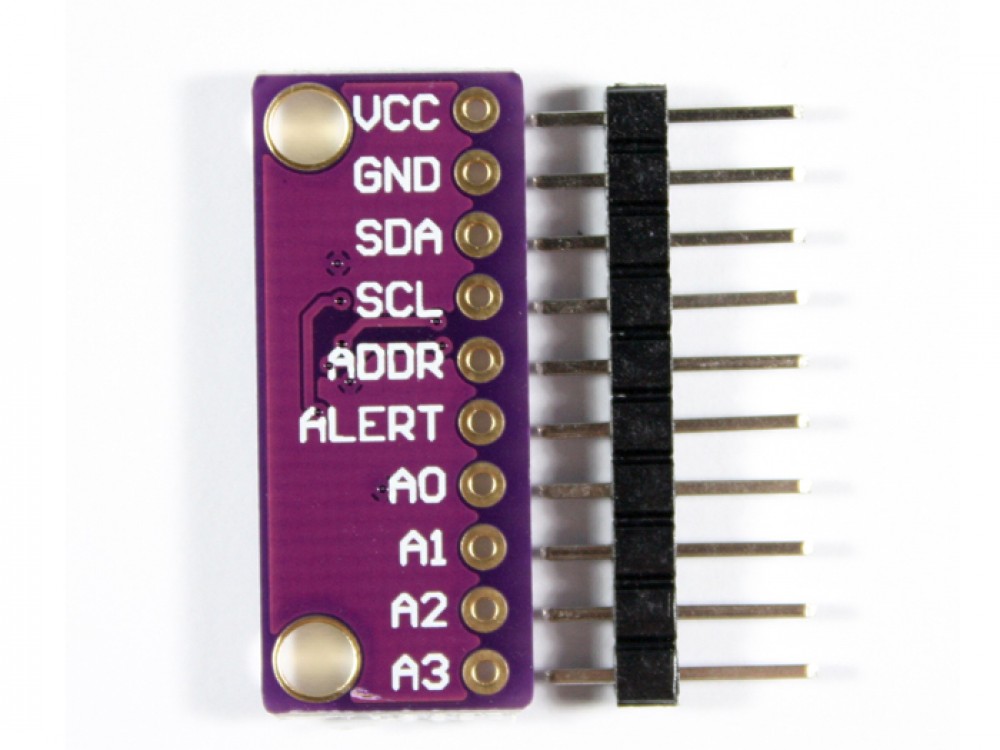
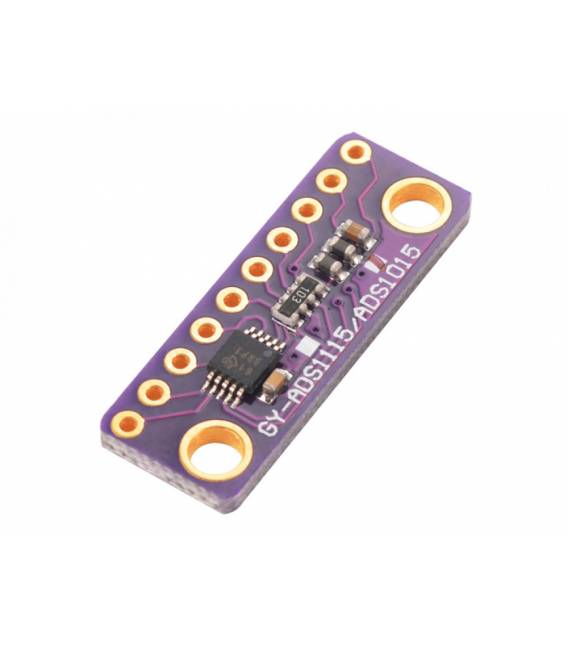
Description
What it is
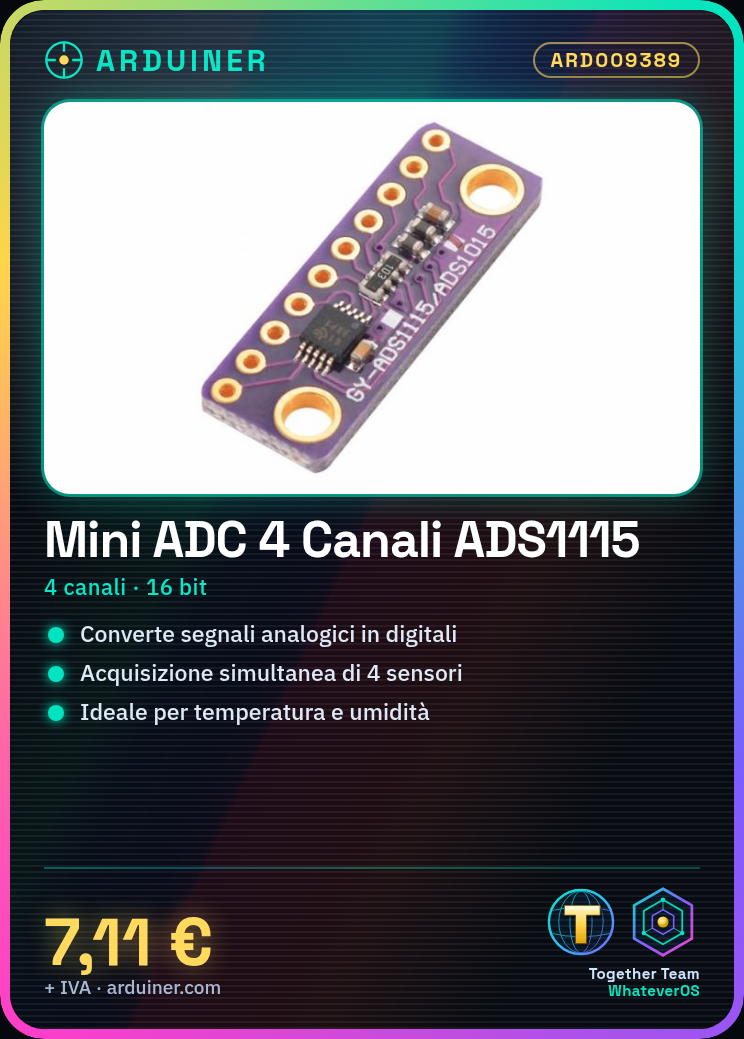
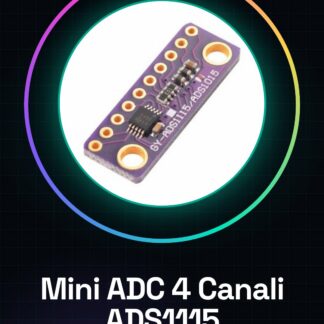
The Mini ADC Converter ADS1115 is an electronic module with 4 channels that allows the conversion of analog signals to digital signals. It is an ideal component for Arduino projects requiring precise measurements of analog quantities such as temperature, humidity, pressure, and voltage.
Features
- 4 channels of analog acquisition
- 16-bit resolution
- SKU: ARD009389
- Price: 7.11 €
What it is for
This module is perfect for creating environmental monitoring systems, industrial applications, temperature and humidity sensors, and any Arduino project that requires precise measurement of analog quantities. It is compatible with Arduino and other microcontrollers.
Tutorial: How to use Mini ADC Converter ADS1115
The Mini ADC Converter ADS1115 is an ideal device for makers who want to acquire precise analog data. With 4 channels, it can measure up to four sensors simultaneously, making this module perfect for both environmental monitoring projects and industrial applications.
What you need
- Arduino Uno or compatible
- USB cable
- Analog sensors (e.g., LM35)
- AAA batteries
Steps
- Connect the ADC converter ADS1115 to the Arduino I2C interface using the cables.
- Check that the module’s power supply voltage is adequate (check the datasheet).
- Install the Adafruit_ADS1015 library for Arduino from the library manager.
- Configure the channel and sensitivity of the ADC in the code.
- Read data from the ADC converter ADS1115 using the readADCSingleEnded() method.
- Display the read values in serial or on an LCD display.
- Test the accuracy of the data with connected analog sensors.
- Modify the code to adapt it to your project requirements.
Example code
I2Cdevlib.h
Adafruit_ADS1015 ads;
void setup() {
  Serial.begin(9600);
  if (!ads.begin()) {
    while (1); // blocco il programma se non riesce a connettersi.
  }
}
void loop() {
  int value = ads.readADCSingleEnded(0, ADS1015_REG_CONFIG_CQUE_NONE); // leggi canale 0
  Serial.println(value);
}
Mini project
Create a weather monitoring system that records temperature and humidity in real-time. Use the ADC converter to acquire data from the LM35 (temperature) and DHT11 (humidity) sensors.
Common mistakes
- Fail to install the necessary library correctly.
- Use incompatible power supply voltages with the module.
- Incorrectly configure the ADC channel parameters.
- Omit checking the I2C connection between Arduino and the converter.
Recommended accessories
- LM35 Sensors
- 16×2 LCD Display
- AAA Batteries
- Prototype Kit
Frequently asked questions
How can I control multiple channels?
By configuring the ‘channel’ parameter in the readADCSingleEnded() method.
Which sensors can be used with this ADC converter?
Analog sensors like LM35, LDR, and variable resistors.
How can I display real-time data?
Using an LCD display or sending the values via serial to a console.
Reviews
There are no reviews yet.