 EN
 IT Italiano
 ES Español
 FR Français
 DE Deutsch
Description
What it is
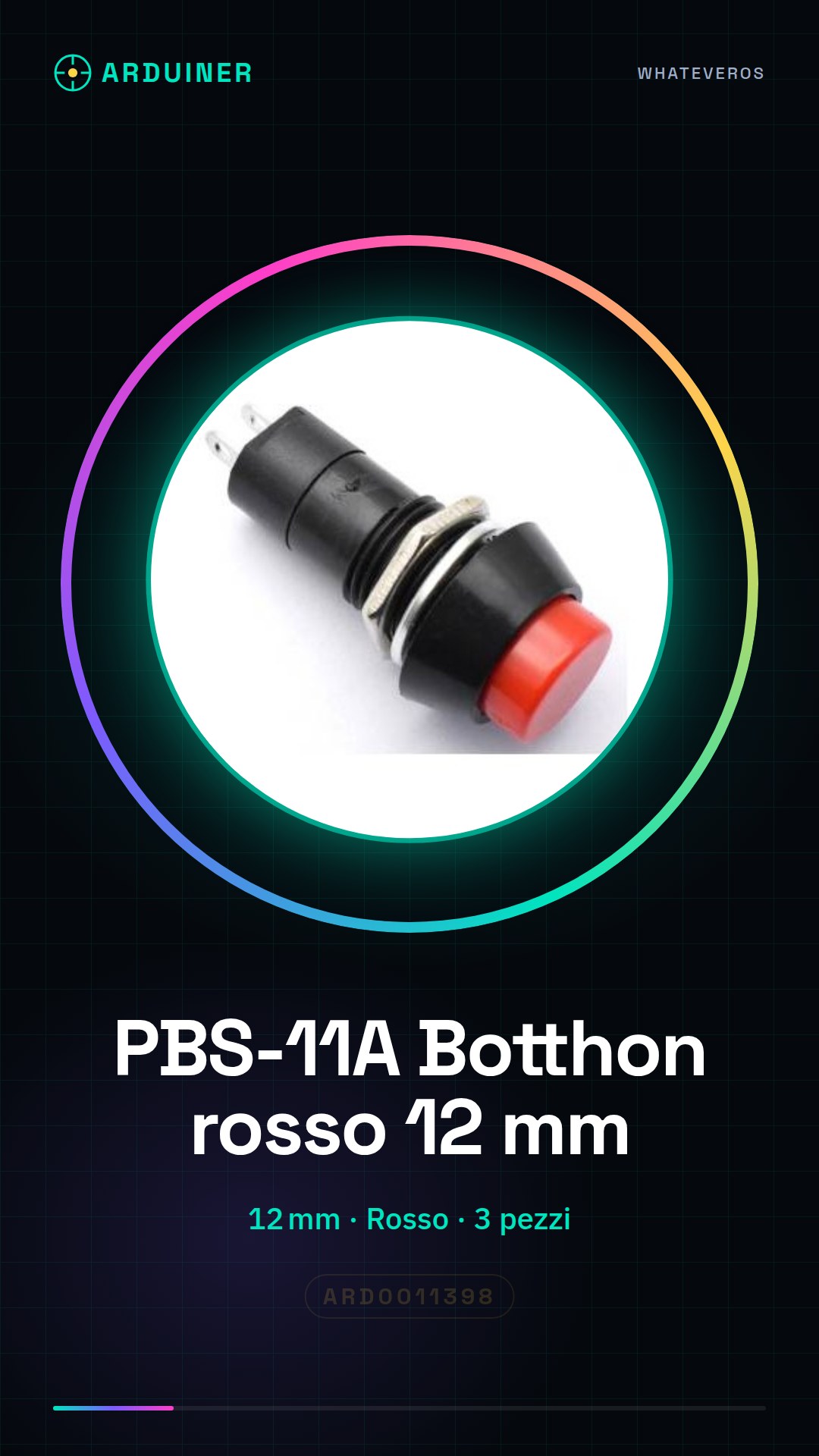
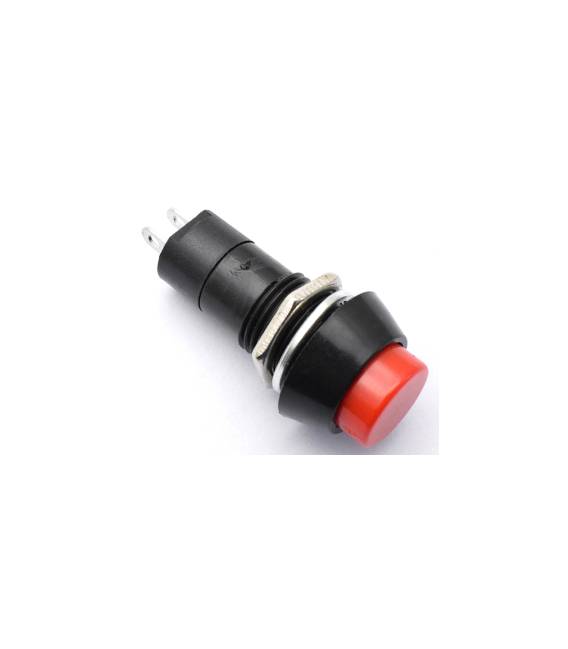
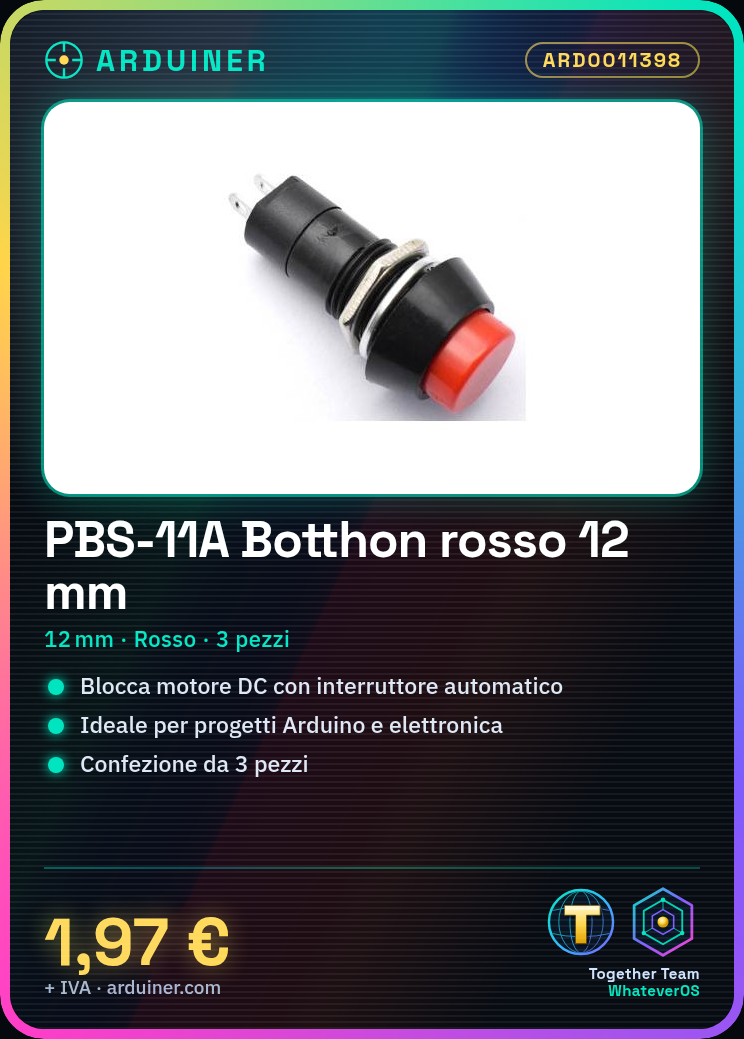
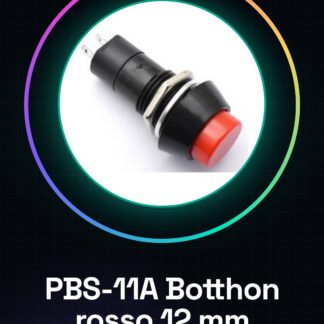
The PBS-11A is a red button with automatic lock switch, sold in packs of 3 pieces.
Features
- Dimensions: 12 mm
- Color: Red
- Type: Button with automatic lock switch
- Quantity: 3 pieces
What it is for
The red PBS-11A Botthon is ideal for Arduino and electronics projects that require an automatic lock switch. It can be used to lock the operation of a DC motor or for any other application that needs a safety switch.
Tutorial: How to use the red PBS-11A Botthon
The red PBS-11A Botthon is ideal for projects that require an automatic lock switch. Useful for beginners and intermediates, it simplifies the management of electronic machinery.
What you need
- 3 pieces PBS-11A
- Connector
- Arduino
- Power cable
Steps
- 1. Install the PBS-11A button on your project, ensuring that the rotation is free.
- 2. Connect the Botthon to a digital pin of an Arduino (e.g., pin 2).
- 3. Connect the VCC of the Botthon to the VCC of the Arduino.
- 4. Connect GND of the Botthon to GND of the Arduino.
- 5. Connect the output pin of the Botthon to a digital pin of your circuit.
- 6. Load the provided Arduino code.
- 7. Test the functionality of the Botthon by pressing the button.
- 8. Check the datasheet for further details.
Example code
```int botthonPin = 2;
void setup() {
  pinMode(botthonPin, INPUT);
}
void loop() {
  if (digitalRead(botthonPin) == HIGH) {
    Serial.println("Botthon attivato");
  }
  delay(100);
}
```
Mini project
Build a simple locking system for a DC motor. Connect the Botthon to the motor and check if it locks correctly.
Common mistakes
- Connect VCC to the VCC of the Botthon.
- Set the digital pin correctly to INPUT.
- Verify the correct polarity of the connectors.
- Check that the Botthon is properly installed.
Recommended accessories
- DC Motors
- Arduino UNO
- 5V power cable
- 16×2 LCD Display
Frequently asked questions
How can I verify if the Botthon is working correctly?
Press the button and verify that the digital signal changes state on the Arduino.
Can the Botthon work with a power supply different from 12V?
Check the datasheet for further details.
Can the Botthon be used with other microcontrollers?
Yes, as long as the output pin supports digital signals.



Reviews
There are no reviews yet.