 EN
 IT Italiano
 ES Español
 FR Français
 DE Deutsch
Description
What it is
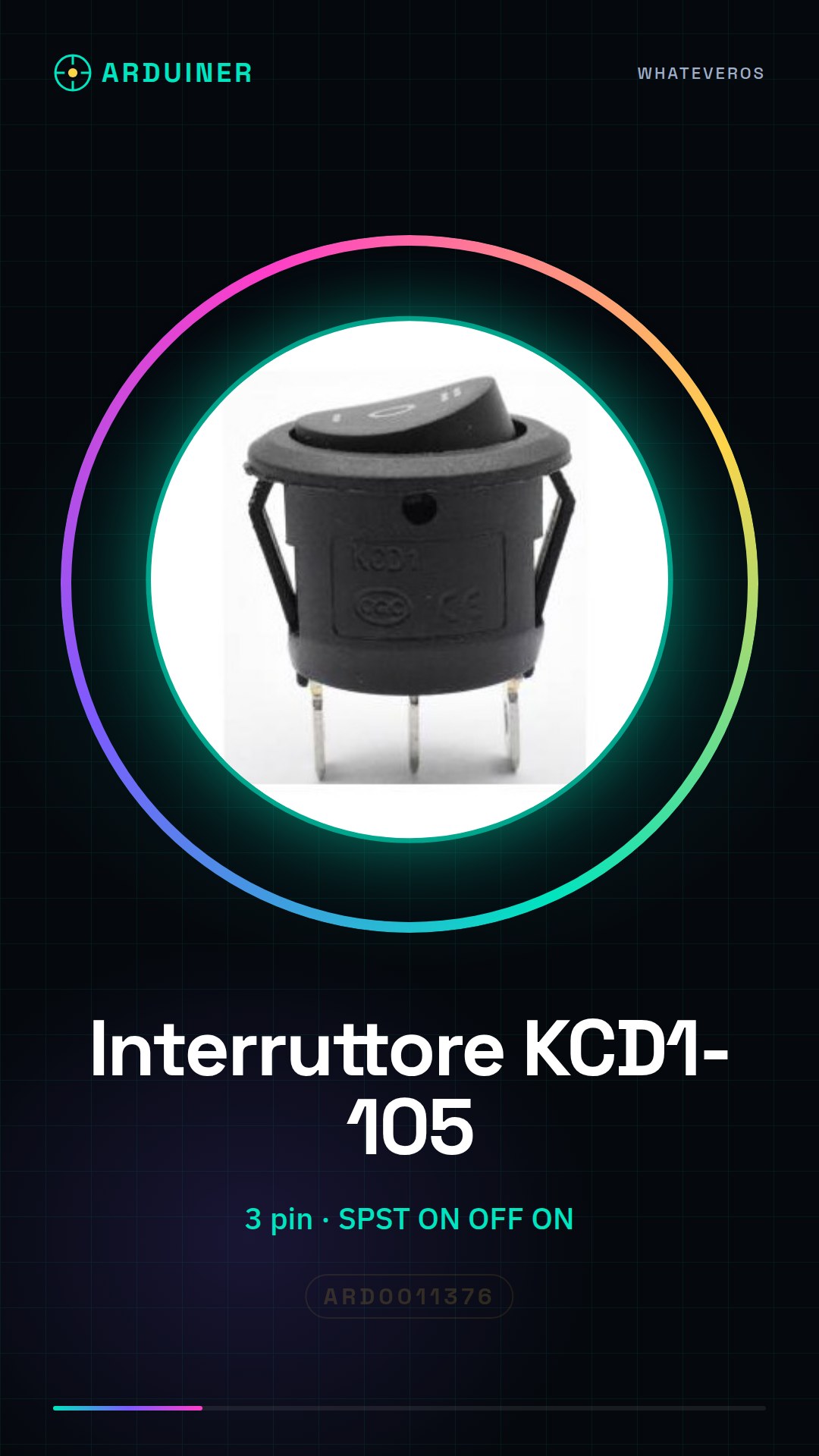
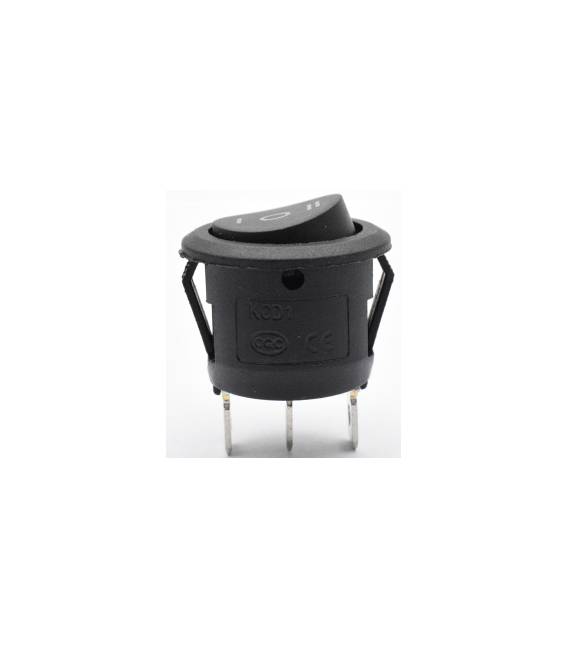
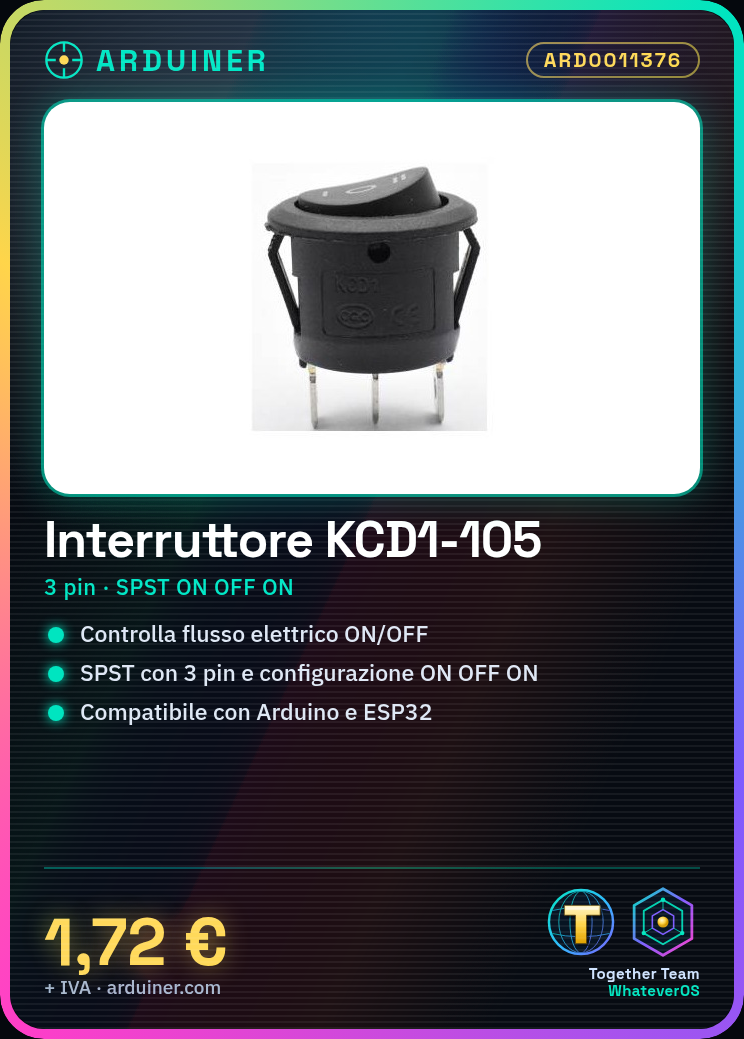
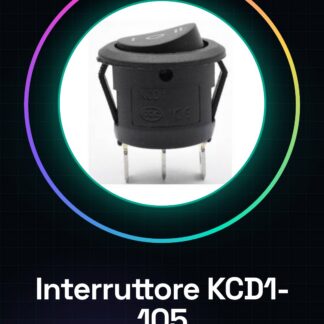
The KCD1-105 toggle switch is an electronic component with three pins that allows switching between two states: ON (on) and OFF (off). This type of switch is particularly useful for Arduino projects where a simple and intuitive control of the current flow is desired.
Features
- Type: SPST (Single Pole Single Throw)
- Pin numbers: 3
- Configuration: ON OFF ON
What it is for
The KCD1-105 switch is ideal for projects that require manual control of the electrical current, such as the creation of automatic lighting systems or any other device that needs to be turned on or off manually. It is compatible with Arduino and can be used in combination with ESP32 or other microcontrollers.
Tutorial: How to use KCD1-105 Toggle Switch
This toggle switch is ideal for anyone who wants to control an electronic circuit with simplicity. With its SPST ON OFF ON configuration, it allows switching between two states.
What you need
- Arduino Uno
- Jumper wire
- Breadboard
Steps
- Connect the 3 pins of the switch to the breadboard.
- Connect the middle pin to a digital input of the Arduino (e.g., pin 2).
- Connect the two ends of the breadboard to ground and positive power supply respectively.
- Upload the example sketch to the Arduino.
- Check that the switch works correctly by changing state with the toggle.
Example code
const int interruptPin = 2;
int state = LOW;
void setup() {
pinMode(interruptPin, INPUT);
}

void loop() {
state = digitalRead(interruptPin);
if (state == HIGH) {
Serial.println("Interruttore ON");
} else {
Serial.println("Interruttore OFF");
}
}
Mini project
Create an automatic lighting system that turns on when the switch is in the ‘ON’ position and turns off in the ‘OFF’ position.
Common mistakes
- Do not connect the pins correctly.
- Ignore the SPST ON OFF ON configuration of the device.
- Use a switch with a different configuration for this project.
- Do not check that the switch works before writing the code.
Recommended accessories
- Arduino Uno
- Breadboard
- LED and resistor
- Basic Arduino Kit
Frequently asked questions
Does the switch have only two positions?
No, it has three positions: ON, OFF, and a transitional position between the two.
Can I use this switch with other microcontrollers?
Yes, but make sure the pin being used is configured as a digital input.



Reviews
There are no reviews yet.