 EN
 IT Italiano
 ES Español
 FR Français
 DE Deutsch
Description
What it is
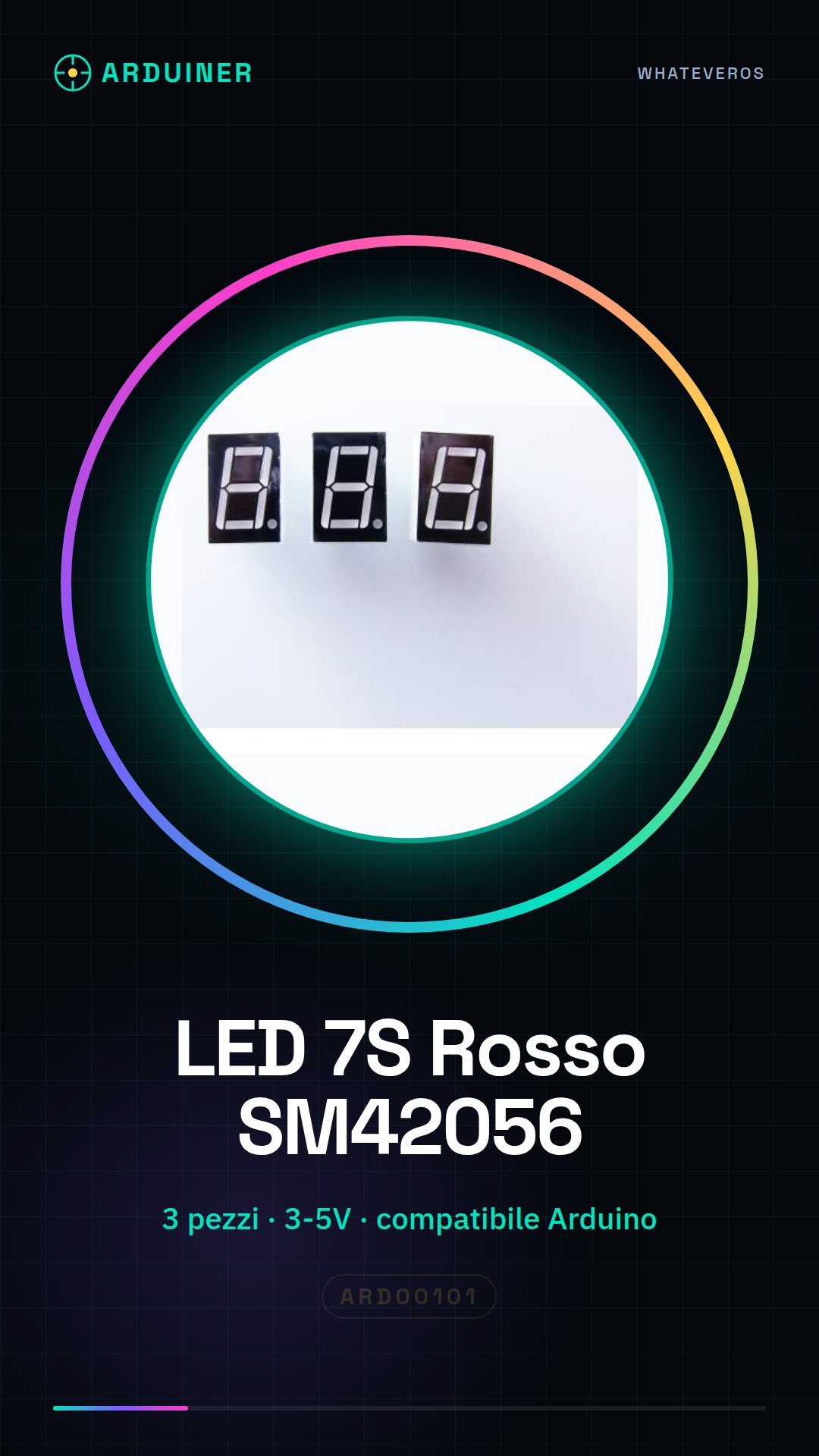
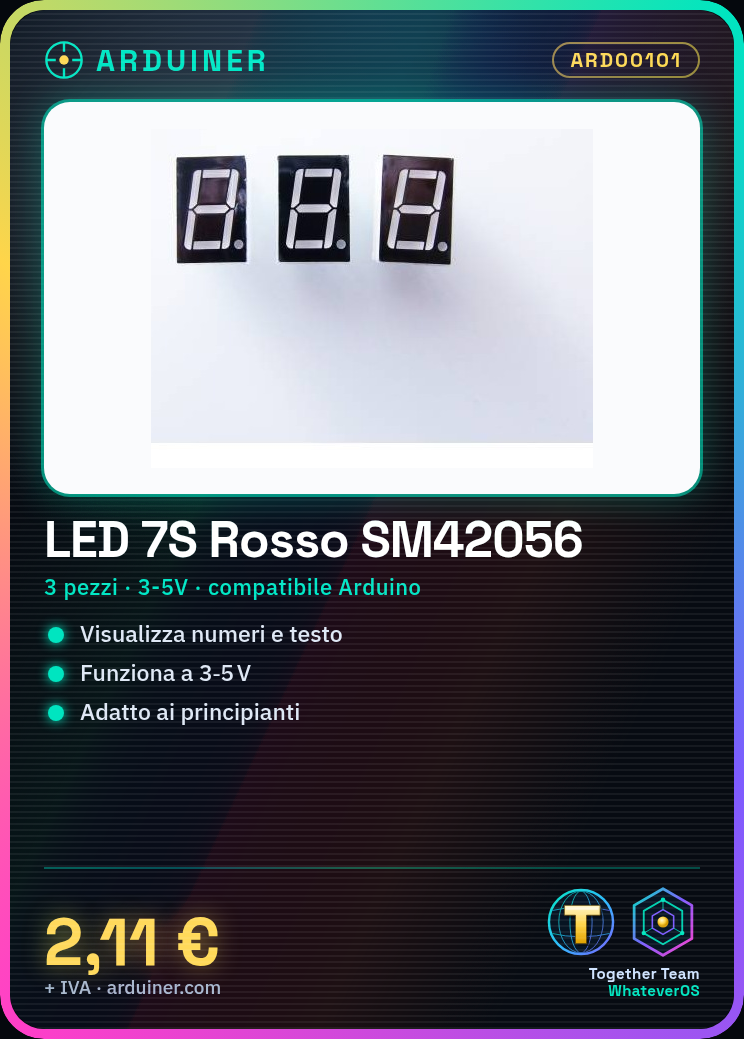
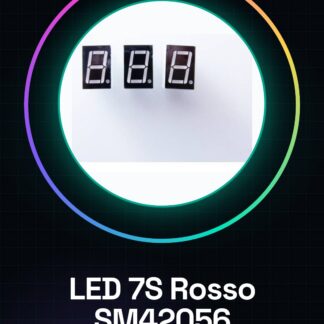
The red SM42056 7-segment LED sets are ideal components for displaying numbers and text in Arduino projects. These LEDs are compatible with various Arduino boards, making their integration simple and effective.
Features
- Set of 3 pieces
- Red SM42056 7-segment LED
- Compatible with Arduino
What it is for
7-segment LEDs are used to create simple digital displays, such as showing the time or other numerical data. They are perfect for lighting and data display projects in home or educational settings.
Tutorial: How to use SM42056 segment LEDs
These red digital 7-segment LEDs are ideal for displaying numbers and text in Arduino projects. They are perfect for beginners who want to create simple yet effective displays.
What you need
- Arduino Uno
- USB A-MicroB cable
- Resistor sequence (to protect the LEDs)
- 3 pieces SM42056
Steps
- Connect the Arduino to the computer via the USB cable.
- Check the electrical voltage of your Arduino. This LED works with a voltage of 3V-5V (check the datasheet).
- Connect the resistors between the LED pins and the Arduino to protect the internal circuits.
- Connect the matrix to the microcontroller according to the pinout specified in the datasheet.
- Download the provided code and upload it to the Arduino.
- Check that the LEDs blink as expected in your sketch.
Example code
const int digitPins[] = {2, 3, 4}; // collega i pin dell'LED ai pin di Arduino
void setup() {
  for (int i=0; i<sizeof(digitPins); i++) {
    pinMode(digitPins[i], OUTPUT);
  }
}

void loop() {
  digitalWrite(2, HIGH);
  delay(500);
  digitalWrite(3, HIGH);
  delay(500);
  // ripeti per tutti gli altri LED...
}
Mini project
Create a digital display that shows the time. Use three pieces of SM42056 and connect them to an Arduino Uno.
Common mistakes
- Do not protect the LED pins with a resistor.
- Connect the wrong pin of the Arduino to the LED.
- Ignore the operating voltage of the LED, which may damage it.
- Reverse the polarity of the pins during installation.
Recommended accessories
- 270 ohm resistors
- USB A-MicroB cable
- Arduino Uno
- Relay sequence
Frequently asked questions
How can I protect the LED pins?
Use resistors between the pin and the Arduino to limit the current.
What is the operating voltage of the LED SM42056?
Check the datasheet, but generally it works with 3V-5V.
Reviews
There are no reviews yet.