 EN
 IT Italiano
 ES Español
 FR Français
 DE Deutsch
Description
Tutorial: How to Use IC 74HC574N
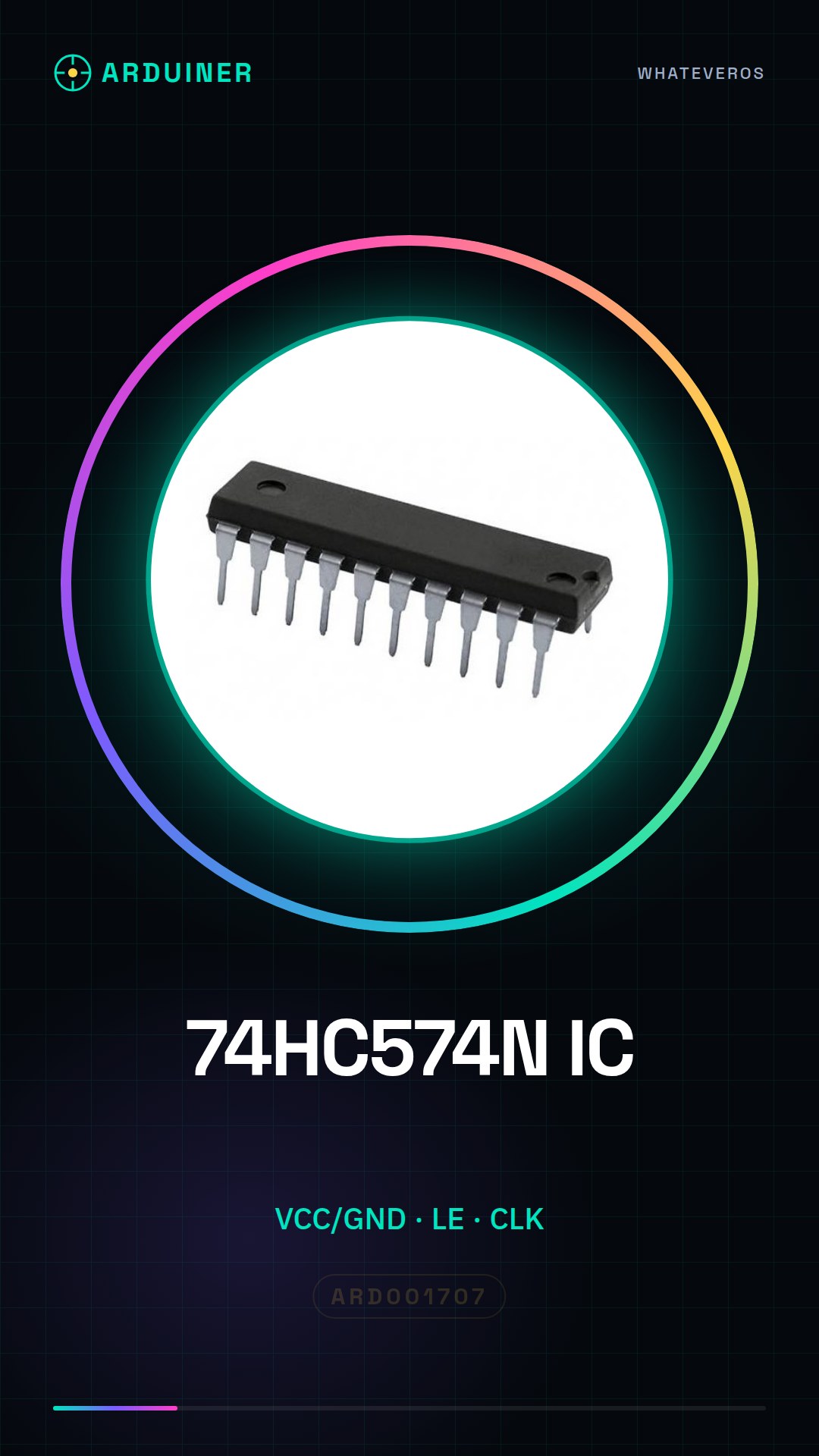
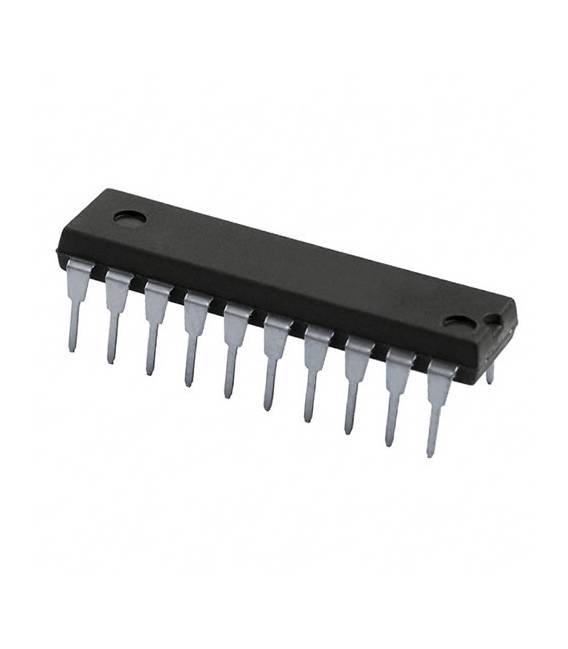
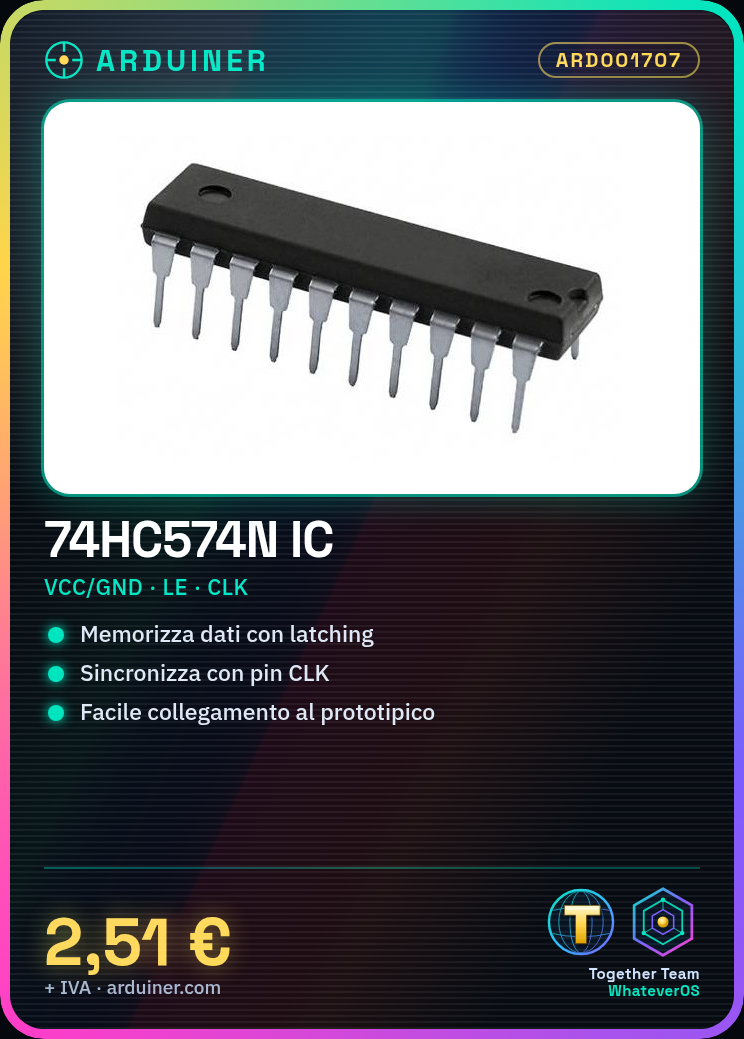
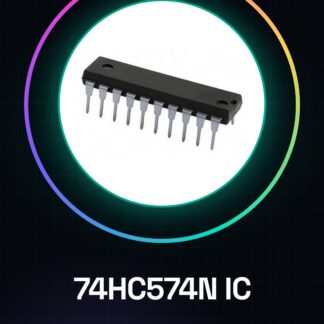
The IC 74HC574N is a parallel latch memory register with strobing. It is ideal for projects that require temporary data storage, such as counters or data buffers.
What you need
- Arduino Uno
- USB cable
- breadboard
Steps
- Connecting the IC 74HC574N to the breadboard
- Connecting the input signal pins (D0-D7) to the digital pins of the Arduino
- Connecting the LE (Latching Enable) pin to a digital pin of the Arduino for latching control
- Connecting the CLK (Clock) pin to another digital pin of the Arduino for data synchronization
- Connecting VCC and GND to the correct power supply
- Check the power supply voltage on the datasheet of the IC 74HC574N
- Write an Arduino sketch to test the IC
- Test the functionality of the register
Example code
void setup() {
  pinMode(LE_PIN, OUTPUT);
  pinMode(CLK_PIN, OUTPUT);
}

void loop() {
  digitalWrite(CLK_PIN, HIGH);
  delayMicroseconds(10);
  digitalWrite(CLK_PIN, LOW);
  // Aggiungi codice per scrivere sui pin dati e controllare LE_PIN
}
Mini project
Create a simple counter that stores the number of button presses using the IC 74HC574N
Common mistakes
- Do not check the correct supply voltage on the IC datasheet
- Omit connecting LE_PIN to activate data latching
- Set CLK_PIN unsynchronized with the data
- Ignore the need for a separate digital pin for each input signal
Recommended accessories
- USB cable
- Prototype board
- Pull-up and pull-down resistors
- LEDs and correct resistors
Frequently asked questions
What is the supply voltage of the IC 74HC574N?
Check the datasheet
How can I synchronize the data with the IC?
Use the CLK pin to synchronize the data with a timed signal.
What does ‘latching’ mean in this context?
Latching is the storage of data in the register when activated by the LE_PIN.
Reviews
There are no reviews yet.