 EN
 IT Italiano
 ES Español
 FR Français
 DE Deutsch
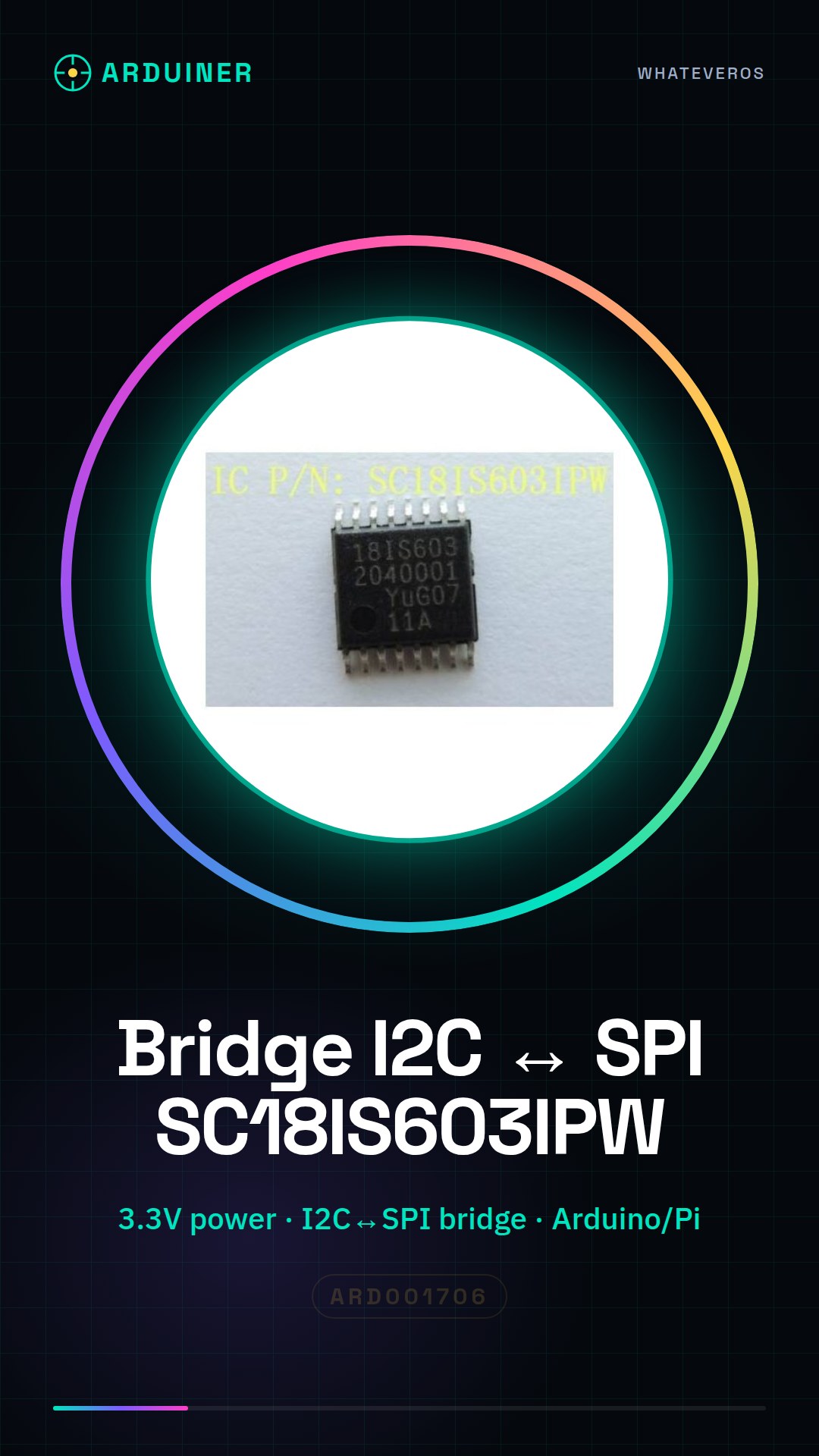
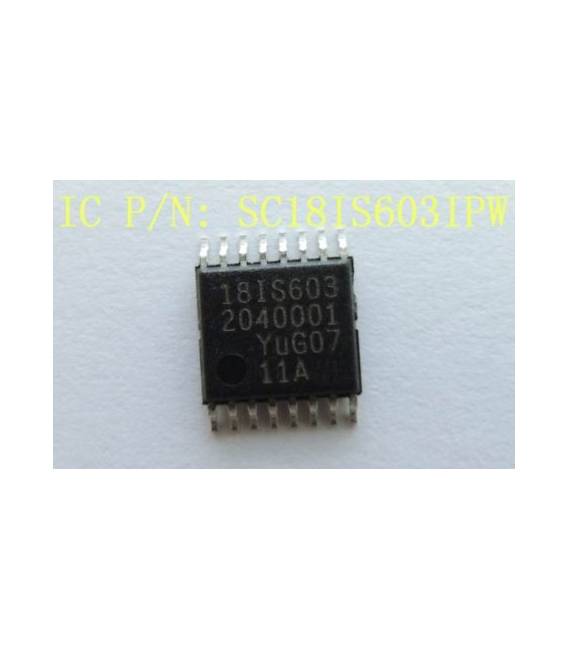
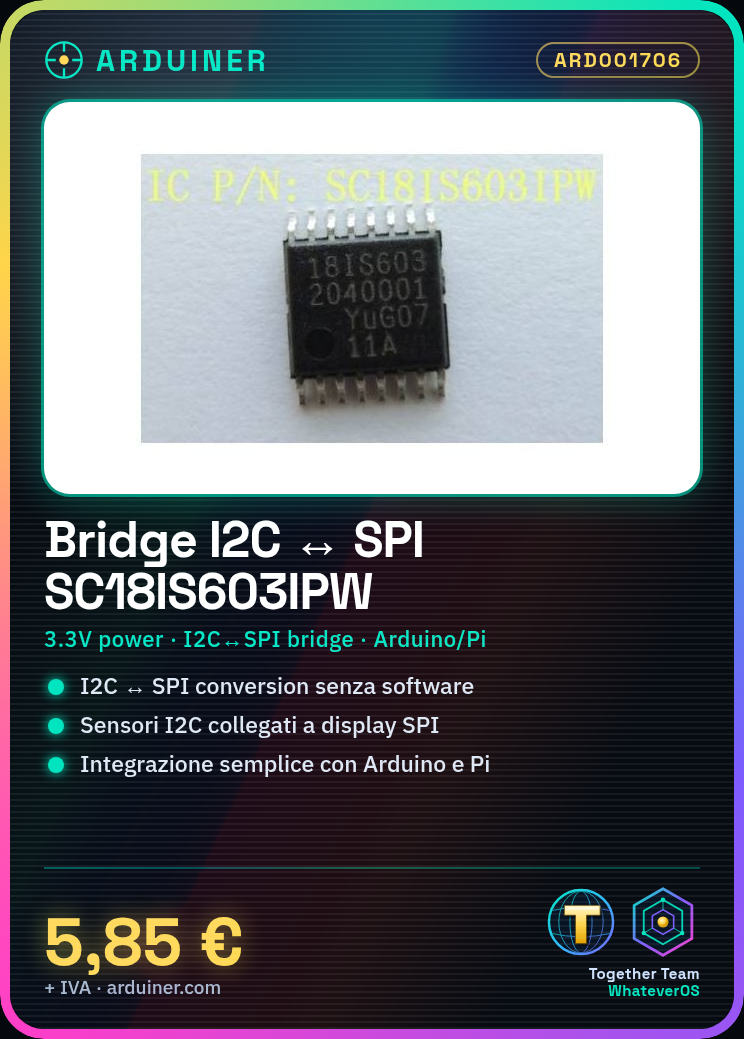
Description
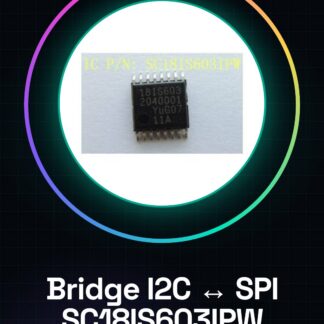
Tutorial: How to Use SC18IS603IPW I2C to SPI Bridge
The SC18IS603IPW component is a bridge that allows data conversion between the I2C and SPI interfaces, useful for connecting devices with different protocols without having to modify the software. This tutorial is suitable for anyone working on Arduino or Raspberry Pi projects.
What you need
- Arduino Uno
- Jumper Connections
- 3V3 Power Supply
Steps
- Check the required power supply voltage on the component’s datasheet and ensure you provide the correct power supply (usually 3V3).
- Connect the following pins: VCC to 3.3V, GND to ground.
- Connect SDA to A4 and SCL to A5 of the Arduino microcontroller for the I2C side.
- If necessary, connect MOSI, MISO, SCK, and SS according to the specifications of the SPI device you want to connect (check the datasheet).
- Download the Wire.h library or similar if it is not already installed in your Arduino IDE.
- Include the Wire.h library in your Arduino sketch.
- Configure the I2C bus with the appropriate protocol commands (check the datasheet).
- Send data from the I2C side to the bridge and then send the data to the SPI device.
Example code
// Esempio di codice per inviare un byte da I2C a SPI
#include <Wire.h>
void setup() {
  Wire.begin();
}
void loop() {
  Wire.write(0x55);
}
Mini project
Create a simple interface that reads data from the LM75 temperature sensor via I2C and sends it to an SPI connected OLED display.
Common mistakes
- Do not verify the correct supply voltage.
- Incorrect pin connection for SDA/SCL/MOSI/etc.
- Ignore the I2C bus configuration in the Arduino code.
- Synchronization issues between the two protocols not handled correctly.
Recommended accessories
- LM75 Sensor
- OLED Display 128×64 SPI
- Jumper Connections
- 3V3 Power Supply
Frequently asked questions
What is the difference between I2C and SPI?
I2C uses two lines (SDA/SCL) while SPI uses four lines (MOSI, MISO, SCK, SS).
Can I use this bridge with Raspberry Pi?
Yes, but make sure to follow the Raspberry Pi specifications for I2C/SPI configuration.
How fast is the data transfer between the two protocols?
The speed depends on the device settings and the SPI/I2C clock, check the datasheet.
Reviews
There are no reviews yet.