 EN
 IT Italiano
 ES Español
 FR Français
 DE Deutsch
Description
What it is
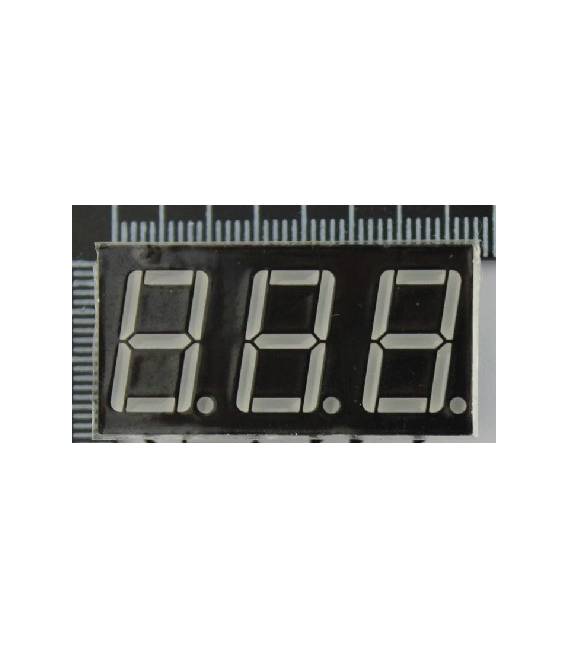
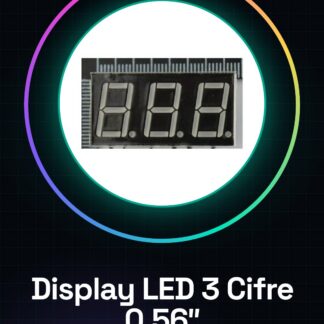
Digital 3-digit LED display with common anode, with a size of 0.56 inches. Ideal for displaying numbers in simple electronic projects.
Features
- 3 digits
- Size: 0.56 inches
- Common anode
What it is for
This display is perfect for Arduino and similar projects that require simple numeric display. You can use it to create timers, tachometers, sensor value displays, and much more.
Tutorial: How to Use a 3-Digit 0.56″ LED Display
The 3-digit 0.56″ LED display is ideal for projects that require precise numeric display. Useful for beginners and intermediate makers.
What you need
- Arduino or compatible microcontroller
- 220 Ohm resistor
- Connector for the display
Steps
- 1. Display installation: position the display on the Arduino board, make sure the common anode (A) is connected to VCC.
- 2. Connect the resistor: connect a 220 Ohm resistor between GND and pin D4 of the display.
- 3. Data connection: connect the D0, D1, D2, D3 pins of the display to the respective D0, D1, D2, D3 pins of the Arduino.
- 4. Load the code: use the provided code to display numbers.
- 5. Test: run the code and verify that the display shows the numbers correctly.
- 6. Customization: modify the code to display other numbers or messages.
- 7. Final installation: mount the display on a prototype board.
- 8. Test: connect the prototype to an appropriate power supply and verify functionality.
Example code
```
#include <LiquidCrystal.h>

LiquidCrystal lcd(4, 0, 1, 2, 3, 5);

void setup() {
  lcd.begin(3, 1);
}

void loop() {
  lcd.clear();
  lcd.print("123");
  delay(1000);
}
```
Mini project
Create a digital timer with this display. Set the time, display the numbers, and give a signal when the time is up.
Common mistakes
- Connect the display to VCC and GND incorrectly.
- Omit the protection resistor.
- Connect the wrong pins.
- Omit the inclusion of the LiquidCrystal library.
Recommended accessories
- 5V power supply
- Molecular connector
- Connector for Arduino
- Electronic pliers
Frequently asked questions
How can I connect the display if I don’t have a LiquidCrystal library?
Check the datasheet and use the appropriate library for your display.
The display does not show the numbers correctly.
Check the connections and the code. Make sure VCC and GND are correct.
Which pins of the display to use?
Follow the datasheet specifications for pins D0, D1, D2, D3.
Reviews
There are no reviews yet.