 EN
 IT Italiano
 ES Español
 FR Français
 DE Deutsch
Description
What it is
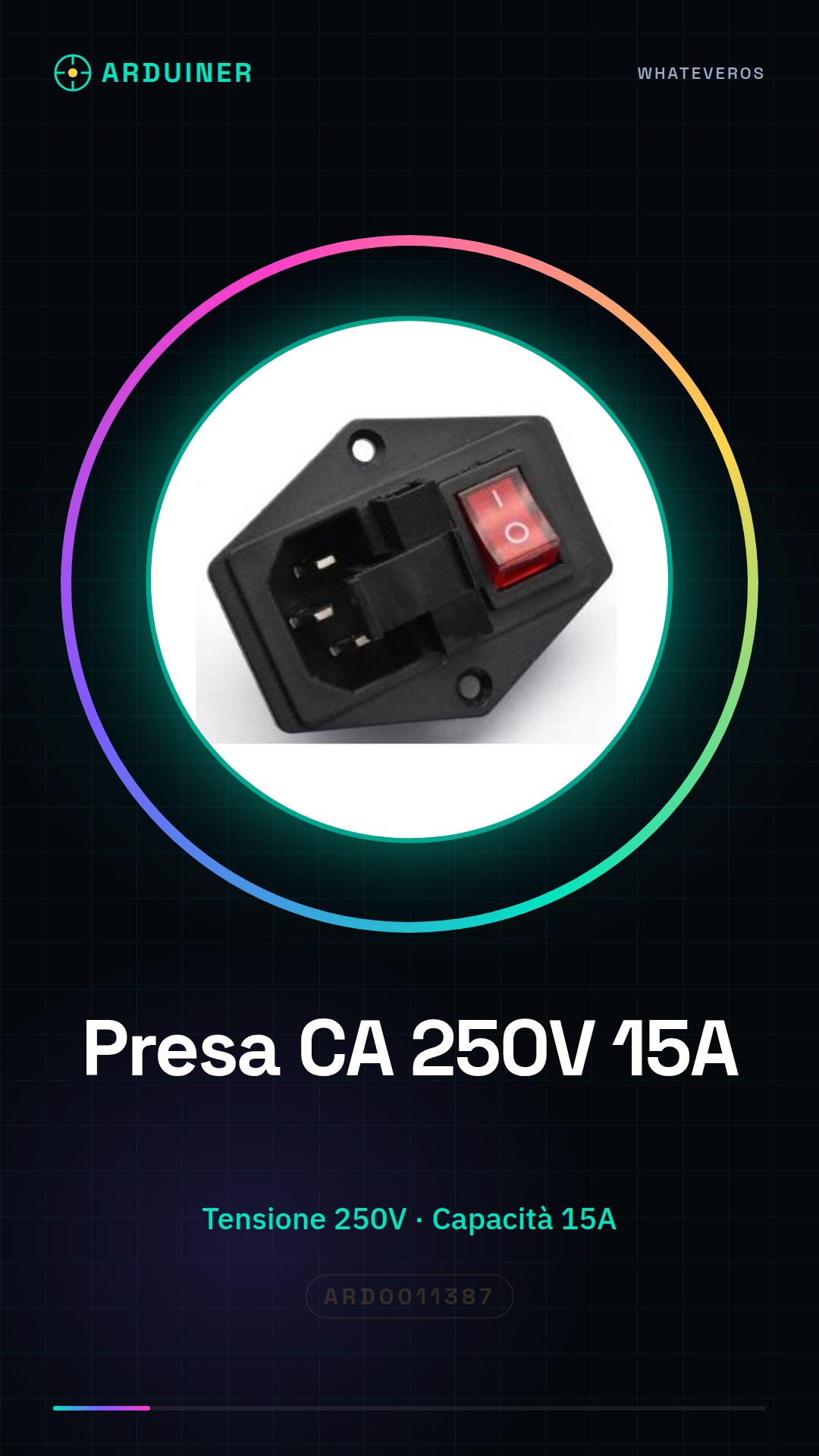
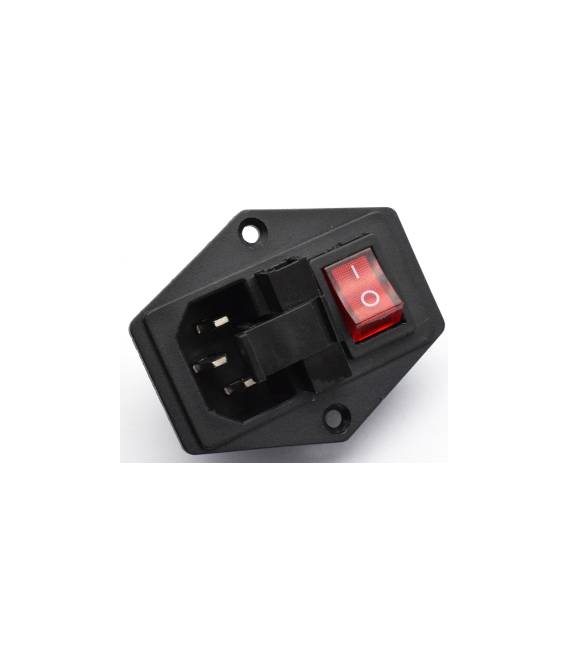
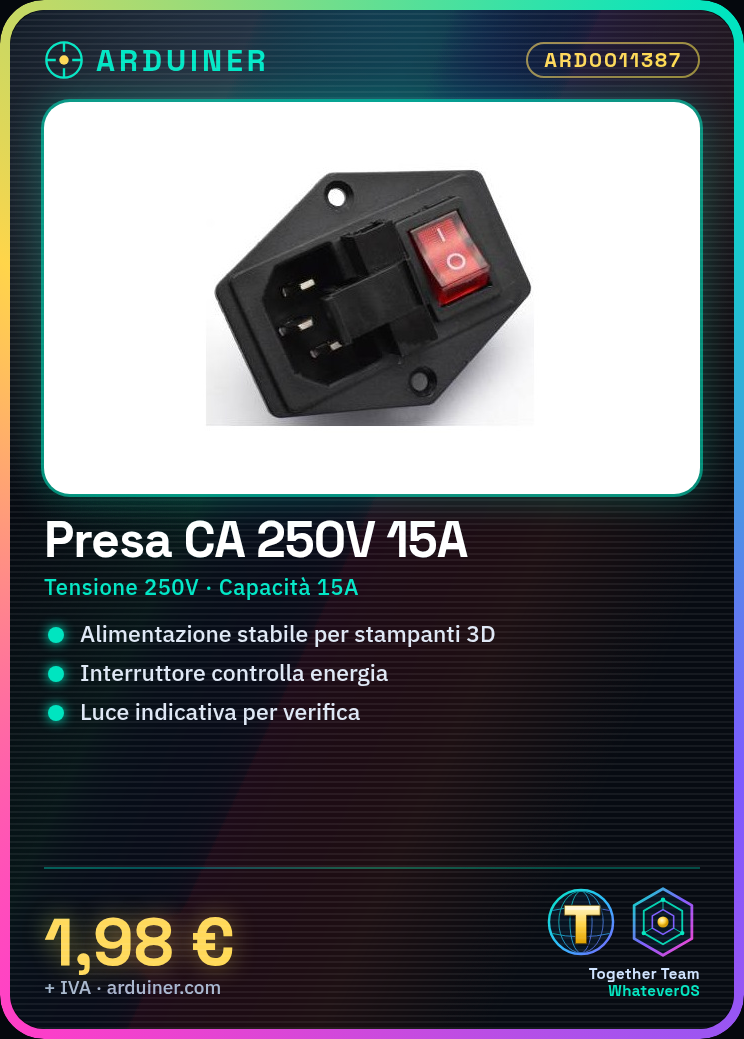
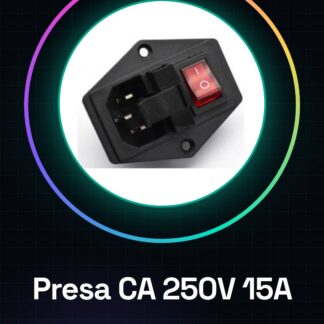
The 250V AC power socket with 15A fuse, switch, and indicator light is an essential component for providing a safe power source for your electronic projects. This device offers additional protection through the integrated fuse and allows direct control of the power supply via a switch.
Features
- 250V AC power socket
- Maximum capacity: 15A
- Included fuse (check datasheet)
- Built-in switch
- Indicator light (check datasheet)
What it is for
This component is ideal for powering electronic devices such as 3D printers, drones, or any other device that requires a stable power source. It can be used in domestic or industrial environments where safety and effectiveness are crucial.
Tutorial: How to use the 250V AC power socket with 15A fuse / light / switch
This power plug is ideal for powering electronic devices in domestic or industrial environments. Perfect for anyone who needs a sturdy power source with additional protections.
What you need
- 250 V AC 15 A power plug with fuse / light / switch
- Compact fuse
- Device to be powered
Steps
- 1. Check that the plug is compatible with the electrical voltage of your country (250 V).
- 2. Check the datasheet to see if the device to be powered requires a fuse.
- 3. Mount the fuse in the plug in the ‘inserted’ position.
- 4. Connect to the plug using an appropriate cable (check the datasheet).
- 5. Turn on the switch to verify that the light is enabled.
- 6. Connect the device to be powered to the plug.
- 7. Verify that the device is functioning correctly.
- 8. If necessary, adjust the fuse according to the device specifications.
Mini project
Create a simple control station for a lighting device. Connect the plug to the light and ensure it works correctly.
Common mistakes
- Do not use a fuse of a different size than those specified.
- Do not connect the device directly to the plug without a fuse.
- Do not use an incompatible cable.
- Do not exceed the maximum allowed current (15 A)
Recommended accessories
- Cable suitable for the plug
- Compatible fuses
- Control device (e.g., switch)
- LED light for testing
Frequently asked questions
Can the plug be used for electronic devices?
Yes, but make sure the device requires a maximum current below 15 A.
How can I adjust the fuse?
Check the datasheet to see if the fuse is adjustable. Otherwise, replace the fuse with one of the appropriate size.
Can I use the plug for industrial devices?
Check the datasheet to see if the connector is suitable for industrial use. Otherwise, use it only in a domestic environment.



Reviews
There are no reviews yet.