 EN
 IT Italiano
 ES Español
 FR Français
 DE Deutsch
Description
We have datasheets available for all components; if not present in the product download card, send us a message through the contact us module and we will publish it as soon as possible on the website.
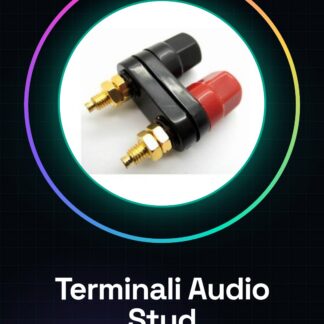
Tutorial: How to Use Amplifier Stud Audio Terminals
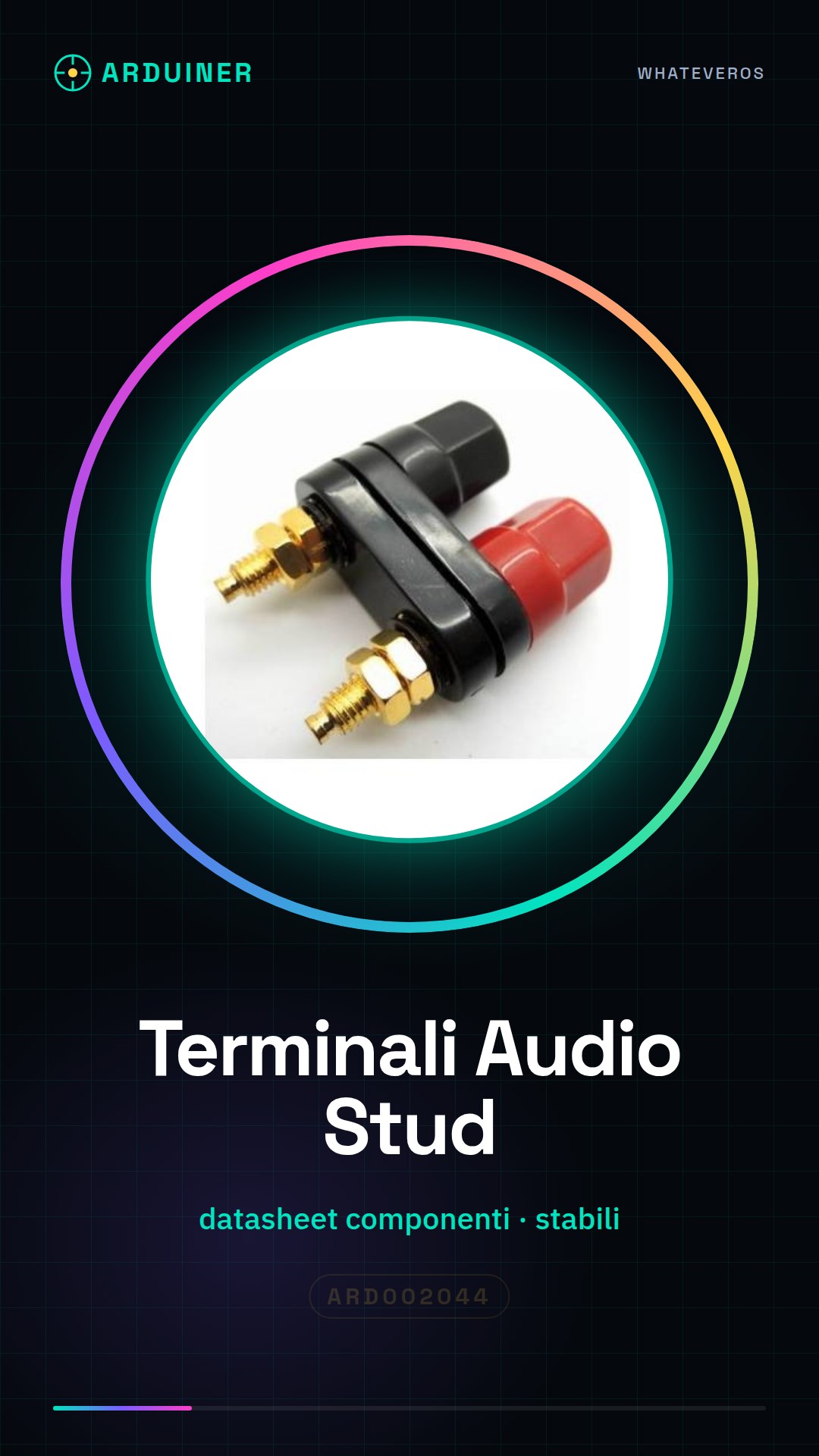
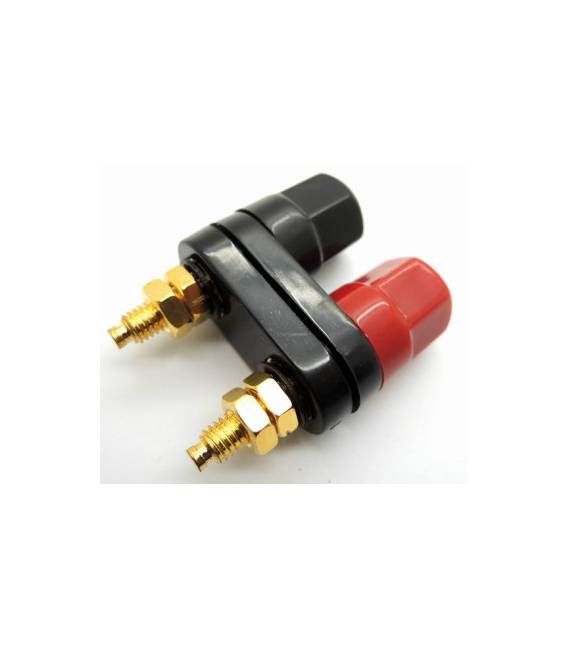
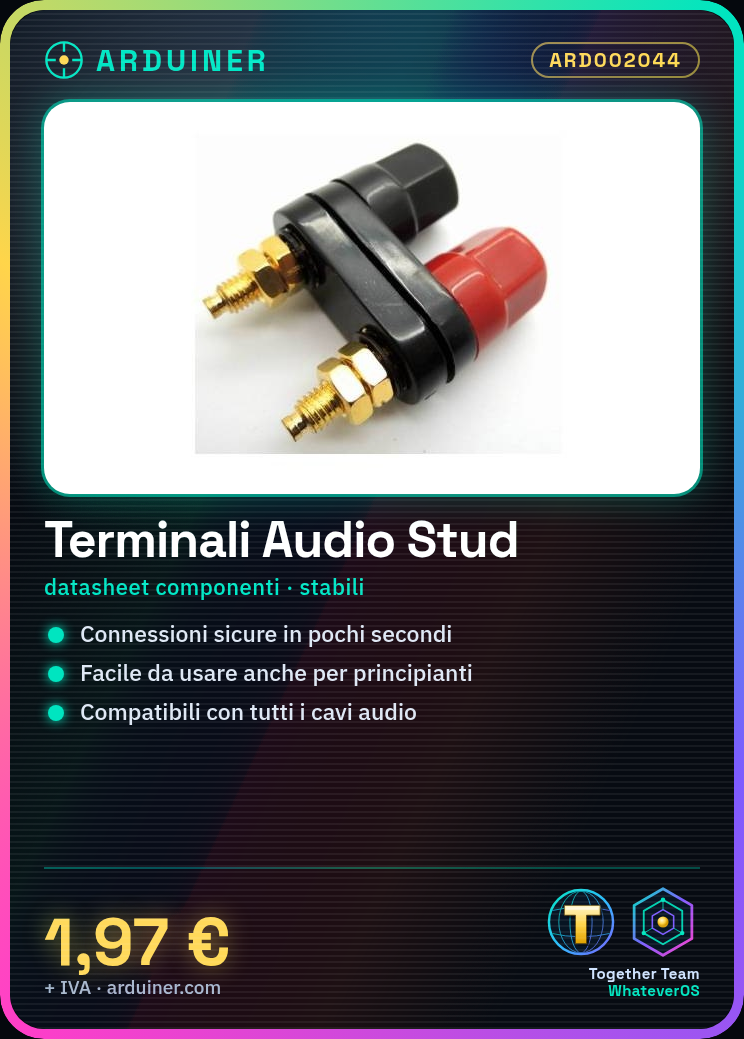
The professional audio terminals Amplifier Stud are ideal for easily connecting audio cables in your electronic creations. Suitable for both beginners and more experienced makers, these terminals allow you to make secure and stable connections in just seconds.
What you need
- audio cable
- scissors
- stripping tool
Steps
- Choose an audio cable compatible with the terminals.
- Cut the cable if necessary, ensuring that the internal connections remain intact.
- Use the stripping tool to separate the internal wires of the cable so that they can be connected to the terminals.
- Insert the audio signal wires (shield and conductor) into the corresponding terminals, ensuring a solid connection.
- Gently press on the sides of the cable plug to lock it into the terminals.
- Verify the connection with an audio testing tool or a device that supports audio input.
Mini project
Create a simple amplification system by connecting these terminals to a small amplifier and a speaker. Test the entire setup with an audio source to check the sound quality.
Common mistakes
- Do not fully lock the cables into the terminals.
- Do not cut the cable too short or too long before insertion.
- Do not reverse the orientation of the wires, causing an inverted audio signal.
- Do not omit checking the connection with a testing tool.
Recommended accessories
- Multistrand audio cables
- Universal cable cutter
- Electronic cable cutter
- Audio testing kit
Frequently asked questions
Are these terminals compatible with all types of audio cable?
Yes, but make sure the cable diameter is appropriate for the terminal slots.
How can I clean these terminals if they become clogged?
Use a brush with bristles to remove any impurities or rust.
Reviews
There are no reviews yet.