 EN
 IT Italiano
 ES Español
 FR Français
 DE Deutsch
Description
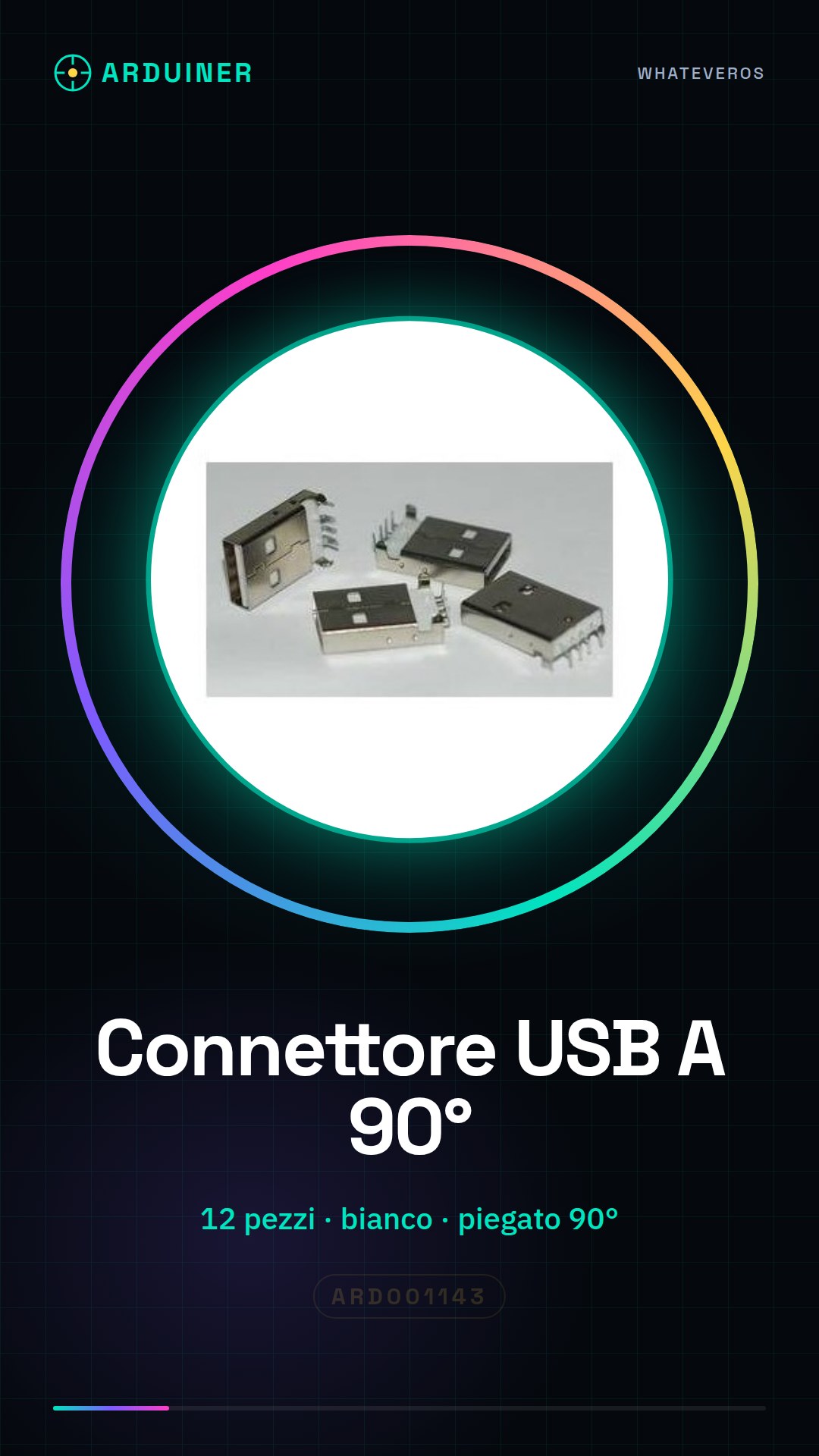
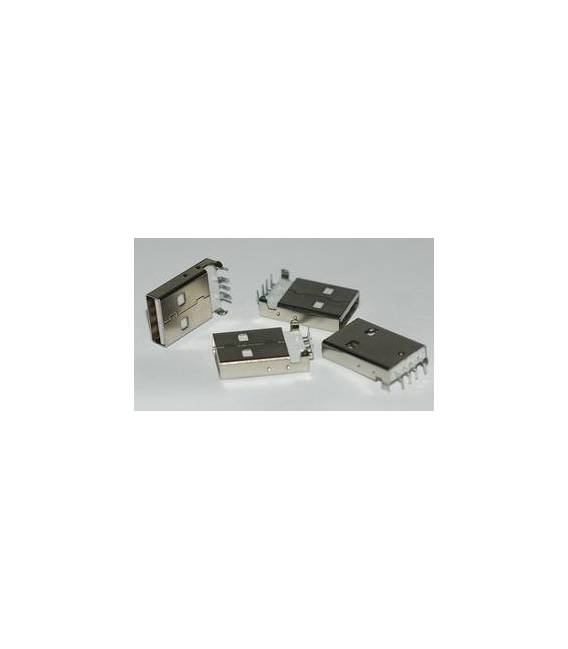
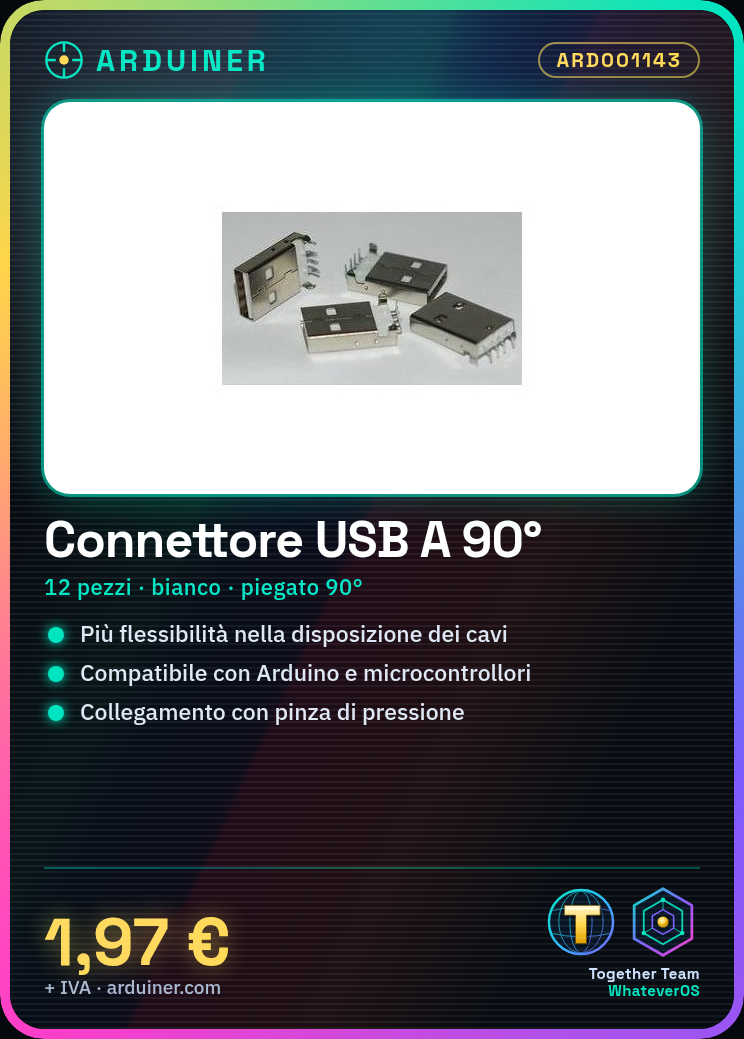
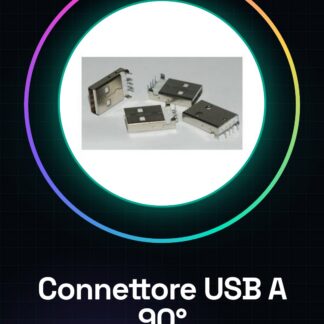
12 Piece White Right-Angle USB A Male Socket Connectors
Tutorial: How to Use White Right-Angle USB A Male Socket Connectors
This right-angle USB A male socket connector is ideal for electronic projects that require greater flexibility in cable placement. It is particularly useful for makers working with Arduino or other microcontrollers.
What you need
- Arduino
- USB A-Micro B cable
- crimping pliers
Steps
- Check the compatibility of the connector with your electronic project.
- Use crimping pliers to connect the wires to the connector, following the color specifications (check the datasheet).
- Connect the USB cable to the Arduino or microcontroller using this right-angle connector.
- Check the stability of the connector and its structural integrity.
Mini project
Create a mobile device charging system with Arduino that uses a 90° bent USB A connector for greater flexibility.
Common mistakes
- Do not verify the connector compatibility before installation.
- Incorrectly connecting the wires, causing damage to the device or the microcontroller.
- Do not use an appropriate crimping tool to ensure a secure connection.
Recommended accessories
- USB A-Micro B cable
- Universal crimping tool
- Arduino Uno R3
Frequently asked questions
What are the advantages of using this 90° bent connector?
It allows greater flexibility in cable placement, improving accessibility and maintenance of the project.
How can I verify that the wires are connected correctly?
Check the datasheet to ensure you are using the correct color for each pin (check the datasheet).
Reviews
There are no reviews yet.