 EN
 IT Italiano
 ES Español
 FR Français
 DE Deutsch

Description
What it is
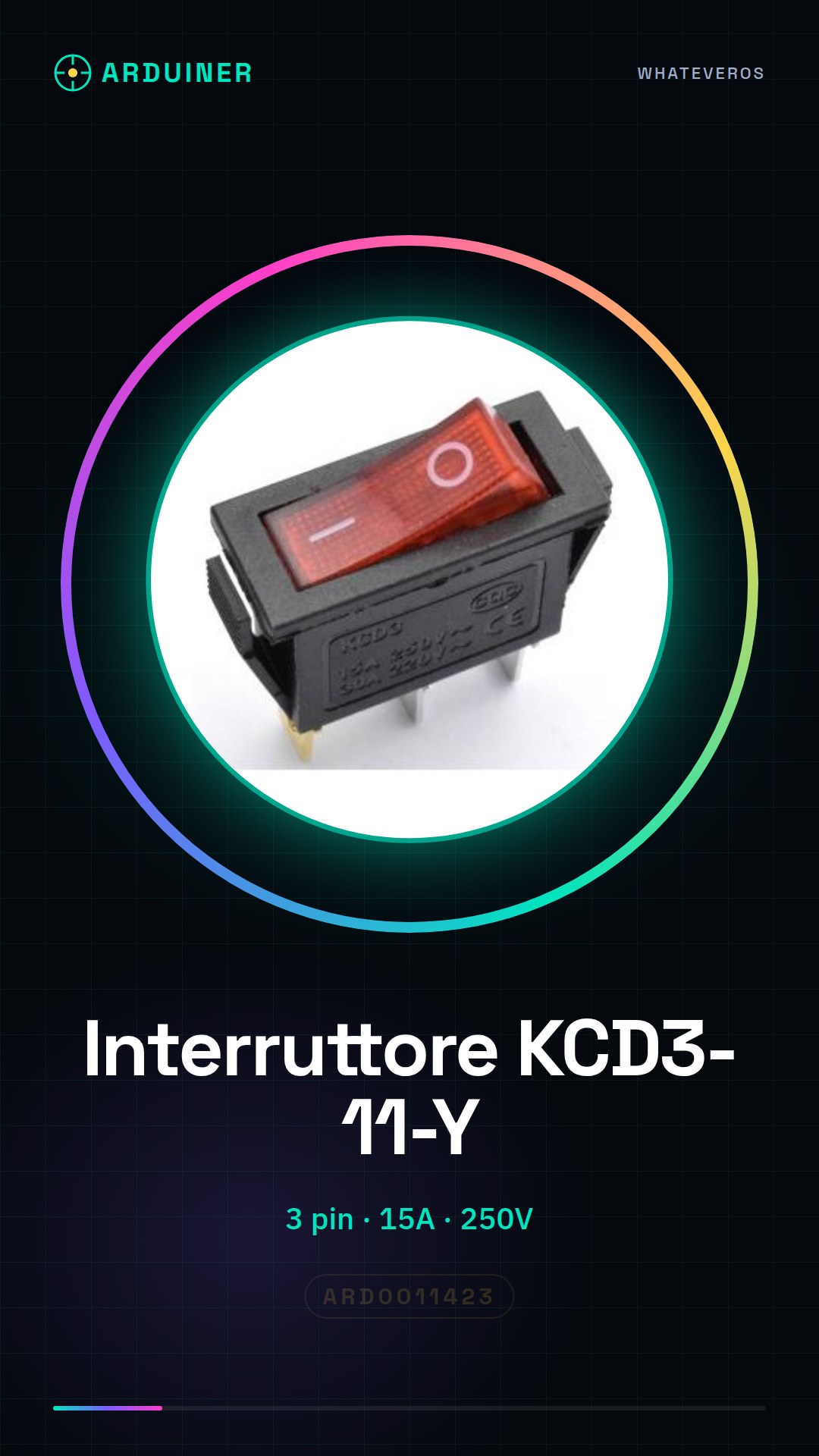
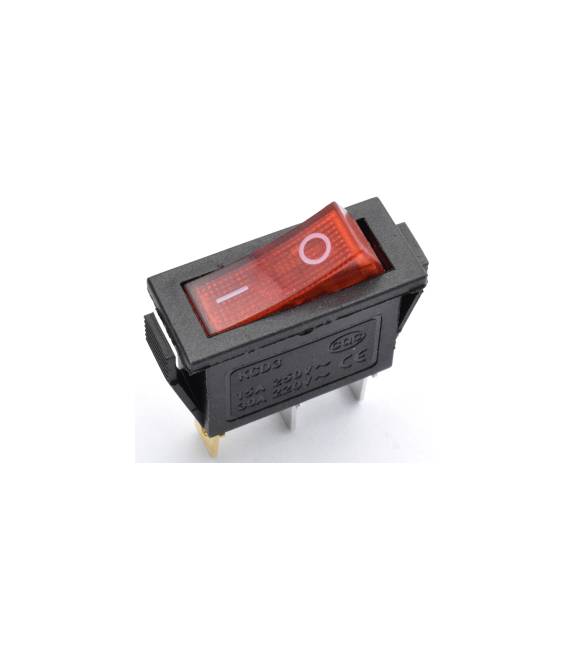
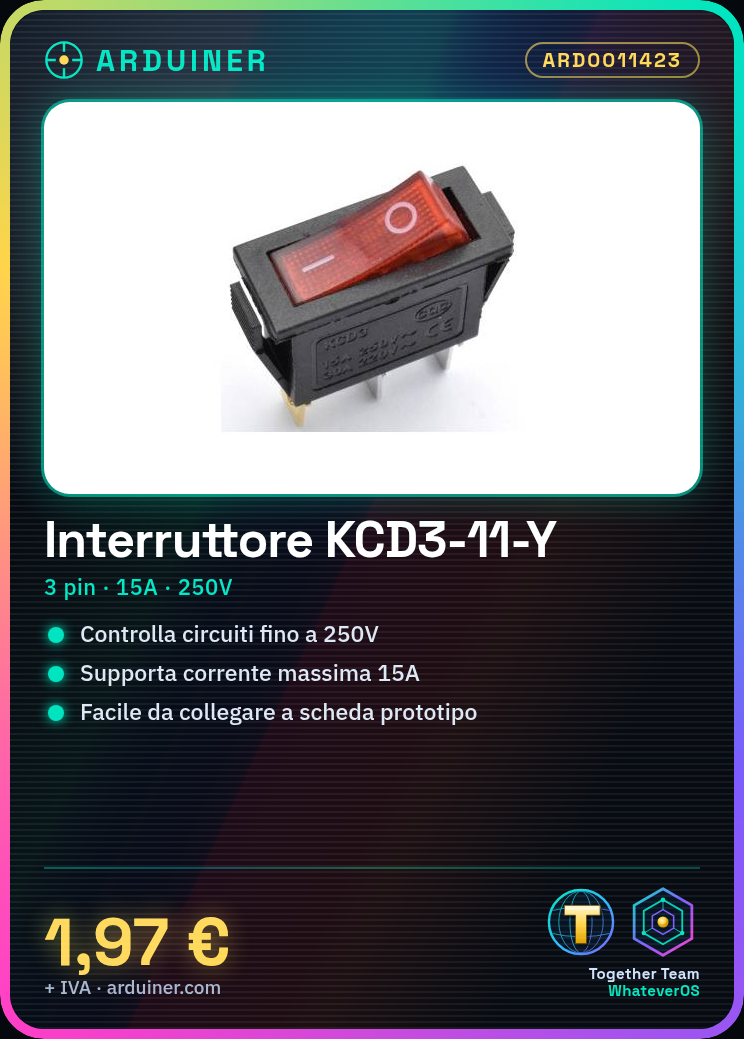
The KCD3-11-Y is a red round switch with 3 pins. It is an I/O switch, ideal for electronic projects that require the control of electrical devices.
Features
- Type: Round Switch
- Color: Red
- Number of Pins: 3
- Maximum Current: 15A
- Maximum Voltage: 250V
- Model: KCD3-11-Y
What it is for
The KCD3-11-Y switch is ideal for controlling electrical circuits with up to 250V voltage and 15A current. It can be used in Arduino projects, 3D printing, and other electronic projects to turn devices on or off. Example use: create a home alarm system with an LED that turns on when the switch is pressed.
Tutorial: How to Use Red Round Switch KCD3
This red round switch KCD3-11-Y is perfect for anyone who wants to control an electrical circuit from 15A to 250V with ease. Ideal for Arduino projects, 3D printing, and basic electronics.
What you need
- Arduino
- connection wire
- multimeter
- prototype board
Steps
- Check your circuit’s compatibility with the KCD3-11-Y switch
- Connect the switch to a prototype board
- Use a multimeter to check the circuit continuity
- Connect the switch to an Arduino circuit to test its functionality
- Verify the maximum resistance and voltage allowed from the datasheet
- Test the switch in a real circuit
- Check the circuit stability during the switch usage
- Fix any connection issues
Example code
/* Sketch semplice per testare l'interruttore KCD3-11-Y */
int led = 13;
int interruptor = 2;

void setup() {
  pinMode(led, OUTPUT);
  pinMode(interruptor, INPUT);
}

void loop() {
  if (digitalRead(interruptor) == HIGH) {
    digitalWrite(led, HIGH);
  } else {
    digitalWrite(led, LOW);
  }
}
Mini project
Create a home alarm system with the KCD3-11-Y switch that turns on an LED when pressed.
Common mistakes
- Do not check the circuit’s compatibility
- Connect the switch without testing it first
- Use a voltage or resistance higher than the device’s limits
- Do not test the circuit after building it
Recommended accessories
- connection wire
- Multimeter
- Prototype board
- Arduino Uno
Frequently asked questions
How can I control the switch?
Use an Arduino to read the state of the switch and act accordingly.
What are the voltage and resistance limits?
Check the datasheet to obtain the precise values.
Can I use this switch to control an electrical device?
Yes, but check first that the voltage and resistance are compatible.



Reviews
There are no reviews yet.