 EN
 IT Italiano
 ES Español
 FR Français
 DE Deutsch
Description
What it is
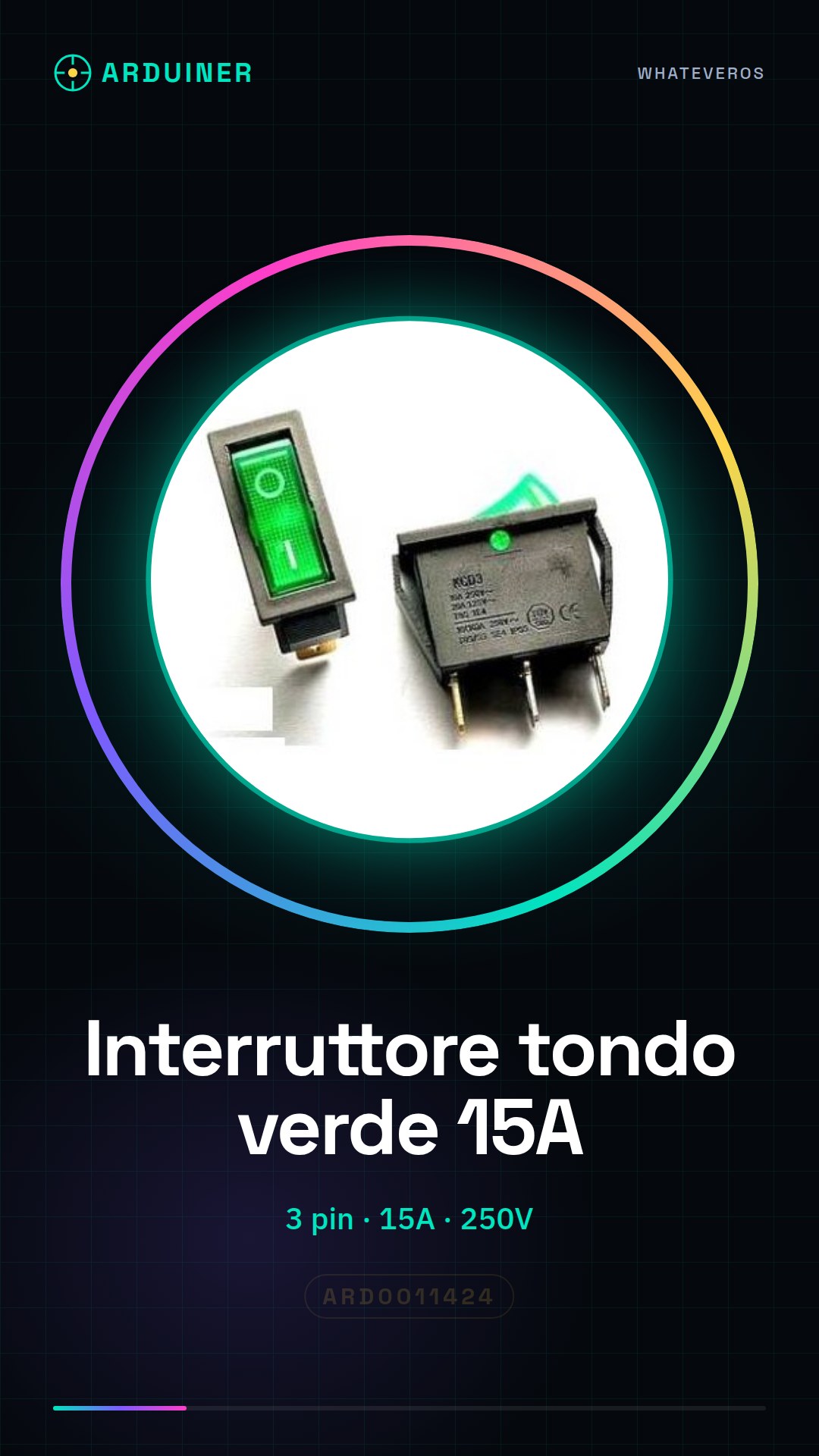
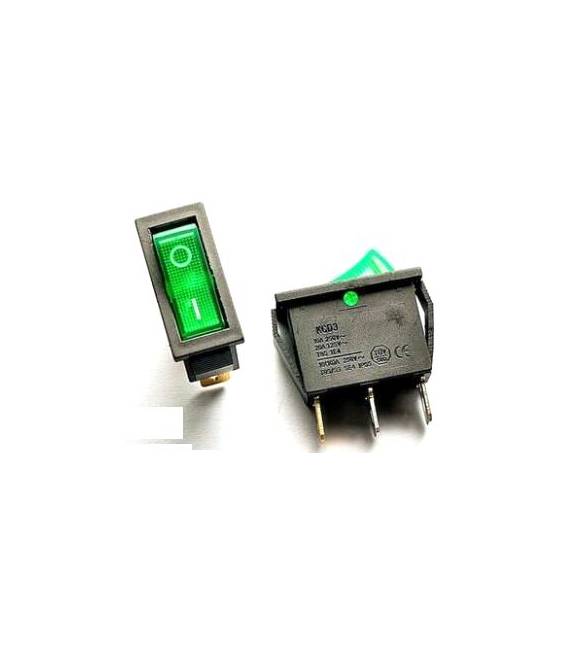
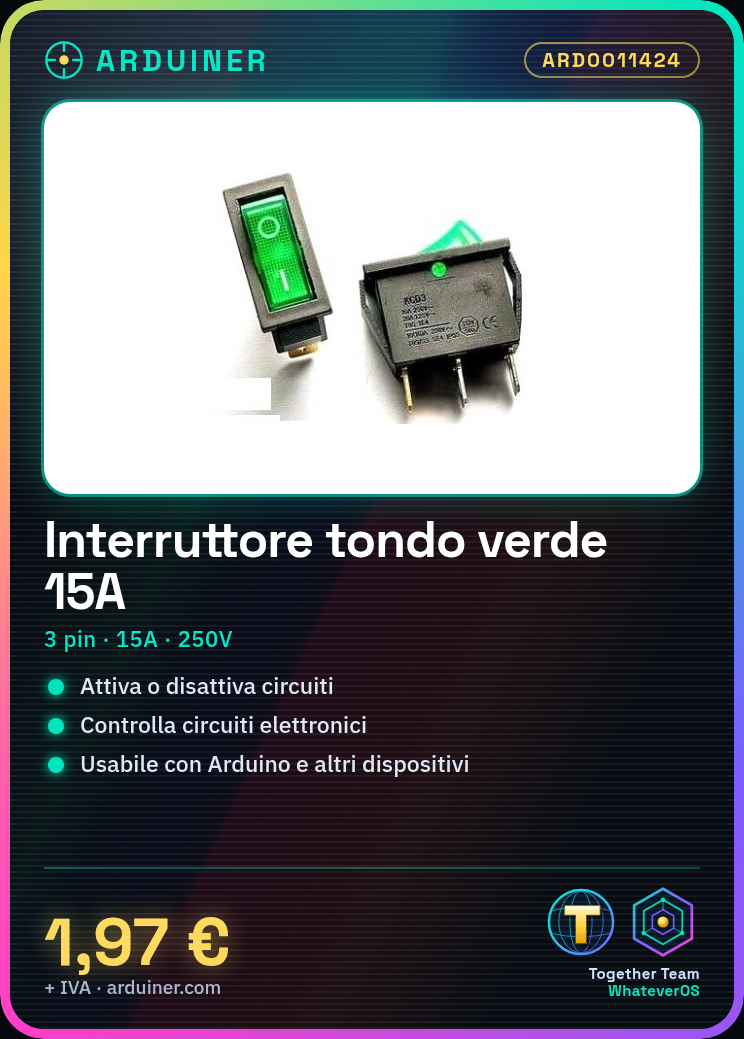
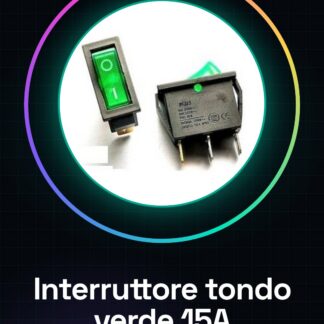
The KCD3-11-Y is a green round switch with 3 pins. It is an electronic component that allows a circuit to be activated or deactivated.
Features
- Type: Round Switch
- Color: Green
- Model: KCD3-11-Y
- Number of Pins: 3
- Maximum Current: 15A
- Maximum Voltage: 250V
What it is for
The KCD3-11-Y switch is ideal for controlling electronic circuits in Arduino projects and other devices. It can be used to activate or deactivate devices, lights, motors, and other electronic components.
Tutorial: How to Use Green Round Switch KCD3
The green round switch KCD3-11-Y is an essential component for anyone creating an electronic project that requires manual control. Ideal for beginners and intermediate makers, this switch is used to activate or deactivate electronic circuits.
What you need
- Arduino Uno
- Test Connection
- Arduino Power Supply
Steps
- Connect the switch to the circuit pins as indicated in the datasheet
- Verify the correct installation of the switch
- Connect the Arduino to the test connection
- Verify the correct power supply to the Arduino
- Write the sketch to read the state of the switch
- Upload the sketch to the Arduino
- Test the functionality of the switch
- Optimize the sketch if necessary
Example code
int buttonState = 0;

void setup() {
  pinMode(2, INPUT);
  Serial.begin(9600);
}

void loop() {
  buttonState = digitalRead(2);
  Serial.println(buttonState);
}
Mini project
Create a home security system in 30 minutes using the green round switch KCD3-11-Y to activate and deactivate the alarm.
Common mistakes
- Connect the switch incorrectly
- Do not verify the correct power supply to the Arduino
- Write an incorrect sketch
- Do not test the functionality of the switch
Recommended accessories
- Arduino Uno
- Test connection
- Motion sensors
- RGB LED
Frequently asked questions
How can I verify the correct installation?
Check that the switch is correctly connected to the circuit board pins and functions as intended.
What are the specifications of the switch?
Check the datasheet for accurate specifications of the switch.



Reviews
There are no reviews yet.