 EN
 IT Italiano
 ES Español
 FR Français
 DE Deutsch
Description
What it is
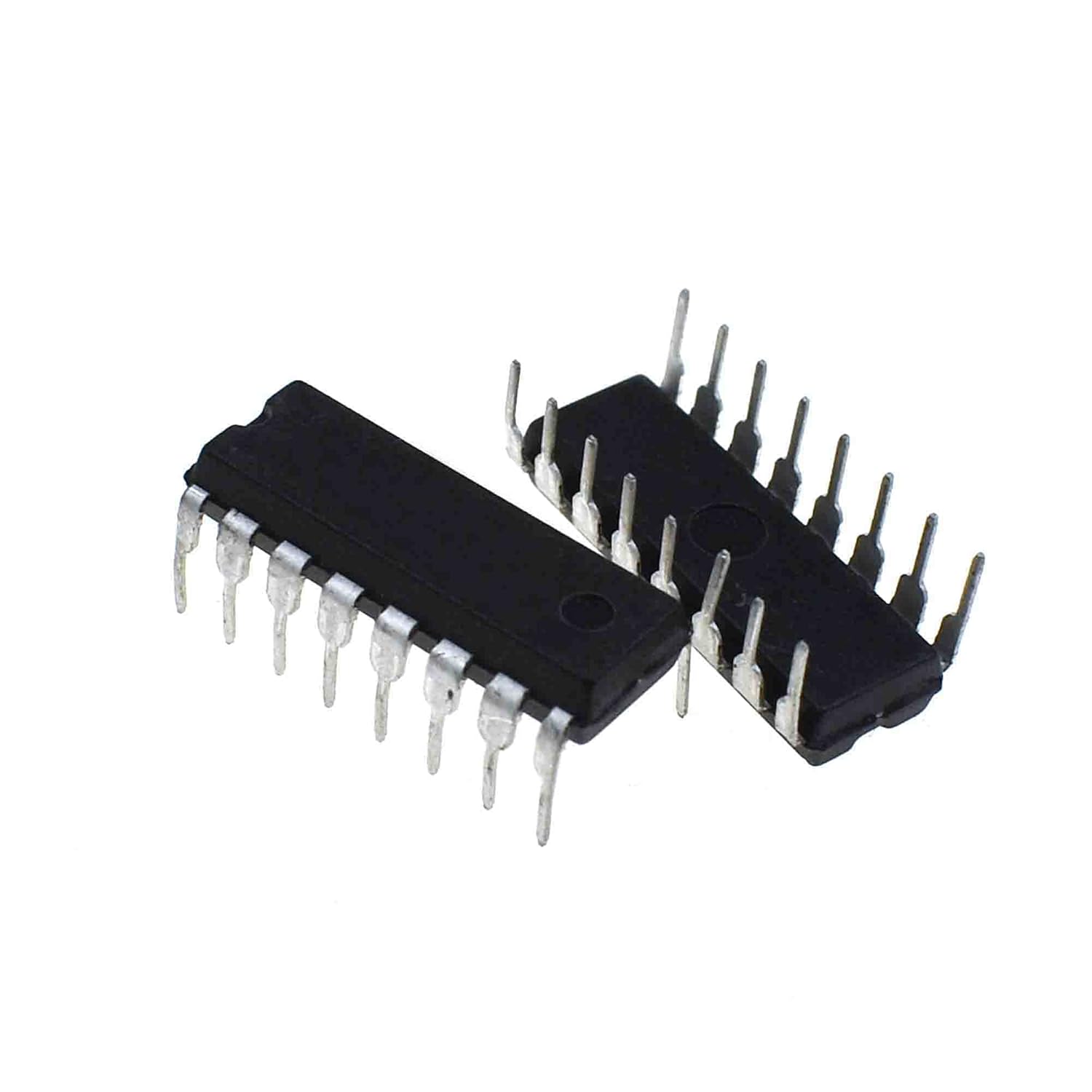
The 2 pieces of 74LS162N integrated circuits are useful for counting up to 16 values in electronic projects and Arduino. These ICs are ideal for control and counting applications.
Features
- 4-bit synchronous decimal counter
- Used to create numerical sequences in various electronic projects
- Ideally suited for beginner and intermediate makers
What it is for
The 74LS162N can be used to create a numeric counter from 0 to 99 and display the count on a 7-segment display. It is compatible with Arduino and other microcontrollers.
Tutorial: How to use the 74LS162N Integrated Circuit
The 74LS162N integrated circuit is a 4-bit synchronous decimal counter that can be used to create numerical sequences in various electronic projects. It is ideal for beginner and intermediate makers who are learning to work with integrated circuits.
What you need
- Arduino Uno or compatible
- Breadboard
- Jumper wires
- Pull-up resistors
Steps
- Connect the 74LS162N integrated circuit to the breadboard
- Connect the control pins of the 74LS162N to digital output pins of the Arduino
- Configure the control pins of the Arduino as output
- Send commands to the 74LS162N to increment or decrement the count
- Read the current count value from the output pins of the 74LS162N
- Check the datasheet to configure the reset and load pins correctly
- Check the datasheet to configure the selection pins correctly for decimal counting
- Check the datasheet to configure the selection pins correctly for binary counting
Example code
void setup() {
  // Imposta i pin di controllo del 74LS162N come output
}

void loop() {
  // Invia comandi al 74LS162N per incrementare o decrementare il conteggio
}
Mini project
Create a numeric counter from 0 to 99 with the 74LS162N and display the count on a 7-segment display.
Common mistakes
- Configure the control pins as input instead of output
- Do not configure the reset and load pins correctly
- Do not configure the selection pins correctly for counting
- Do not check the datasheet for the specific control pins of the 74LS162N
Recommended accessories
- 7-segment display
- Pull-up resistors
- Breadboard
- Arduino Uno or compatible
Frequently asked questions
Which pins of the 74LS162N should I connect to the Arduino?
Check the datasheet for the specific control pins of the 74LS162N.
How can I display the count?
Use a 7-segment display connected to the output pins of the 74LS162N.
Can it be used in projects without Arduino?
Yes, the 74LS162N can be used in purely electronic projects.

Reviews
There are no reviews yet.