 EN
 IT Italiano
 ES Español
 FR Français
 DE Deutsch
Description
What it is
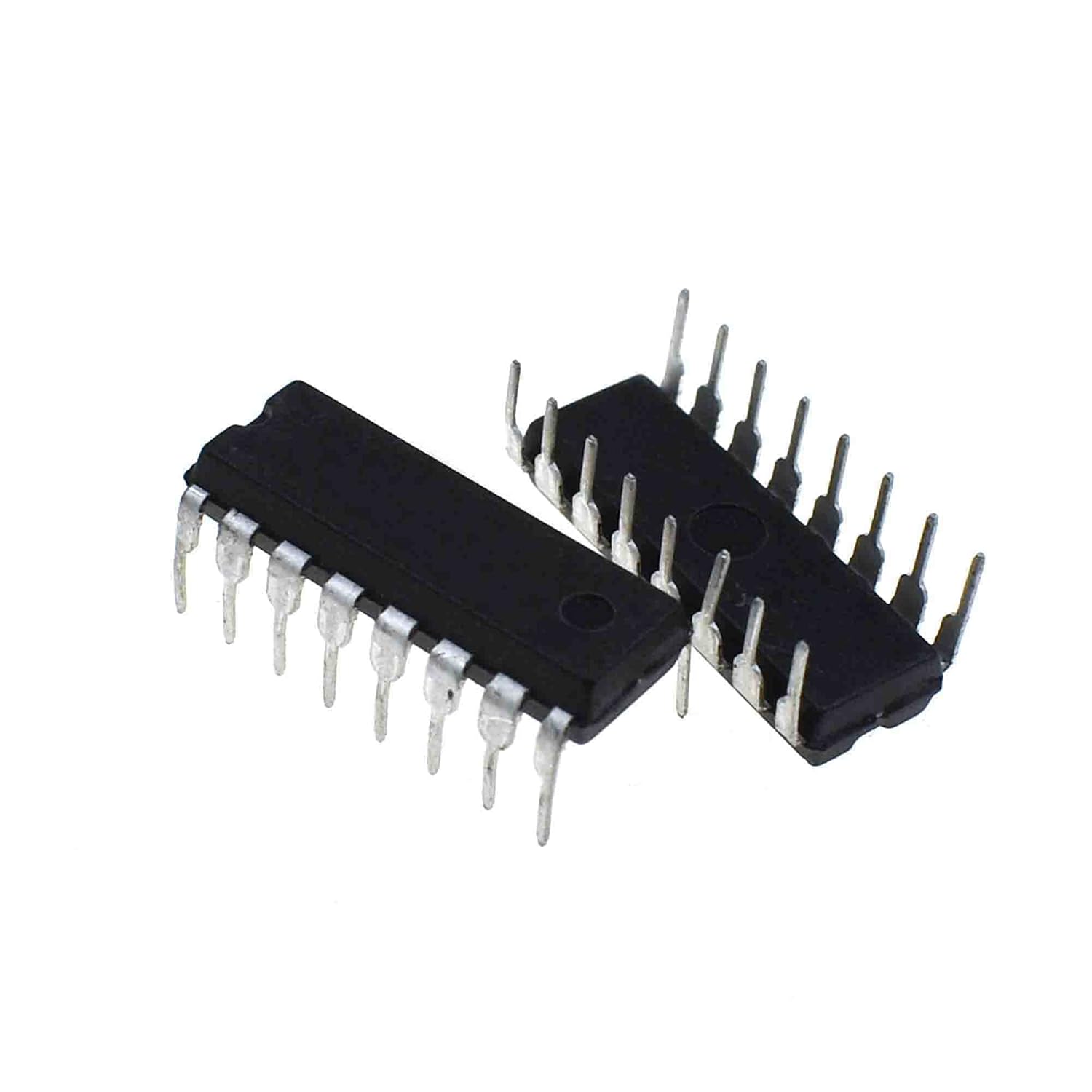
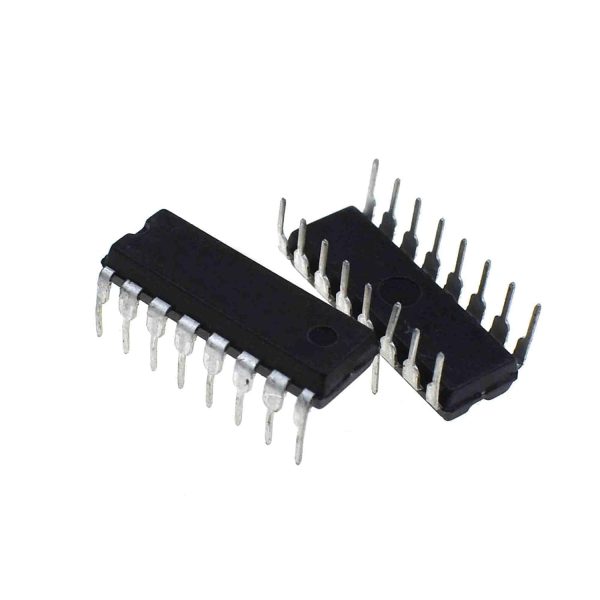
The SN 74LS147 is an integrated circuit that functions as a binary-to-BCD (Binary Coded Decimal) signal converter. This component is designed to convert decimal numbers from 0 to 9 into binary code, making it useful for counting and numerical display applications.
Features
- Converts binary signals to BCD code
- Compatible with Arduino and other microcontrollers
- Used for the realization of digital counters
What it is for
The SN 74LS147 is ideal for makers developing counter or numeric display projects. It can be used to create a simple digital counter that displays the count from 0 to 999999 on a seven-segment display. It is compatible with Arduino and other microcontrollers for managing binary signals.
Tutorial: How to use SN 74LS147 – Binary to Decimal Encoding
The SN 74LS147 is an integrated circuit that converts binary signals into BCD (Binary Coded Decimal) code. It is ideal for makers developing counter or numeric display projects.
What you need
- Arduino Uno
- Seven-segment display
- Connection wires
Steps
- Connect the SN 74LS147 to the Arduino microcontroller
- Connect the seven-segment display to the SN 74LS147
- Write the Arduino sketch to manage binary input and BCD output
- Verify the correct functioning of the circuit
Example code
void setup() {
  pinMode(2, INPUT);
  pinMode(3, INPUT);
  pinMode(4, INPUT);
  pinMode(5, INPUT);
  pinMode(6, INPUT);
  pinMode(7, INPUT);
  pinMode(8, INPUT);
}

void loop() {
  int input = digitalRead(2) << 7 | digitalRead(3) << 6 | digitalRead(4) << 5 | digitalRead(5) << 4 | digitalRead(6) << 3 | digitalRead(7) << 2 | digitalRead(8);
  Serial.println(input, BIN);
}
Mini project
Create a simple digital counter that displays the count from 0 to 999999 on a seven-segment display.
Common mistakes
- Connect the input pins to the integrated circuit incorrectly
- Do not verify the correct power supply of the integrated circuit
- Use a seven-segment display incompatible with the SN 74LS147
- Do not configure the input pins correctly in the Arduino code
Recommended accessories
- Seven-segment display
- Connector kit
- Prototype kit
- Arduino Uno
Frequently asked questions
Which pins of the SN 74LS147 are inputs?
The inputs are pins 2, 3, 4, 5, 6, 7, 8. Check the datasheet for the correct configuration.
How do I connect the seven-segment display?
Connect the output pins of the SN 74LS147 to the pins of the seven-segment display. Check the datasheet for the correct configuration.
Reviews
There are no reviews yet.