 EN
 IT Italiano
 ES Español
 FR Français
 DE Deutsch

Description
What it is
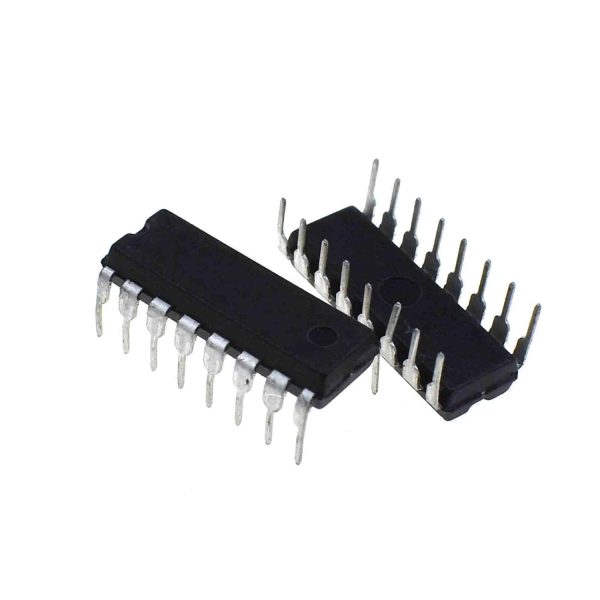
The 74LS190N are bidirectional synchronous decade counters, used for counting and synchronizing signals in electronic projects. These components are ideal for implementing counters and numerical sequences in Arduino or other microcontrollers.
Features
- Bidirectional synchronous decade counter
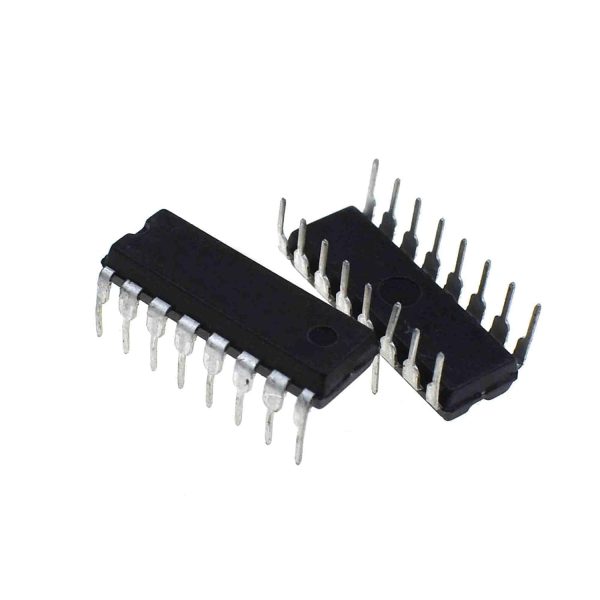
- 2 pieces included
- SKU: ARD0014458
- Price: 2.38 €
- Ideally used for low-level electronic projects
What it is for
The 74LS190N are useful for creating 1000-count counters, synchronizing signals with a 7-segment display. They are compatible with Arduino and other microcontrollers for electronic projects.
Tutorial: How to use the 2 Pieces 74LS190N DECADE COUNTER
The 74LS190N are decade counters useful for counting and synchronizing signals. Ideal for low-level electronic projects.
What you need
- 2 pieces 74LS190N DECADE COUNTER
- Arduino UNO or compatible
- Resistors (10kΩ)
- Connection wires
Steps
- 1. Assembly: Assemble the components on a protoboard.
- 2. Connect the GND of the 74LS190N to the GND of the Arduino.
- 3. Connect the VCC of the 74LS190N to the 5V of the Arduino.
- 4. Connect the input signals (CP, S0, S1) to digital pins on the Arduino.
- 5. Connect the output signal (Q0) to a digital pin on the Arduino.
- 6. Verify the pin configuration in the datasheet.
- 7. Load a sample sketch to test.
- 8. Check the proper functioning of the counter.
Example code
```
int inputPin = 2;
int outputPin = 3;
void setup() {
  pinMode(inputPin, INPUT);
  pinMode(outputPin, OUTPUT);
}
void loop() {
  int value = digitalRead(inputPin);
  digitalWrite(outputPin, value);
}
```
Mini project
Create a counter that counts up to 1000 using the 74LS190N and a 7-segment display.
Common mistakes
- Connect GND and VCC correctly.
- Verify the configuration of input and output pins.
- Ensure that the input signals are correct.
- Check the power supply current.
Recommended accessories
- 7-segment display
- Protoboard
- Pin headers
- Multimeter
Frequently asked questions
How to configure the pins correctly?
Check the datasheet for the correct pin configuration.
Which pins to use for counting?
Use the input signals (CP, S0, S1) for counting.
How to test the counter?
Load the example sketch and check the correct functioning with a multimeter.

Reviews
There are no reviews yet.