 EN
 IT Italiano
 ES Español
 FR Français
 DE Deutsch
Description
What it is
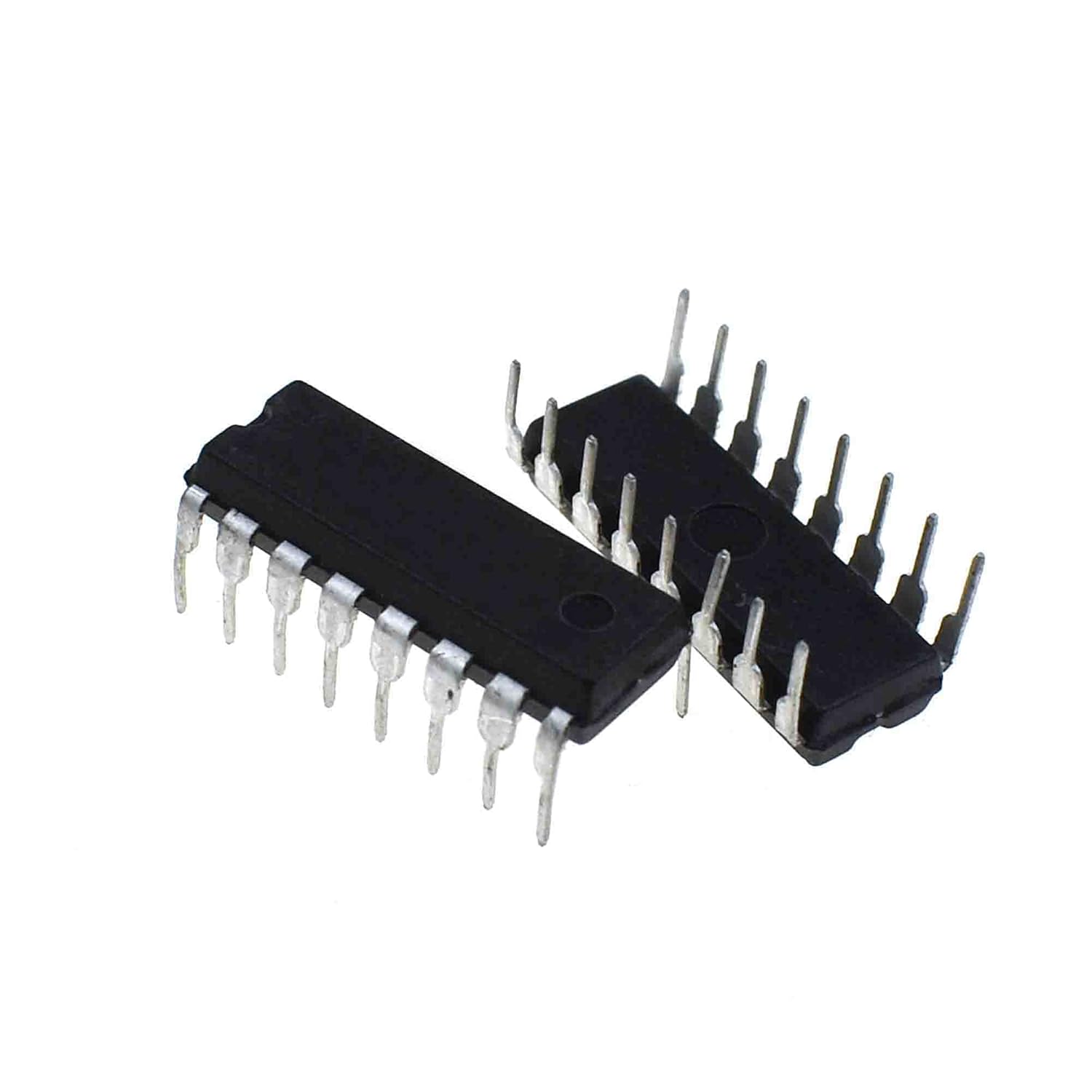
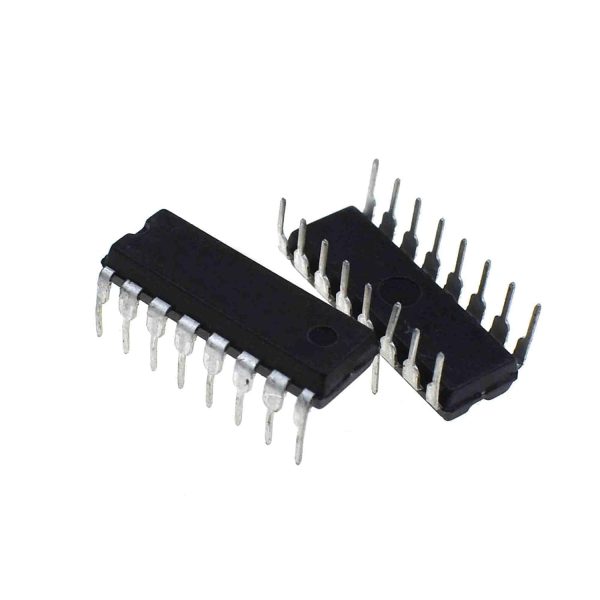
The SN 74LS48 is an integrated circuit used for decoding binary BCD (Binary Coded Decimal) signals into a format that can be displayed on 7-segment displays. This component is essential for digital lighting or counting display projects.
Features
- 2 pieces of SN 74LS48 integrated circuit
- BCD to 7-segment format decoding
- Driver for 7-segment displays
What it is for
Ideal for Arduino and electronics projects, the SN 74LS48 can be used to create a 7-segment display that shows counting from 0 to 9. You can use a button to increment the count. The component is compatible with Arduino and ESP for digital lighting and counting display projects.
Tutorial: How to use SN 74LS48
The SN 74LS48 is an integrated circuit used to decode binary BCD (Binary Coded Decimal) signals into a format that can be displayed on a 7-segment display. It is ideal for digital lighting projects or counting displays.
What you need
- Arduino
- 7-segment display
- 5V power supply
Steps
- Connect the Arduino to the SN 74LS48 according to the interface table.
- Connect the SN 74LS48 to the 7-segment display.
- Write the Arduino sketch to send BCD data.
- Check the datasheet for power supply specifications.
- Upload the sketch to the microcontroller.
- Check the operation of the 7-segment display.
- Check the datasheet for any necessary modifications.
- Repeat the steps with different numbers to test the circuit.
Example code
void setup() {
  pinMode(2, OUTPUT);
  pinMode(3, OUTPUT);
  // Collegare i pin di output a quelli del SN 74LS48
}

void loop() {
  digitalWrite(2, HIGH);
  digitalWrite(3, LOW);
  // Invia il segnale BCD al SN 74LS48
}
Mini project
Create a 7-segment display that shows the count from 0 to 9. Use a button to increment the count.
Common mistakes
- Connect the 7-segment display to the SN 74LS48 backwards.
- Insert an invalid BCD signal.
- Do not verify the supply voltage on the datasheet.
- Do not verify the correct decoding of BCD signals.
Recommended accessories
- Button for Arduino
- Resistors for Arduino
- USB cable for Arduino
- 7-segment display
Frequently asked questions
How can I connect the SN 74LS48 to the 7-segment display?
Connect the pins of the SN 74LS48 to the pins of the 7-segment display as indicated in the datasheet.
Which Arduino pins should I use?
Use the digital pins of the Arduino to send BCD signals to the SN 74LS48.

Reviews
There are no reviews yet.