 EN
 IT Italiano
 ES Español
 FR Français
 DE Deutsch
Description
What it is
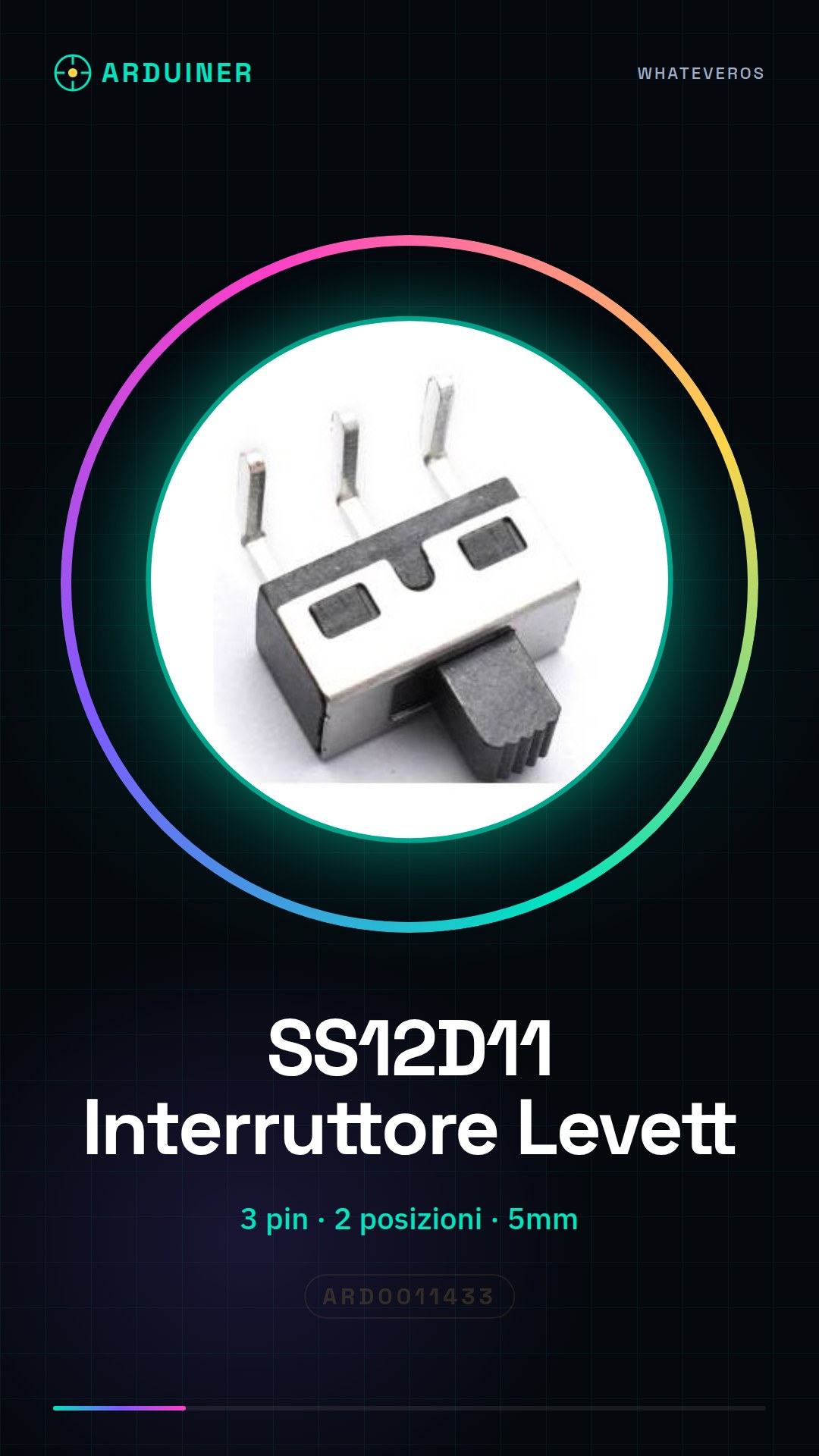
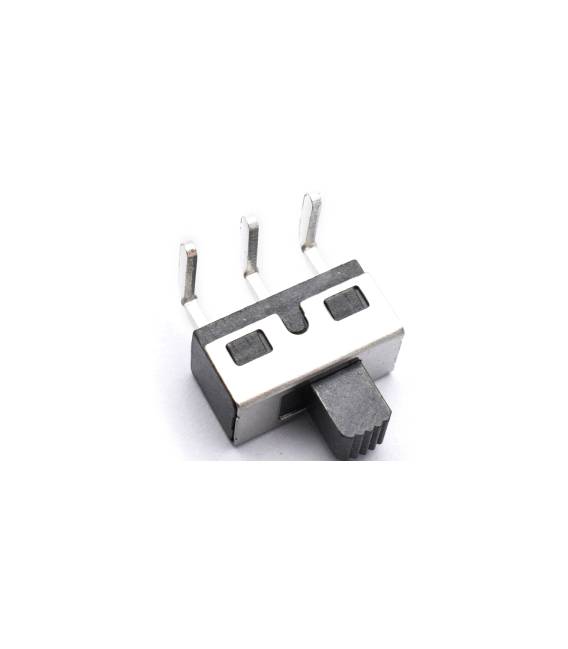
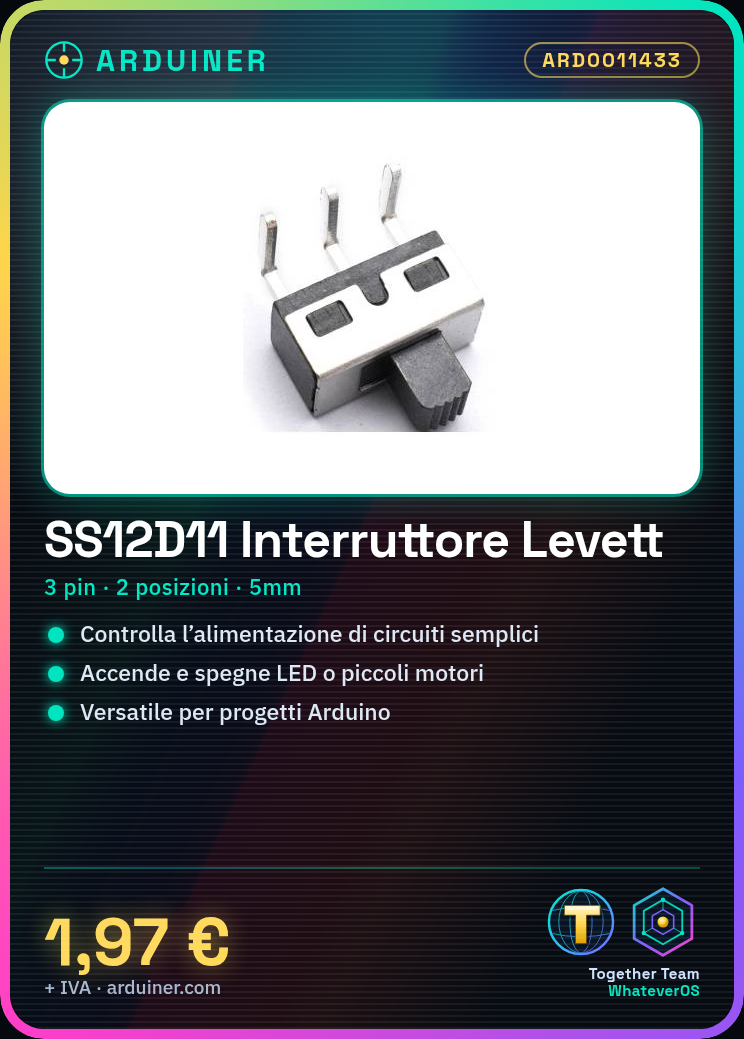
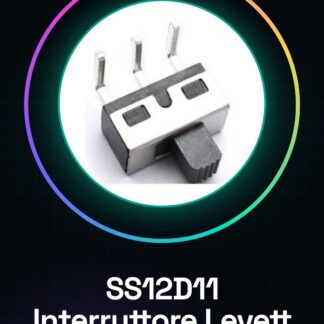
The SS12D11 is a slide switch with 3 pins and 2 positions, designed for simple control of electronic circuits.
Features
- 2 positions
- 3 pins
- Dimensions: 5mm
What it is for
The SS12D11 slide switch is ideal for controlling power in simple circuits, such as turning on and off an LED or a small motor. It is a versatile component for Arduino projects and other basic electronics projects.
Tutorial: How to use SS12D11 Slide Switch
The SS12D11 slide switch is ideal for controlling power in simple circuits. Useful for beginners and basic projects.
What you need
- SS12D11 Slide Switch
- Arduino
- Resistor (10kΩ)
- Connection wire
Steps
- 1. Mount the slide switch on the breadboard or desired circuit.
- 2. Connect pins 1 and 2 of the switch to two points of the circuit.
- 3. Connect pin 3 (common) to GND.
- 4. Connect a resistor between pin 3 and VCC.
- 5. Connect a free digital pin of the Arduino to pin 3 of the switch.
- 6. Load the source code.
- 7. Check the datasheet for further details.
- 8. Test the circuit.
Example code
```void setup() {} void loop() { if (digitalRead(3) == HIGH) { Serial.println("Posizione 1"); } else { Serial.println("Posizione 2"); } } ```Mini project
Build a simple light fixture that turns on and off with a toggle switch.
Common mistakes
- Connect pin 3 only to GND or VCC.
- Forget to connect the resistor between pin 3 and VCC.
- Using digital pins that are not available.
- Omitting the loading of the source code.
Recommended accessories
- Arduino Uno
- Protoboard
- Connection cable
- 10kΩ resistor
Frequently asked questions
Which Arduino pins should I use?
Use a free digital pin.
Can I use another type of resistor?
Check the datasheet for compatible resistors.
Does the circuit work with a power supply other than 5V?
Check the datasheet for compatible power supplies.



Reviews
There are no reviews yet.