 EN
 IT Italiano
 ES Español
 FR Français
 DE Deutsch
Description
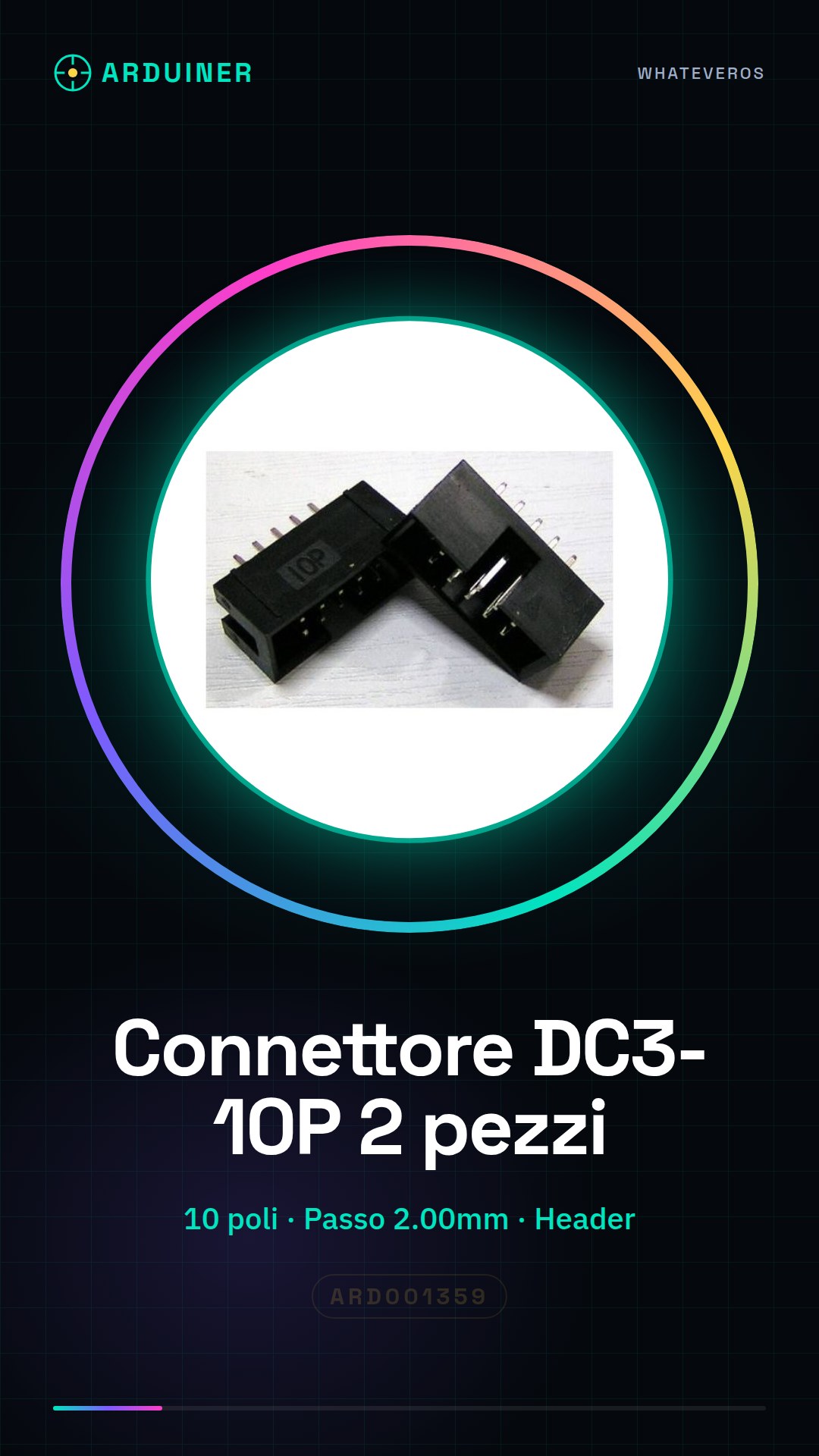
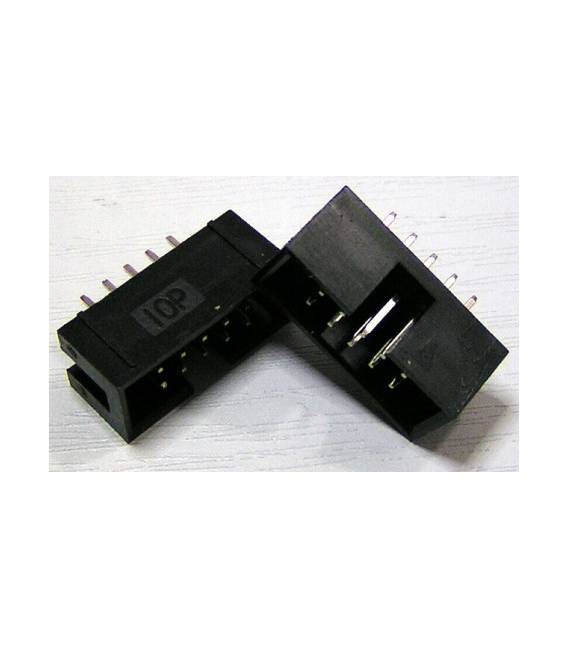
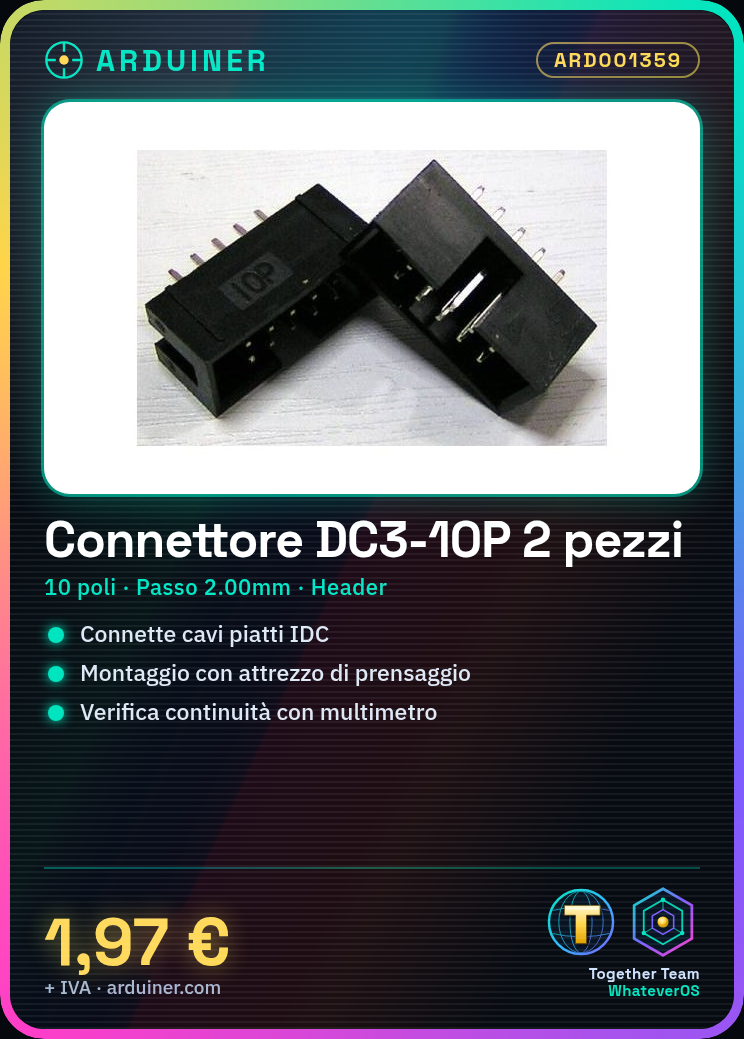
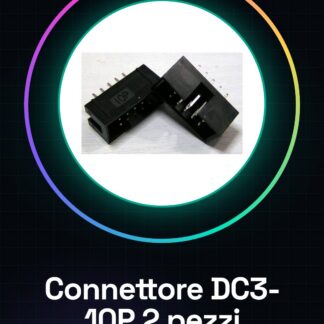
2 Pieces DC3-10P Step 2.00MM 10 Pole Header Socket for IDC Flat Cable
Tutorial: How to Use DC3-10P Step 2.00MM Connector
The DC3-10P connector is an essential component for electronic projects that require the connection of IDC flat cables to boards or other devices. Ideal for beginner and intermediate makers.
What you need
- IDC Flat Cable
- Plier Tool
Steps
- Check the connector specifications on the datasheet to understand the poles and contact arrangement.
- Take the IDC flat cable and correctly position the wires in the slots of the DC3-10P connector, ensuring that each row is in the correct position.
- Use a plier tool to secure the wires to the connector. Press the tool on the cable and connector until you feel a slight resistance indicating a secure hold.
- Check the connection by performing a continuity test with a multimeter to ensure that the contacts are properly connected.
- If necessary, repeat the process for the other side of the connector.
Mini project
Create a simple JTAG interface for programming microcontrollers. Connect the connector to a 10-pin IDC ribbon cable and then to your target device.
Common mistakes
- Do not properly align the wires before crimping
- Use excessive force during crimping, damaging the contacts
- Ignore the continuity test after connection
Recommended accessories
- IDC crimping tool kit
- 10-pin IDC ribbon cable
- Digital multimeter
Frequently asked questions
How can I verify that the contacts are properly connected?
Use a multimeter to test continuity between each pair of pins.
What gauge of wire can this connector handle?
Check the product datasheet to determine the recommended maximum wire diameter.
Reviews
There are no reviews yet.