 EN
 IT Italiano
 ES Español
 FR Français
 DE Deutsch
Description
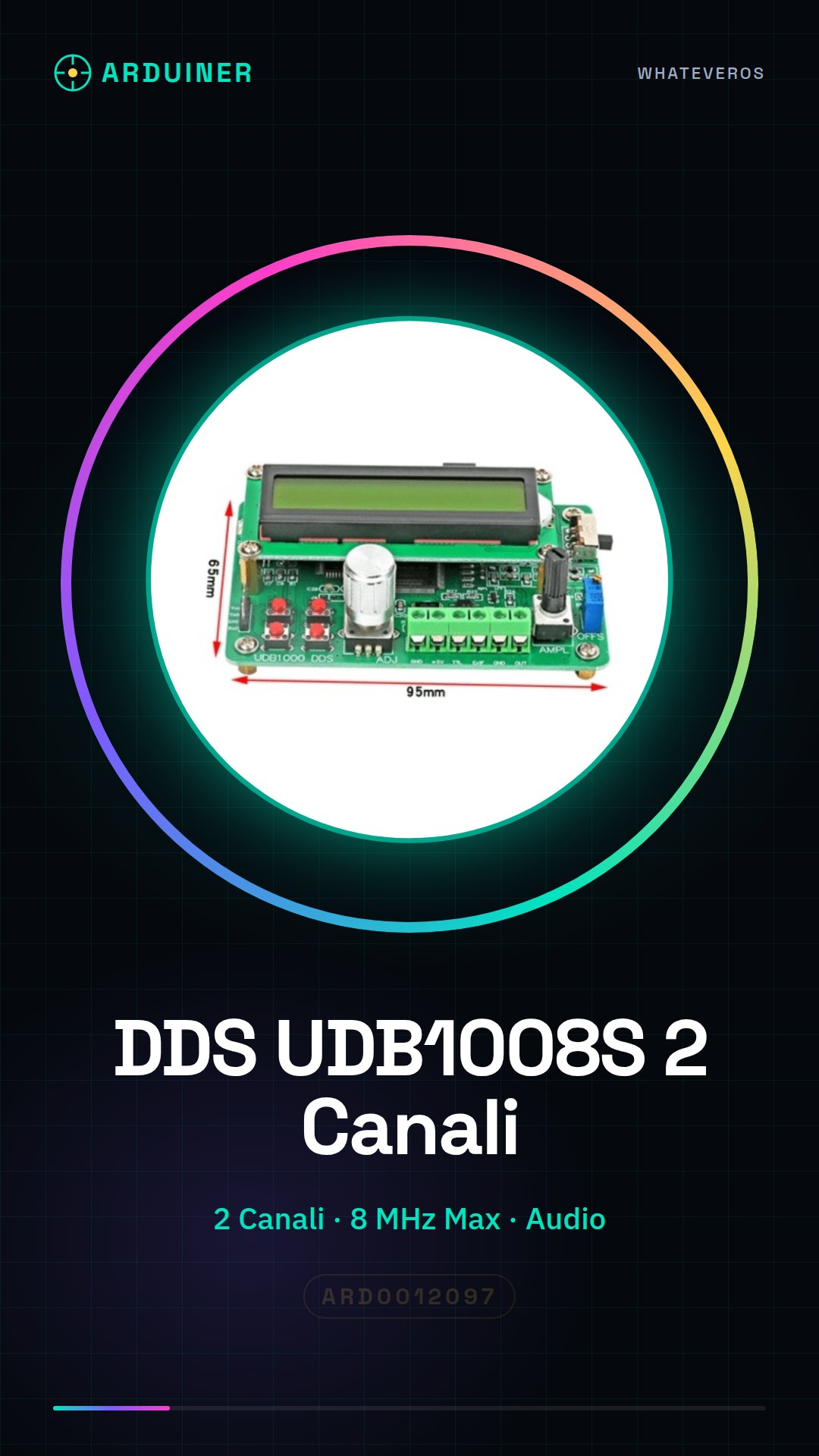
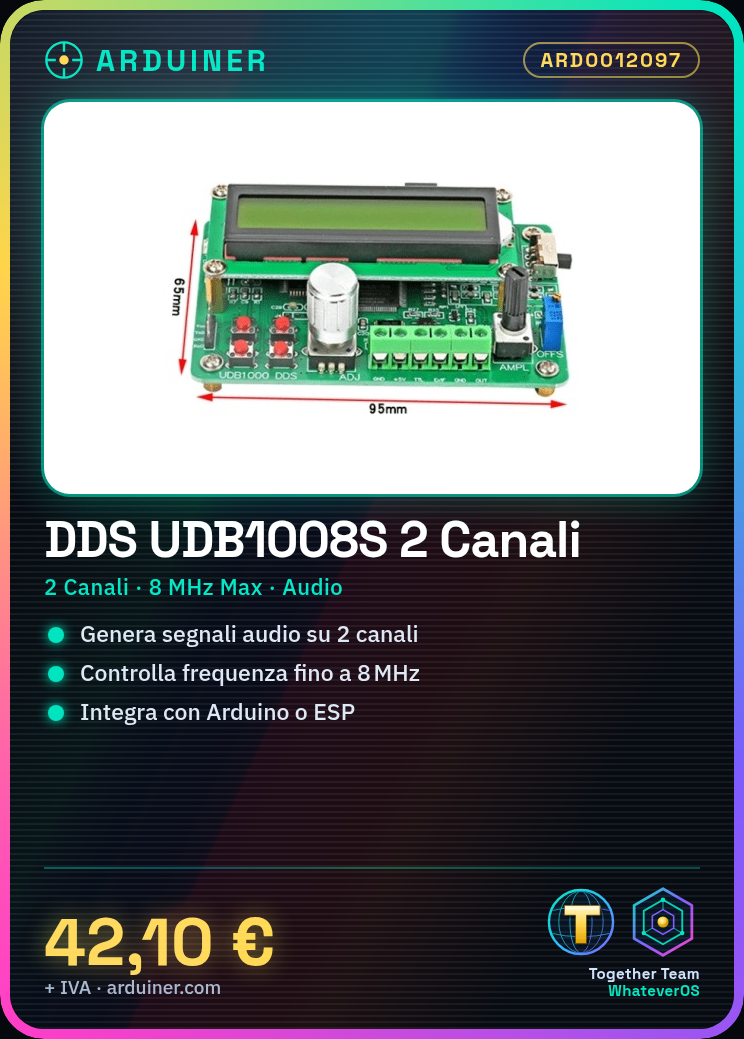
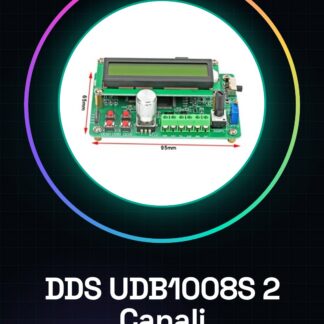
What is the 2 Channel 8MHz DDS Signal Generator UDB1008S? This device is used to generate electronic signals. Ideal for makers, Arduino developers, and students who want to test and develop electronic circuits. Features: 2 signal generation channels Maximum frequency of 8MHz Perfect for testing and developing electronic circuits Can be used to create audio signals What does it do The UDB1008S DDS Signal Generator can generate different frequencies through its two channels. It is useful for beginners and professionals who want to test and develop electronic projects. It can be integrated with Arduino or ESP to control and modify the generated signals. Tutorial: How to use UDB1008S The 2-channel 8MHz DDS signal generator is ideal for testing electronic circuits and creating audio signals. Useful for both beginners and professionals. What you need: Arduino UNO or compatible Jumper cable Multimeter Steps: 1. Installation: Download and install the UDB1008S library from the Arduino library. 2. Connection: Connect UDB1008S to Arduino via specified pins. 3. Configuration: Configure channels 1 and 2 for desired frequency. 4. Code: Run example code to test channels. 5. Verification: Use multimeter to verify correct signal generation. 6. Adjustment: Modify parameters to generate different signals. 7. Experimentation: Try creating audio signals using the channels. 8. Saving: Save used parameters for future tests. Example code “`void setup() { UDB1008S.setChannel1Freq(1000000); UDB1008S.setChannel2Freq(2000000);} void loop() {}“` Mini-project Create a simple audio oscillator using channels 1 and 2 to generate different frequency signals. Common mistakes: Using unsupported pins Setting the frequency out of allowed range Forgetting to save configured parameters Recommended accessories: Arduino UNO Jumper cable Multimeter 5V power supply Frequently Asked Questions How do I configure the channels? Use `setChannel1Freq()` and `setChannel2Freq()`. What are the frequency limits? Check the datasheet for exact limits. Can I use other Arduinos? Ensure the model supports the UDB1008S library. How do I save parameters? Modify the code to save parameters in EEPROM.
Reviews
There are no reviews yet.