 EN
 IT Italiano
 ES Español
 FR Français
 DE Deutsch
Description
What it is
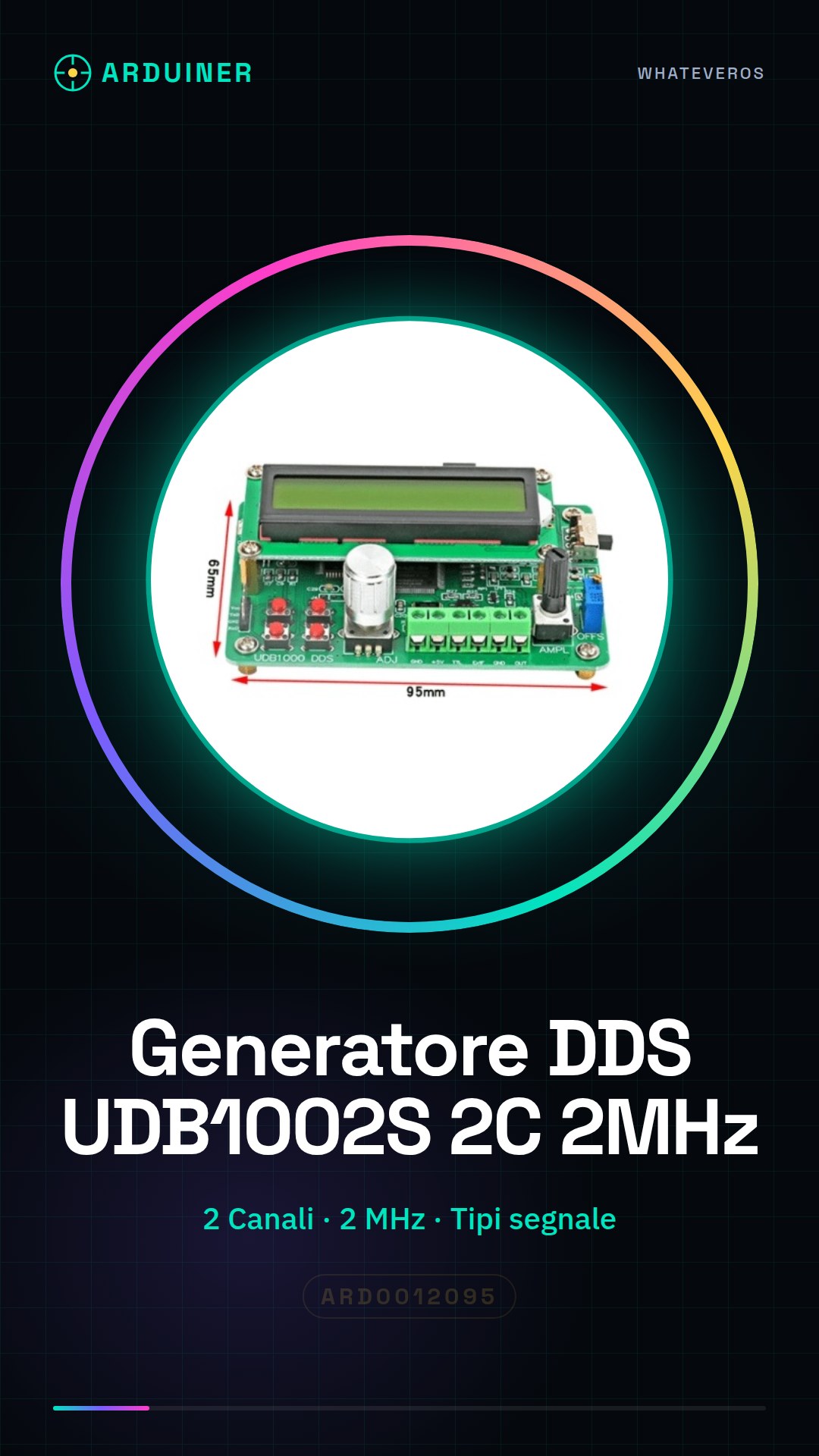
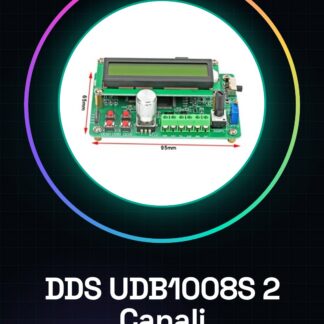
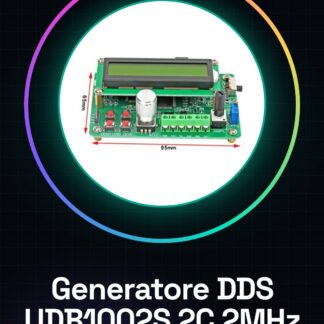
The UDB1002S Dual Channel DDS Signal Generator is an electronic module that produces sinusoidal, square, and triangular signals. It offers two independent channels for generating signals with different frequencies and amplitudes.
Features
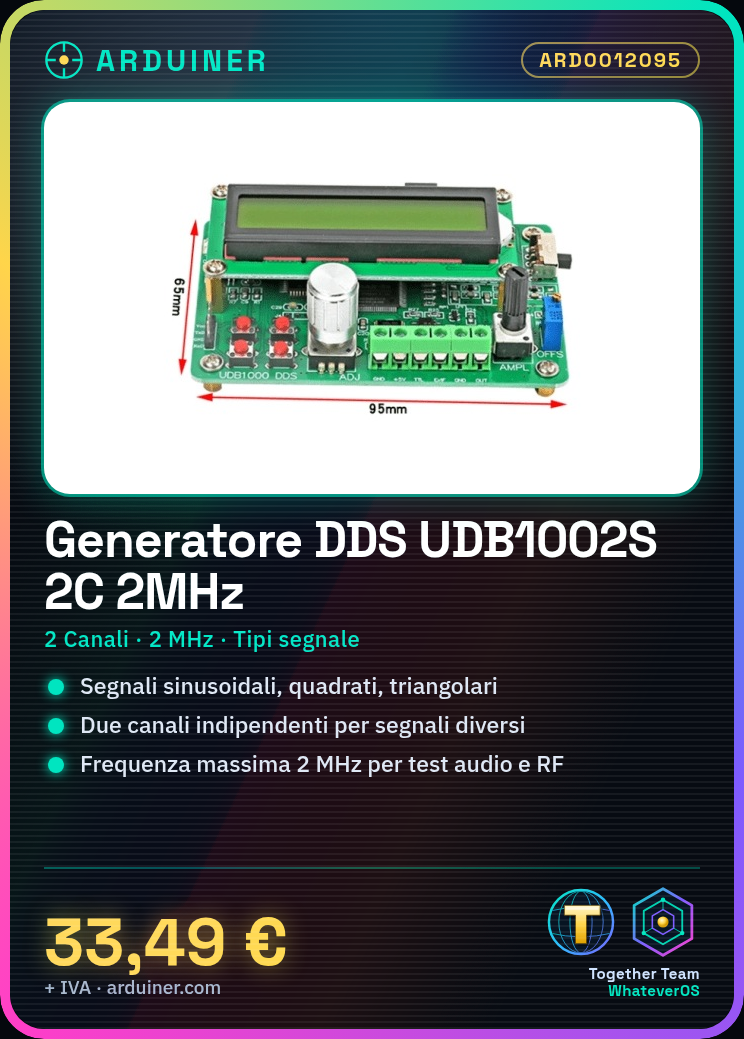
- Maximum frequency: 2 MHz
- 2 independent channels
- Signal type: sinusoidal, square, triangular
What it is for
The UDB1002S Signal Generator is ideal for testing electronic circuits, simulating audio and RF signals, and for development projects with Arduino. It can be used to generate audio oscillator signals, test amplifiers and filters, and simulate radio frequency signals.
Tutorial: How to use UDB1002S
The UDB1002S Dual Channel 2MHz DDS Signal Generator is ideal for testing electronic circuits and simulating audio and RF signals. Useful for beginner and intermediate makers.
What you need
- Arduino or compatible
- 4-pin cables
- Multimeter
Steps
- 1. Check that the UDB1002S module is functioning with the multimeter.
- 2. Connect the UDB1002S module to your Arduino or compatible board.
- 3. Verify the power supply specifications in the datasheet.
- 4. Configure the channel selection pins (CH1, CH2) to use a channel.
- 5. Set the output frequency through the FREQ1, FREQ2 pins.
- 6. Verify the frequency with the multimeter.
- 7. Configure the amplification with the AMP1, AMP2 pins.
- 8. Test the signal on an oscilloscope if available.
Example code
```void setup() { UDB1002S.begin(); UDB1002S.setChannel(1); UDB1002S.setFrequency(1000000); UDB1002S.setAmplification(100); } void loop() {}```Mini project
Create a simple audio oscillator using the signal generated by UDB1002S with an amplifier and headphones.
Common mistakes
- Do not verify proper power supply before connecting the module.
- Setting the frequency too high without verifying the oscilloscope.
- Forgetting to configure the channel selection pins and amplification correctly.
- Do not use a multimeter to check the proper functioning before connecting the module.
Recommended accessories
- Oscilloscope
- Audio Amplifier
- Headphones
Frequently asked questions
How can I verify the proper functioning of the module before connecting it?
Use a multimeter to check the proper power supply and verify the output signals.
Which power supply specifications should I verify?
Check the datasheet for the necessary power supply specifications.
Can I use this module with any Arduino?
Yes, but make sure the Arduino supports the pins used by the module.
Which pins do I use for channel and amplification configuration?
Check the datasheet for the channel selection pins (CH1, CH2) and amplification pins (AMP1, AMP2).
Reviews
There are no reviews yet.