 EN
 IT Italiano
 ES Español
 FR Français
 DE Deutsch
Description
What it is
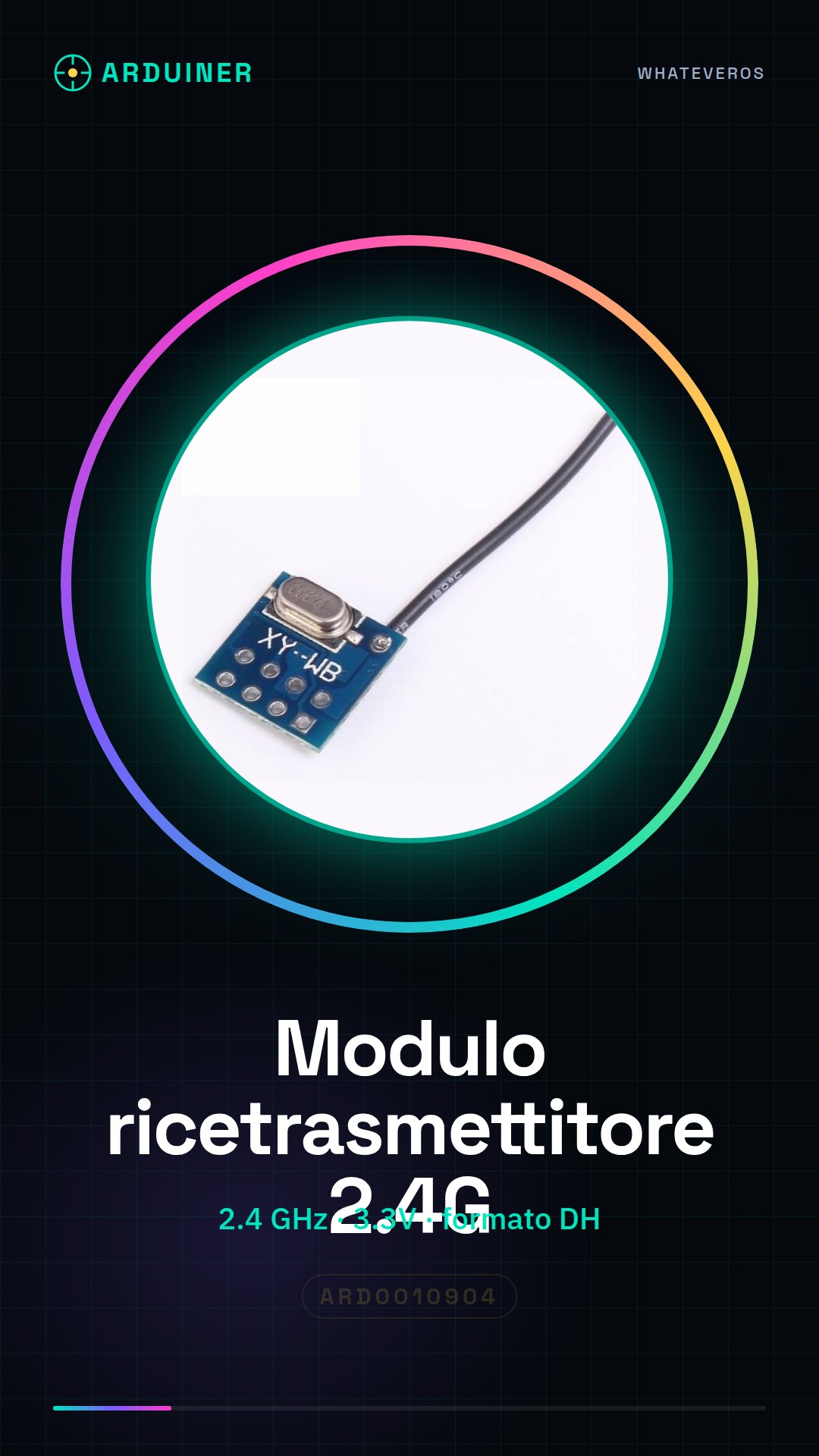
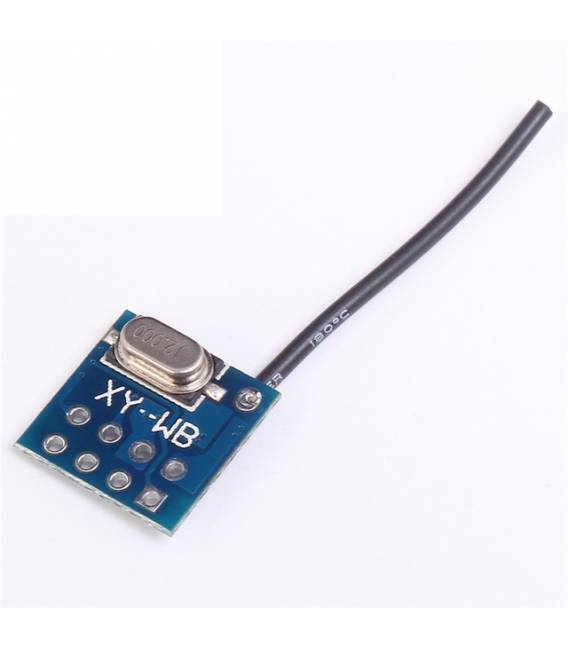
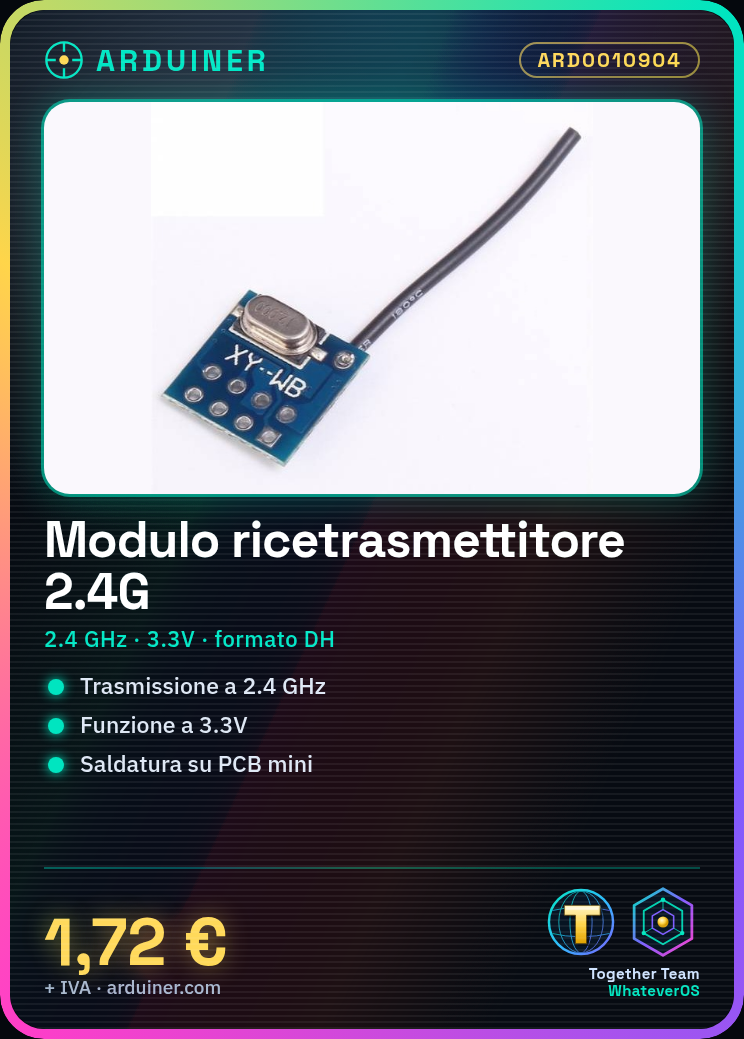
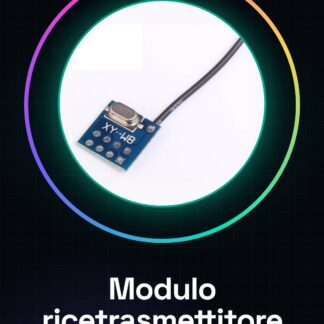
The XY-WB PCB mini 3.3V DH form factor wireless transceiver module is an electronic component designed for the transmission and reception of 2.4 GHz wireless signals. It is intended to be soldered onto printed circuit boards and operates at 3.3V.
Features
- Frequency: 2.4 GHz
- Operating Voltage: 3.3V
- Form Factor: DH
- Connection Type: Solder
- Brand: XY-WB
What it is for
This module can be used to create short-range remote control systems, such as controlling lights or other electronic devices. It is ideal for Arduino projects and other microcontrollers compatible with 3.3V.
Tutorial: How to use XY-WB PCB mini 2.4G
This 2.4G wireless transceiver module is ideal for soldering and short-range communication projects. Useful for beginner and intermediate makers.
What you need
- XY-WB PCB mini 2.4G
- Arduino or compatible microcontroller
- 3.3V power cable
- Antennas for reception and transmission
Steps
- 1. Check if the Arduino is powered at 3.3V.
- 2. Connect the transmission antenna to the TX pin of the module.
- 3. Connect the reception antenna to the RX pin of the microcontroller.
- 4. Verify the power and ground pins on the datasheet.
- 5. Connect the module to the microcontroller using the VCC and GND pins.
- 6. Upload the source code to Arduino.
- 7. Configure the module parameters for 2.4G frequency.
- 8. Test the communication between transmitter and receiver.
Example code
```cpp
#include <SoftwareSerial.h>
SoftwareSerial mySerial(2, 3); // RX, TX
void setup() {
  mySerial.begin(9600);
}
void loop() {
  if (mySerial.available()) {
    Serial.write(mySerial.read());
  }
}
```
Mini project
Create a simple remote control system for a light. Transmit a signal from one Arduino to another to turn a light on/off.
Common mistakes
- Incorrect power supply: make sure to use 3.3V.
- Wrong pins: check the power and ground pins.
- Frequency not set: configure the 2.4G frequency correctly.
- Antennas not connected: make sure the antennas are properly connected.
Recommended accessories
- 2.4G Reception Antenna
- 2.4G Transmission Antenna
- Arduino Uno
- LED Light
Frequently asked questions
How can I check the module’s frequency?
Check the datasheet or use an oscilloscope.
Can I use this module with a different microcontroller?
Yes, but make sure it supports 3.3V.
What are the power and ground pins?
Check the datasheet.
Can I use antennas different from the ones provided?
Yes, but make sure they are compatible with the 2.4G frequency.
Reviews
There are no reviews yet.