 EN
 IT Italiano
 ES Español
 FR Français
 DE Deutsch
Description
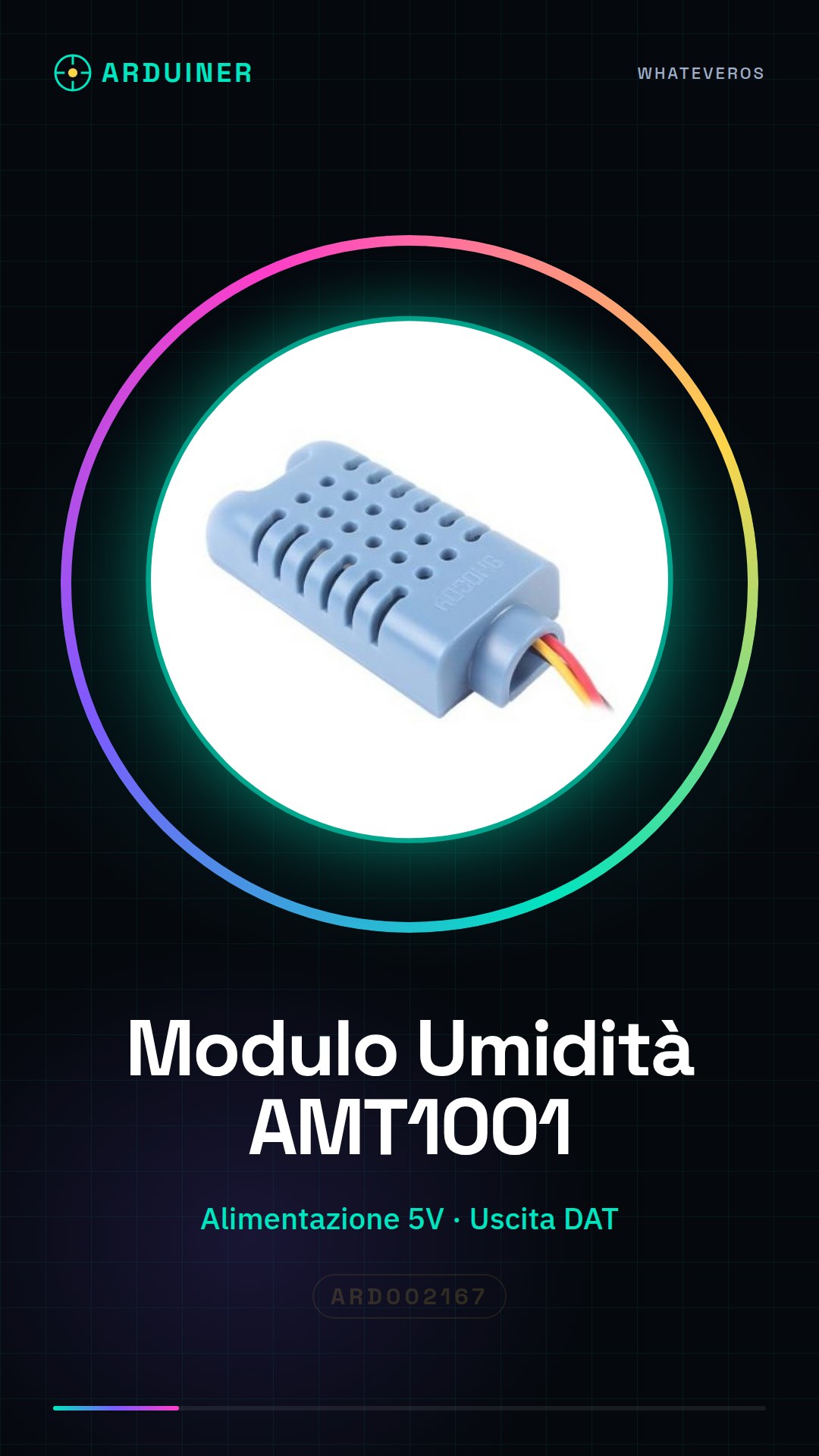
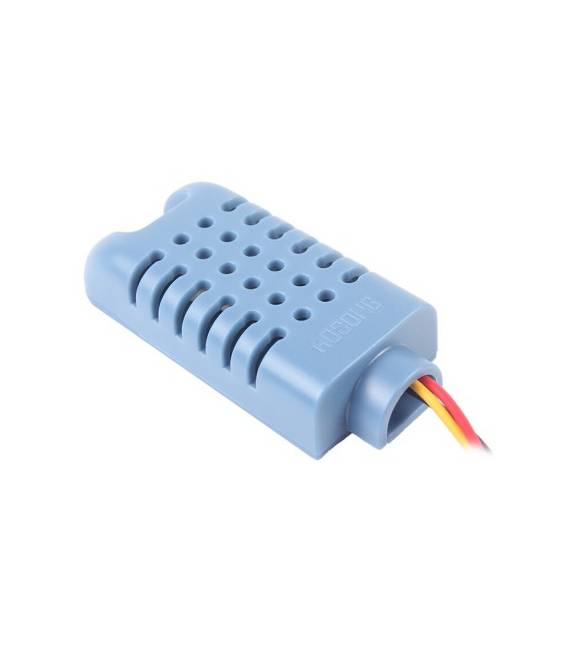
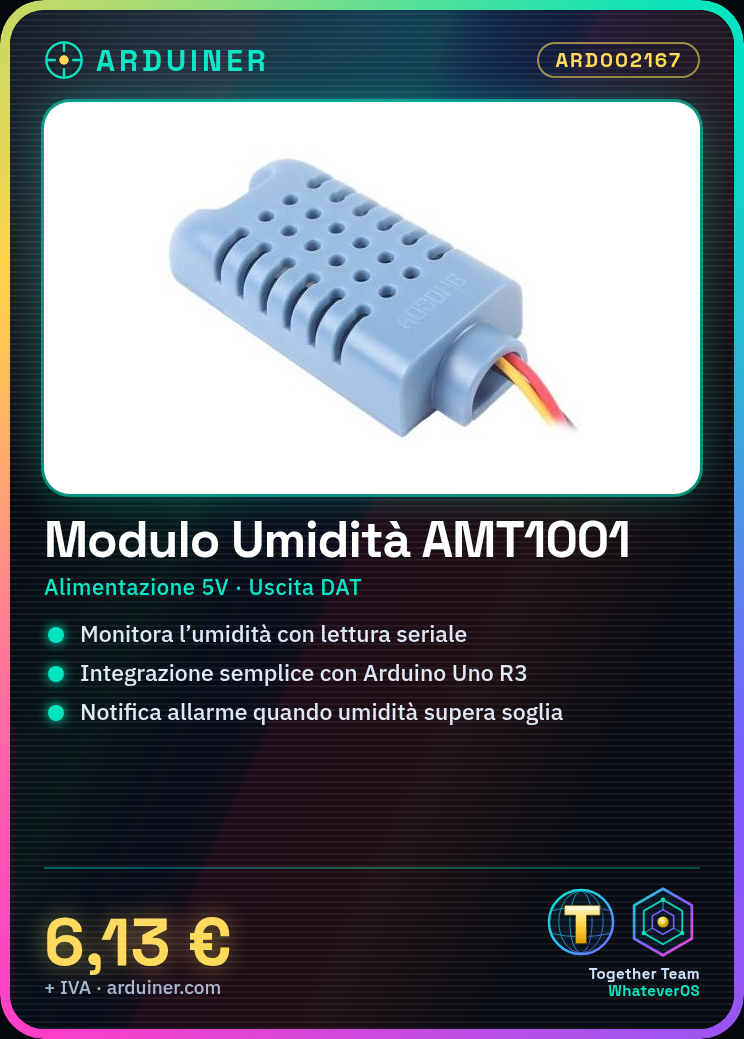
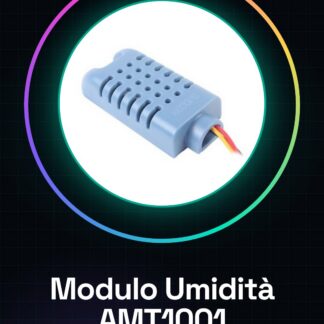
AMT1001 Humidity Module
Tutorial: How to Use the AMT1001 Humidity Module
The AMT1001 module is a simple humidity sensor that can be used to monitor humidity levels in indoor environments. Ideal for smart home projects or climate control systems.
What you need
- Arduino
- connectors
- power supply
Steps
- Connect the AMT1001 module to the 5V power supply.
- Connect the data output (DAT) to a digital pin on the Arduino.
- Insert the provided Arduino sketch to read humidity values.
- Check that the LED correctly indicates the presence of electrical power.
- Monitor changes in humidity value on the Arduino IDE serial monitor.
Example code
void setup() {
  Serial.begin(9600);
}

void loop() {
  int val = analogRead(A0);
  Serial.println(val);
}
Mini project
Create a humidity alarm system that sends a notification when levels exceed a critical value.
Common mistakes
- Ensure the AMT1001 module is properly powered.
- Verify the connection between the sensor and Arduino.
- Make sure the Arduino IDE is configured with the correct baud rate (9600).
- Ensure that the pins are set correctly in the sketch code.
Recommended accessories
- Arduino Uno R3
- Jumper Connections
- 5V Power Supply
Frequently asked questions
How can I calibrate the AMT1001 sensor?
To calibrate it, take measurements in known humidity conditions and adjust the values in the code.
Can it be used for the external environment?
Yes, but make sure the sensor is not affected by extreme atmospheric conditions.

Reviews
There are no reviews yet.