 EN
 IT Italiano
 ES Español
 FR Français
 DE Deutsch
Description
What it is
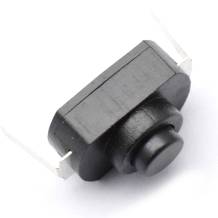
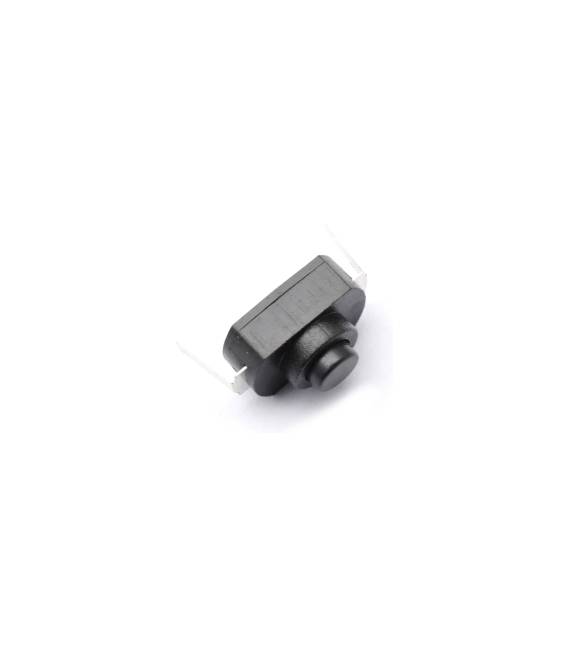
The Kit of Momentary Push-Button Switches 1288BM 16340 – 5 Pieces contains 5 momentary push-button switches of type 1288BM/16340.
Features
- Contents: 5 pieces
- Type: 1288BM / 16340
- Function: Momentary
What it is for
These switches are ideal for Arduino projects that require a safe and repeatable control button. They can be used to control lights, LEDs, or other electronic devices.
Tutorial: How to Use the Kit of Momentary Push-Button Switches 1288BM 16340
These momentary push-button switches are ideal for projects that require a safe and repeatable control button. Suitable for beginners and intermediates.
What you need
- 5 pieces of switches 1288BM / 16340
- Connection filament (e.g., 22AWG wires)
- Multimeter
- X-Acto knife
Steps
- 1. Check that the pieces are in good condition.
- 2. Connect the filaments to the switch contacts.
- 3. Check the datasheet for voltage specifications.
- 4. Test the switch with a multimeter.
- 5. Connect the switch to a digital pin on Arduino.
- 6. Write a simple routine to check the state of the switch.
- 7. Upload the code to Arduino.
- 8. Verify the functionality of the switch.
Example code
const int buttonPin = 2;
int buttonState = 0;

void setup() {
  pinMode(buttonPin, INPUT);
}

void loop() {
  buttonState = digitalRead(buttonPin);
  if (buttonState == HIGH) {
    Serial.println("Pulsante premuto");
  }
}
Mini project
Create a simple light control with a switch. Connect an LED to an analog pin on Arduino and the switch to a digital pin. When you press the switch, the LED turns on or off.
Common mistakes
- Do not check the voltage before connecting.
- Connect the switch to an analog pin instead of a digital pin.
- Omit the test with the multimeter.
- Do not use appropriate connection filament.
Recommended accessories
- Arduino Uno
- Led (5V)
- 220 ohm resistor
- Multimeter
Frequently asked questions
How can I check the voltage before connecting?
Read the datasheet to know the maximum tolerated voltage.
Can I use any type of filament?
Yes, but make sure it is suitable for the voltage and current.
What are the advantages of these switches?
Safety and repeatability, ideal for control projects.
Can I use more than 5 switches?
No, the kit contains only 5 switches.



Reviews
There are no reviews yet.