 EN
 IT Italiano
 ES Español
 FR Français
 DE Deutsch
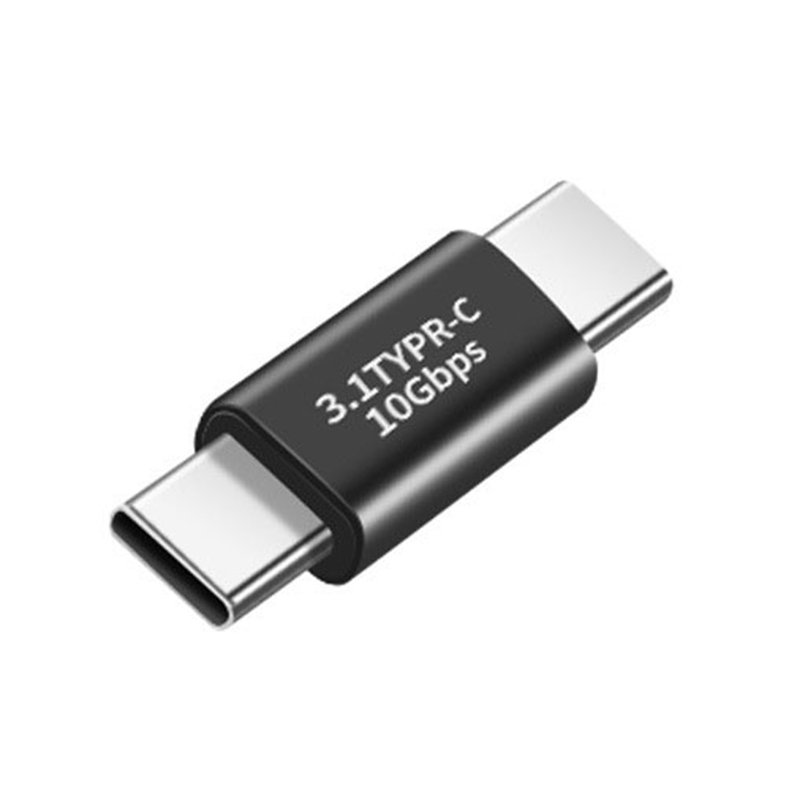
Description
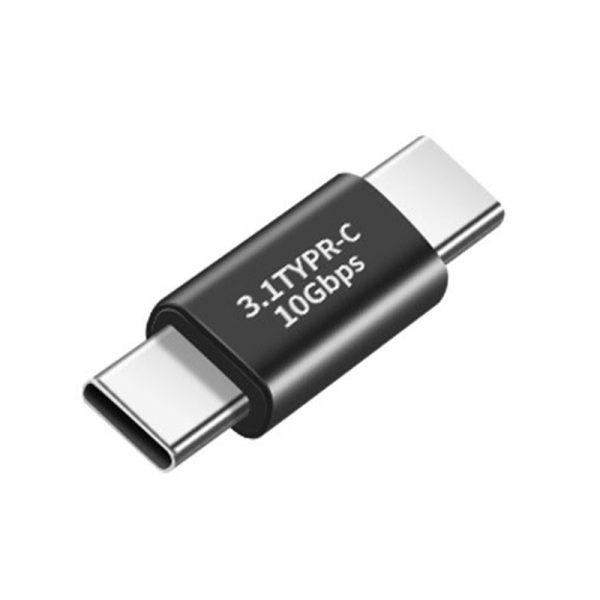
Tutorial: How to Use USB 3.1 Type C Male-Male Adapter
This USB 3.1 Type C Male-Male adapter allows you to connect two devices that use Type C connectors. Ideal for those who need to extend or convert Type C USB connectors.
What you need
- USB 3.1 Type C Male-Male Adapter
- Two devices with USB Type C connectors
- Sufficient current to power the devices
Steps
- Connect one end of the adapter to the first device.
- Connect the other end of the adapter to the second device.
- Check that both devices are recognized by the system.
- If necessary, check the data transfer speed (10 Gbps).
- If necessary, check the power supply between the devices.
Mini project
Connect a laptop with a USB Type C connector to a 3D printer with a USB Type C connector for a secure and fast connection.
Common mistakes
- The device is not recognized. Check all connectors and device compatibility.
- Data transfer speed is below 10 Gbps. Check device compatibility and ensure drivers are up to date.
- Power supply issues. Verify that the device is receiving the necessary current.
- The adapter connector is easily dislodged. Ensure it is securely attached and check for physical damage.
Recommended accessories
- USB 3.1 Type C Cable
- Laptop with USB Type C connector
- 3D Printer with USB Type C connector
- USB Type C Power Supply / Adapter
Frequently asked questions
Does it work with USB 2.0?
Yes, it works with USB 2.0, but the speed will be limited to USB 2.0.
Can it be used for power supply?
Yes, if both devices support USB Type C power delivery.

Reviews
There are no reviews yet.