 EN
 IT Italiano
 ES Español
 FR Français
 DE Deutsch
Description
What it is
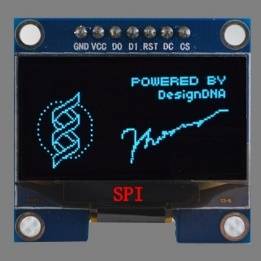
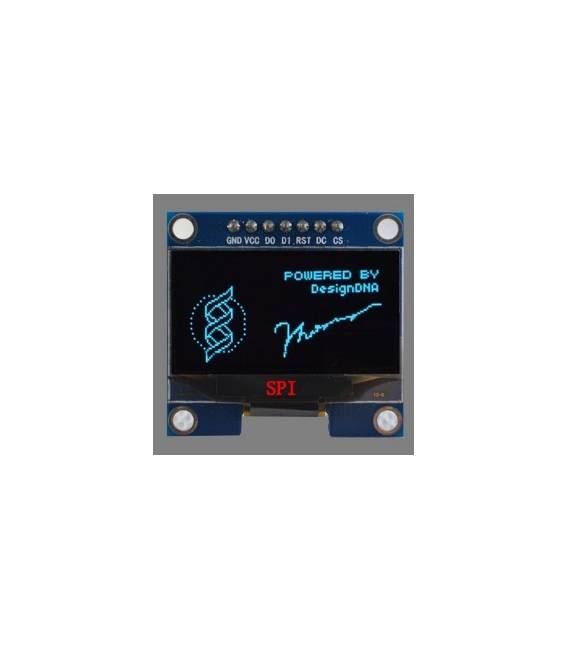
1.3 inch SPI Interface 128×64 pixel OLED LCD Module. Allows displaying text and images on a small screen.
Features
- Display size: 1.3 inch
- Resolution: 128×64 pixels
- Interface: SPI
- CS Pin: 7
- SKU: ARD0011146
- Price: 9.43 €
What it is for
This module is ideal for Arduino projects that require displaying information on a small screen. Examples of use: stopwatches, sensor data displays, simple user interfaces. Arduino compatibility is guaranteed.
Tutorial: How to use 12864 OLED LCD Module
This 1.3″ SPI LCD OLED module is ideal for small-scale information display projects. Useful for beginners and intermediate makers.
What you need
- Arduino
- Connection cable
- 4.7kΩ pull-up resistor (optional)
Steps
- 1. Installation: Download and install the Adafruit_SSD1306 library on your Arduino IDE.
- 2. Connection: Connect VCC to 3.3V, GND to GND, CS to D10, SCK to D13, MOSI to D11, RST to D9, D/C to D8.
- 3. Check the datasheet: Verify the pull-up resistor.
- 4. Load the code: Use the provided example code.
- 5. Run the code: Verify that the output on the display is correct.
- 6. Test: Display text and images on the screen.
- 7. Customize: Modify the code to display personal information.
- 8. Debug: Check connections and code in case of errors.
Example code
```
#include <Adafruit_SSD1306.h>

Adafruit_SSD1306 display(128, 64, &Wire);

void setup() {
  display.begin(SSD1306_SWITCHCAPVCC, 0x3C);
  display.clearDisplay();
  display.display();
}

void loop() {
  display.drawBitmap(0, 0, logo, 128, 64, SSD1306_WHITE);
  display.display();
}
```
Mini project
Create a simple stopwatch that shows the time on the display.
Common mistakes
- Incorrect connections
- Library not installed
- Incorrect code
- Missing pull-up resistor
Recommended accessories
- Arduino Uno
- Arduino Mega
- OLED 12864 Display
- 4.7kΩ pull-up resistor
Frequently asked questions
How can I customize the text on the display?
Modify the text string in the Arduino code and use `display.drawString(x, y, “Your text”);`.
Why display error?
Check connections and code. Ensure the library is loaded correctly.
What is the difference between CS and RST?
CS (Chip Select) activates the module, RST (Reset) restarts it.



Reviews
There are no reviews yet.