 EN
 IT Italiano
 ES Español
 FR Français
 DE Deutsch
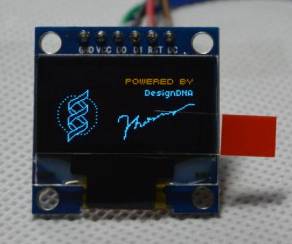
Description
What it is
The 0.96″ SPI 12864 Bicolor LCD Module is a high-resolution LCD display with an SPI interface. It allows for real-time information display on a bicolor screen, ideal for Arduino projects.
Features
- Screen size: 0.96 inches
- Resolution: 128×64 pixels
- Display type: Bicolor
- Interface: SPI
- Number of pins: 6
What it is for
This LCD module is perfect for clearly and legibly displaying information on Arduino projects. For example, it can be used to create a temperature and humidity display with a DHT11 sensor, or to display sensor data and debug information. Its compatibility with Arduino makes it an ideal choice for hobbyists and beginners.
Tutorial: How to use 0.96″ SPI 12864 Bicolor LCD Module
This 0.96″ SPI 12864 bicolor LCD module is perfect for clearly and legibly displaying information on Arduino projects. Ideal for beginners and intermediates who want to add an interactive screen to their devices.
What you need
- Arduino Uno or compatible
- USB cable
- SPI connection
- Arduino IDE software
- LiquidCrystal library
Steps
- Connect the LCD module to the SPI pins of the Arduino
- Install the LiquidCrystal library in the Arduino IDE
- Write a simple sketch to test the display of text
- Check the correct display of text in blue and white
- Customize the text and layout according to your needs
Example code
LiquidCrystal lcd(12, 11, 5, 4, 3, 2);

void setup() {
  lcd.begin(128, 64);
  lcd.print("Benvenuto!");
}

void loop() {
}
Mini project
Create a temperature and humidity display with this LCD and a DHT11 sensor
Common mistakes
- Do not verify the correct connection of the pins
- Do not install the LiquidCrystal library
- Use the method wire.begin() instead of spi.begin()
Recommended accessories
- DHT11 sensor
- Pull-up resistor
- LCD connector
- Power cable
Frequently asked questions
How can I change the text color?
Use the setCursor() and write() methods from the LiquidCrystal library to change the text color.
What is the difference between SPI and I2C?
SPI is faster and suitable for serial connections, while I2C is easier to implement and suitable for multi-device connections.



Reviews
There are no reviews yet.