 EN
 IT Italiano
 ES Español
 FR Français
 DE Deutsch
Description
What it is
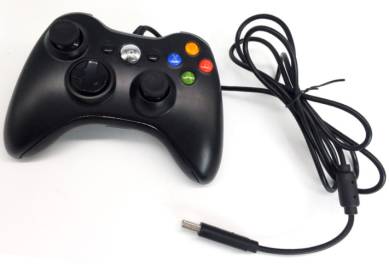
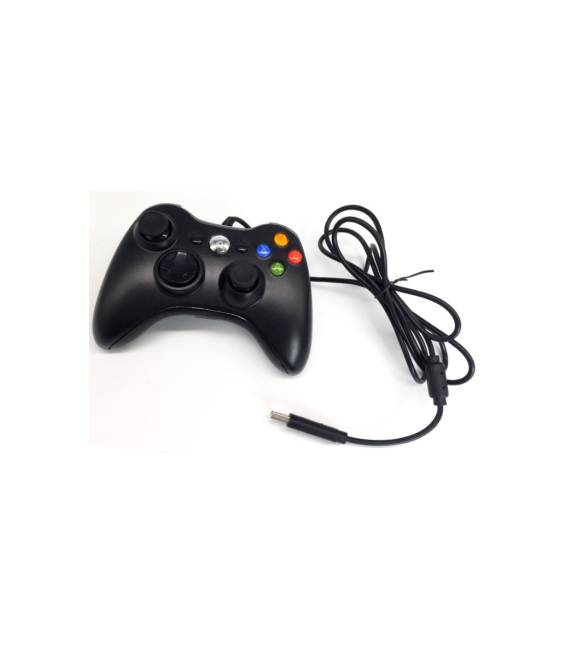
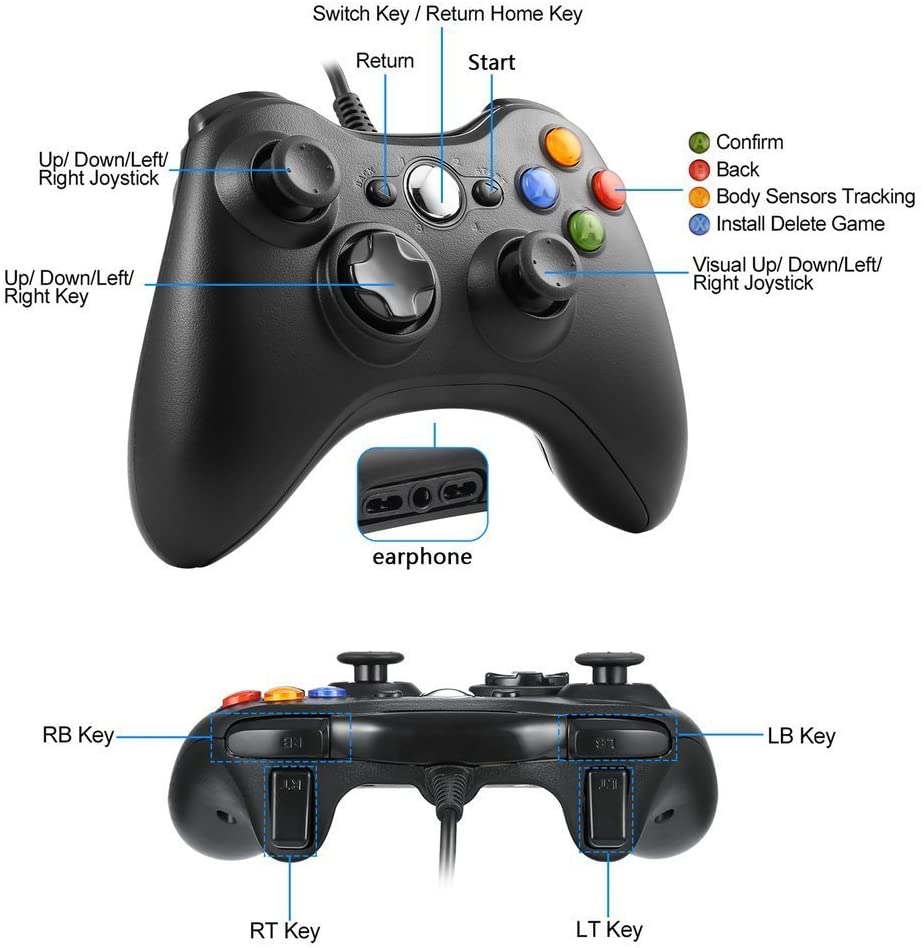
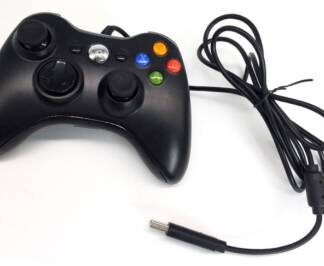
The Xbox 360 Wired Game Controller Gamepad Controller Cable USB is a USB cable-connected joystick designed for PC and Xbox 360/Slim 360 gamers.
Features
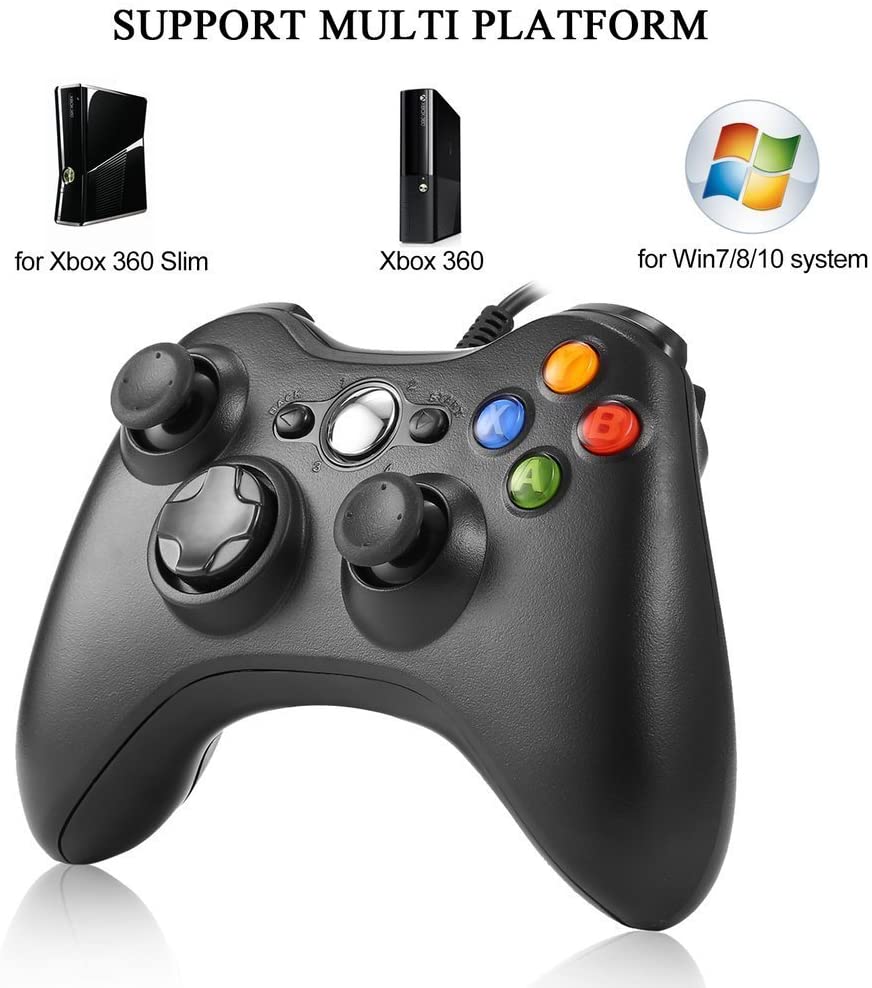
- Compatible with Microsoft Xbox 360 and Slim 360
- Compatible with PC Windows
- Connection via USB cable
- Type: Joystick, Joypad
What it is for
The controller is ideal for players seeking greater precision and control during gaming sessions. It can be used to play on PC Windows and Xbox 360 and Slim 360 consoles.
Tutorial: How to use Xbox 360 Game Controller
The Xbox 360 Game Controller is a USB cable-connected joystick ideal for gamers who want greater precision and control in their games. This controller is compatible with both Microsoft Xbox 360 systems and PC Windows, offering a versatile solution for makers and video game enthusiasts.
What you need
- Xbox 360 Game Controller
- Computer or laptop with USB port
- System operating driver (check on datasheet)
Steps
- Connect the Xbox 360 Game Controller to the USB port of the computer.
- Check the datasheet if specific drivers are required and install them if necessary.
- Open a compatible game and select the Xbox 360 Game Controller as the input device.
- Configure the game settings to optimize the use of the controller.
- Try moving the cursor and pressing the buttons to ensure everything works correctly.
Mini project
Create a simple test game in Python that uses the Xbox 360 Game Controller as an input method. The game should allow the player to move a character up and down with the direction buttons and press a button to activate a special action.
Common mistakes
- The controller is not recognized by the operating system.
- The buttons on the controller do not respond correctly.
- The game cursor does not move as expected.
- Issues with configuring the game to use the controller.
Recommended accessories
- USB Joystick
- USB Adapter
- Extendable USB Cable
- Game Configuration Guides
Frequently asked questions
Is the Xbox 360 Game Controller compatible with other systems?
Yes, it is compatible with PC Windows and Xbox 360.
Do I need to install specific drivers?
Check the datasheet to see if specific drivers are needed for your operating system.
Can it be used with online games?
Yes, but check the game settings to ensure the controller is supported.



Reviews
There are no reviews yet.