 EN
 IT Italiano
 ES Español
 FR Français
 DE Deutsch
Description
What it is
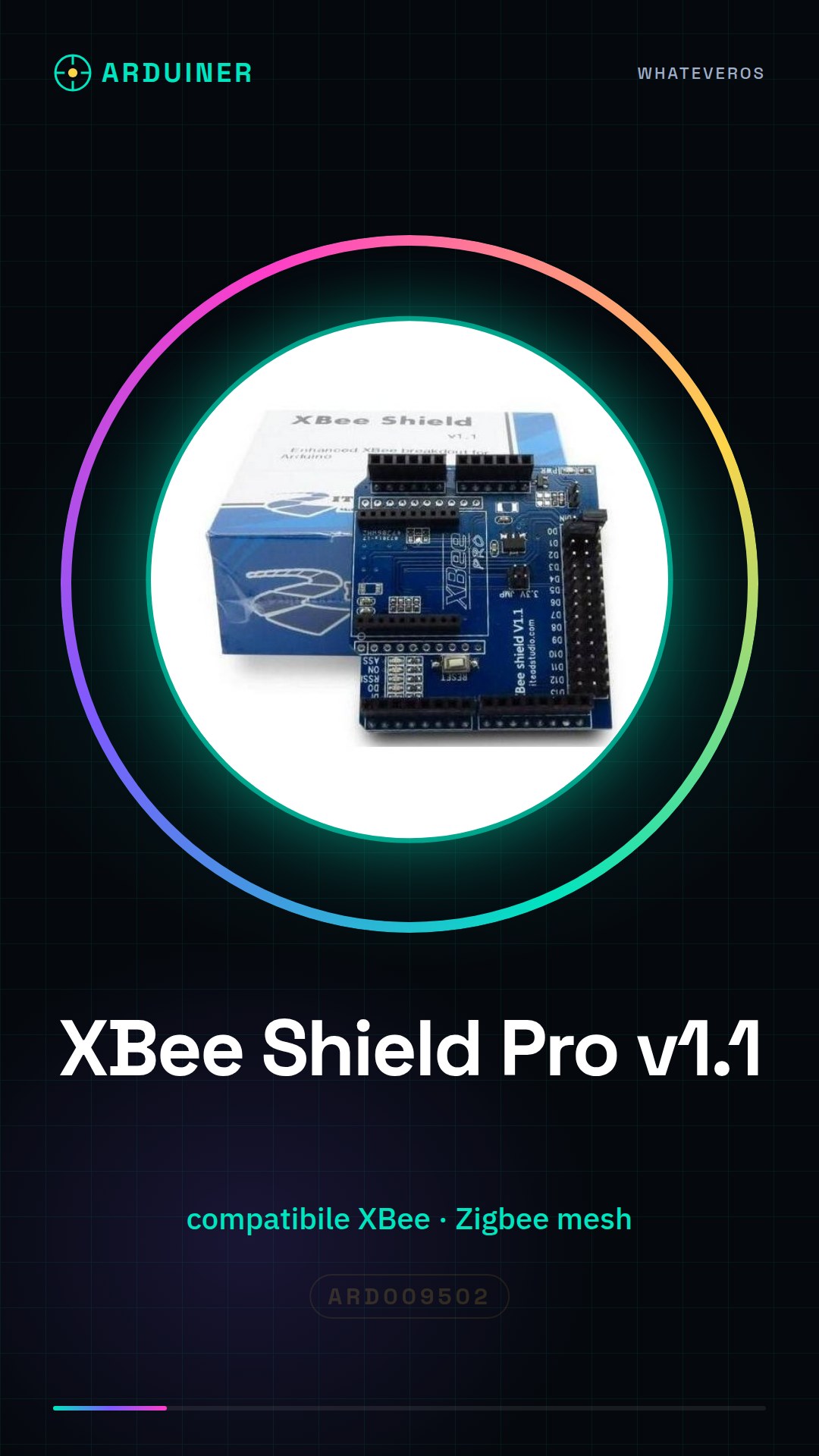
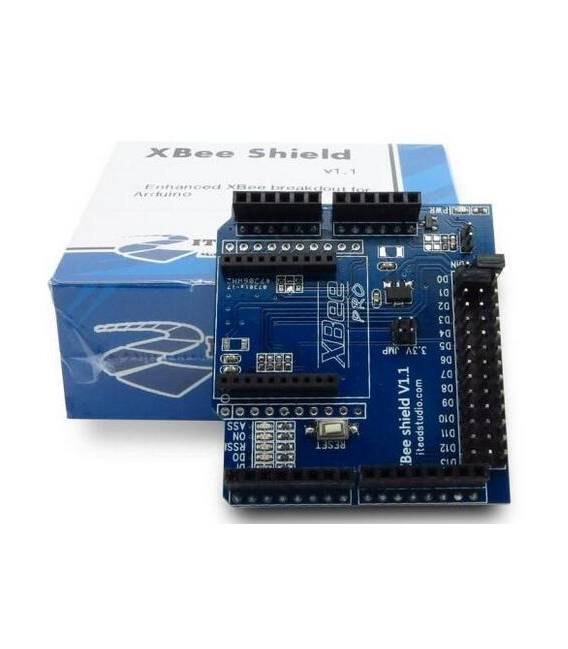
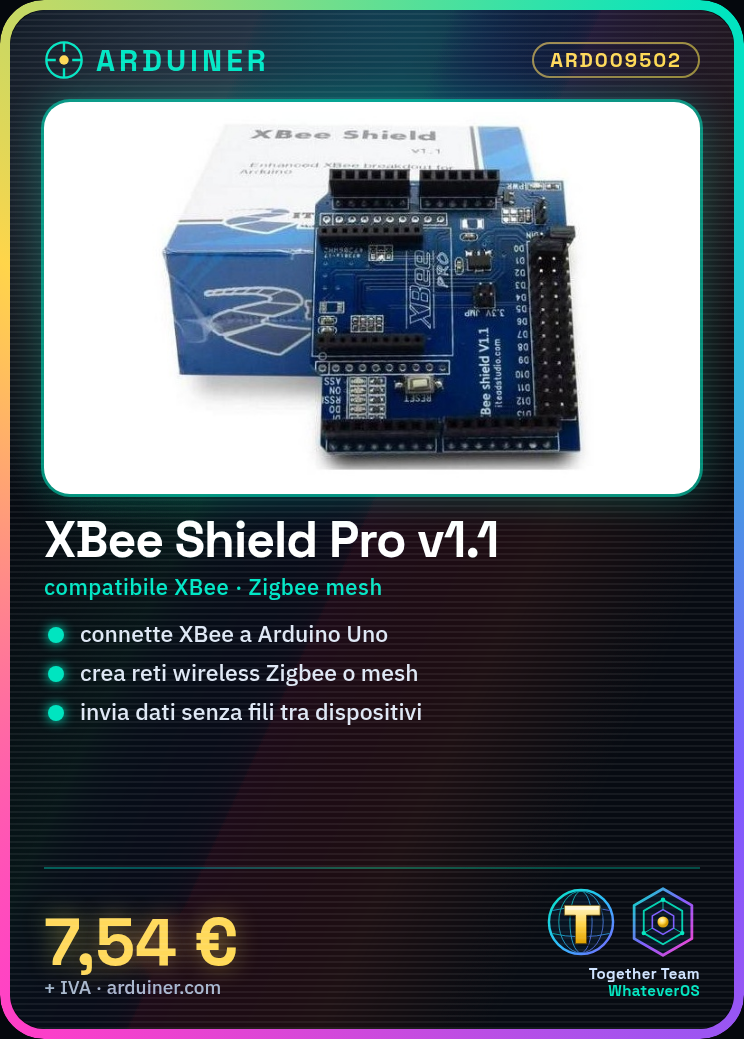
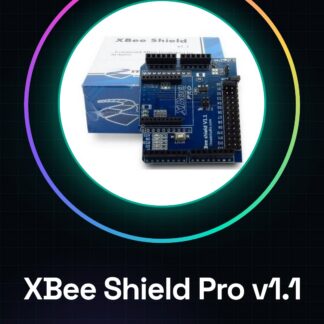
The XBee Shield Pro v1.1 for Arduino is a module that simplifies the connection of XBee modules to your Arduino projects. It allows you to create wireless Zigbee or mesh communication networks, enabling data transmission between multiple wireless devices.
Features
- Compatible with XBee modules
- Check the datasheet: version
- Check the datasheet: dimensions
- Check the datasheet: available connections
What it is for
This shield is ideal for wireless communication projects, such as creating home alarm systems by connecting motion or door sensors to two Arduinos via the XBee Shield Pro v1.1 and sending alarm signals between the devices.
Tutorial: How to use XBee Shield Pro v1.1 compatible with Arduino
The XBee Shield Pro v1.1 module is an essential component for anyone wanting to venture into the world of wireless communication with Arduino. This shield allows you to easily connect your project to a Zigbee or mesh network, enabling data transmission between multiple wireless devices.
What you need
- Arduino Uno
- XBee Pro S1 modules (check the datasheet)
- USB cable for Arduino
Steps
- Install the XBee Shield Pro v1.1 on your Arduino Uno.
- Check that the XBee module is correctly inserted into the shield socket.
- Download and install the XBee library on the Arduino IDE (check the datasheet).
- Write a test sketch to establish a connection between two XBee modules.
- Configure the XBee module parameters through the XCTU software (check the datasheet).
- Test data transmission between the two connected devices via the XBee Shield Pro v1.1.
Example code
// Codice di esempio per stabilire una connessione con un altro XBee
#include <SoftwareSerial.h>
SoftwareSerial mySerial(2, 3);
void setup() {
  Serial.begin(9600);
  mySerial.begin(9600);
}
void loop() {
  if (mySerial.available())
    Serial.write(mySerial.read());
  if (Serial.available())
    mySerial.write(Serial.read());
}
Mini project
Create a home security system: connect motion or door opening sensors to two Arduinos via the XBee Shield Pro v1.1 and send alarm signals between devices.
Common mistakes
- Do not verify the compatibility of the XBee module with the shield.
- Incorrect configuration of XBee module parameters via XCTU.
- Selection of an incompatible baud rate during Arduino sketch configuration.
- Use of an unregulated USB cable to power the XBee Shield Pro v1.1.
Recommended accessories
- XBee Pro S1 Module
- Arduino Uno
- Software XCTU
- Motion sensors
Frequently asked questions
How can I verify the connection between two devices?
Use a test sketch to send data from one device to the other and check the output on Serial Monitor.
What is the maximum range of communication with this shield?
The range varies depending on the XBee module configuration; check the datasheet for the specific version used.
Reviews
There are no reviews yet.