 EN
 IT Italiano
 ES Español
 FR Français
 DE Deutsch
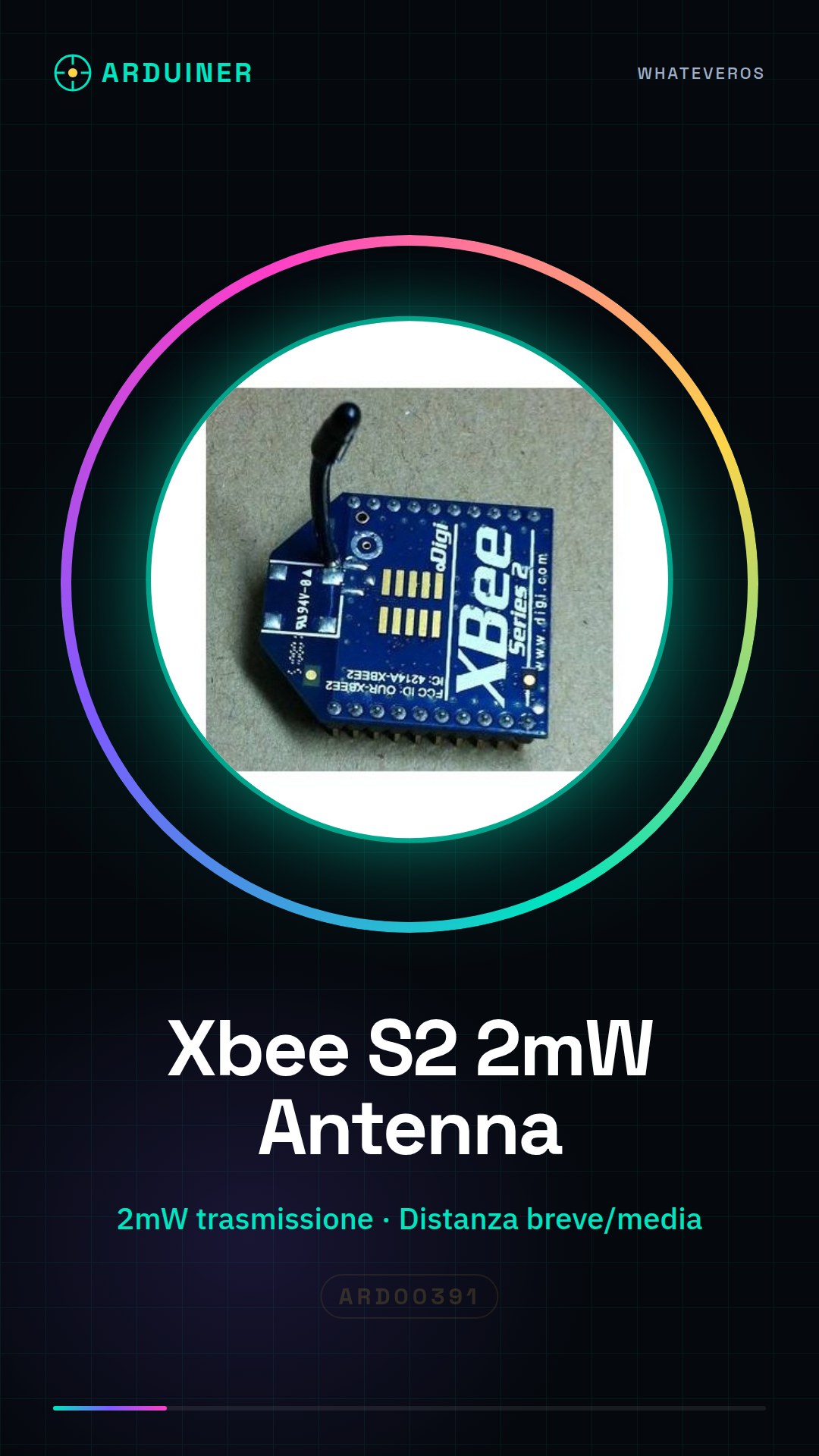
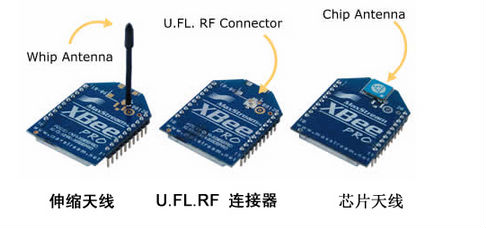
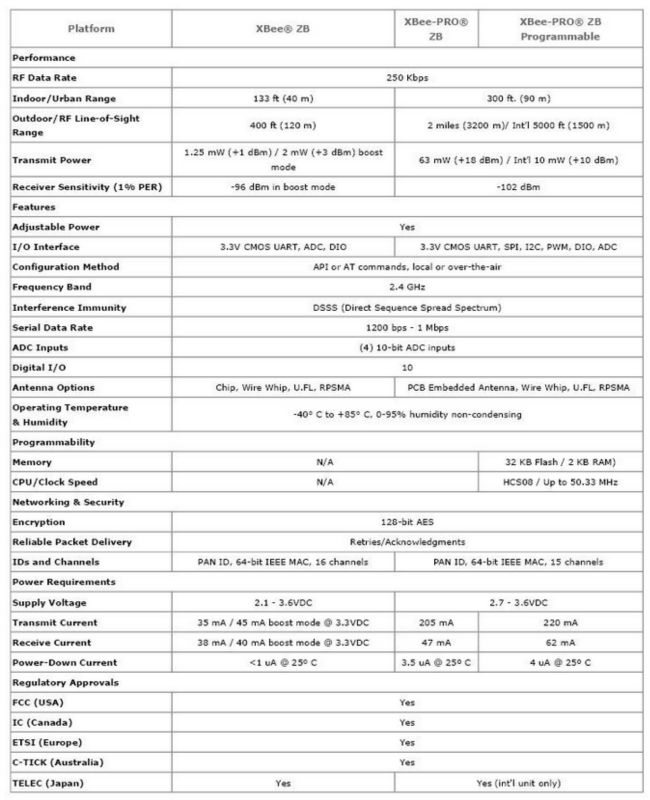
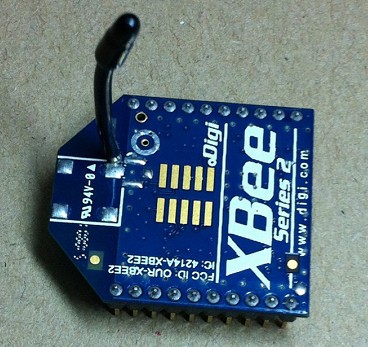
Description
What it is
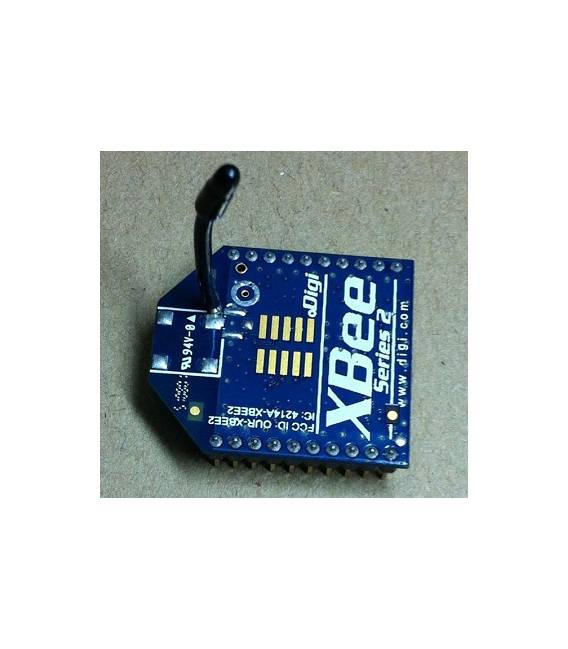
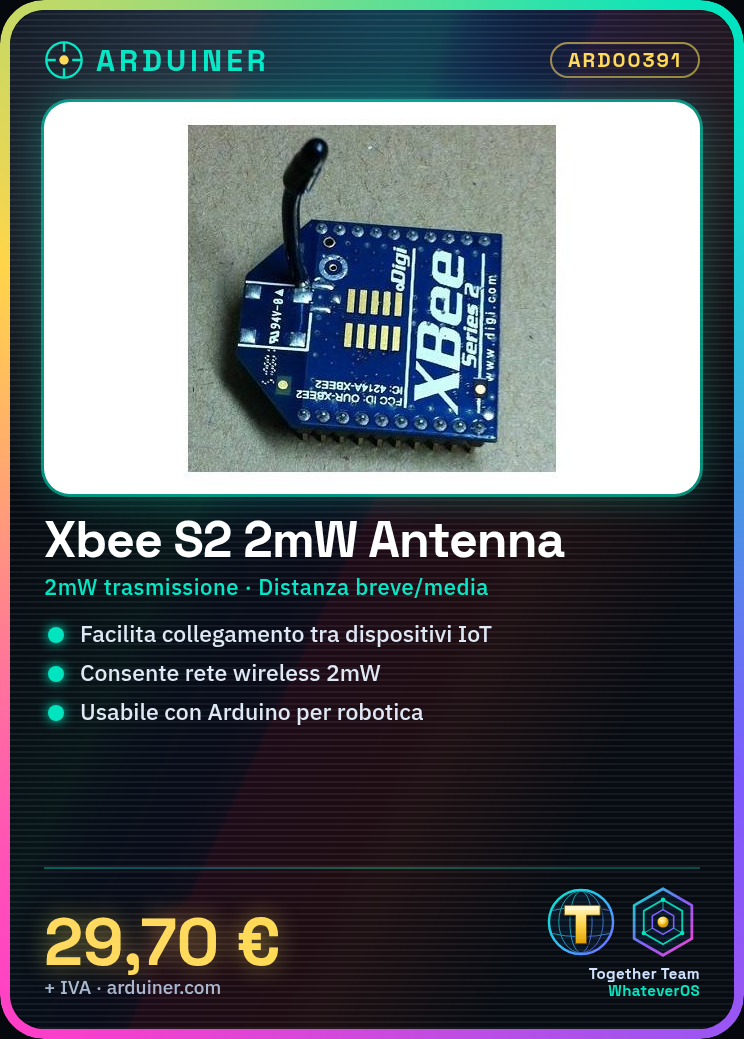
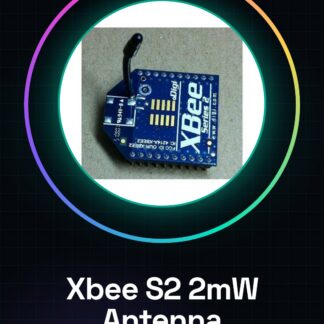
The Xbee S2 2mW module is a wireless communication device designed to facilitate connections between devices in IoT and robotics networks. This module allows the creation of a wireless network between Arduino devices or other systems, supporting short and medium-range communications.
Features
- Xbee S2 2mW module
- Transmission power: 2mW (check the datasheet)
- Optimized for connecting devices in wireless networks
What it is for
The Xbee S2 2mW module is ideal for creating a communication system between two Arduino devices or other devices. It can be used in robotics, IoT, and any application that requires a stable short and medium-range wireless connection.
Tutorial: How to use Xbee S2 2mW
The Xbee S2 2mW module is ideal for connecting devices at a distance in wireless networks. Useful for short and medium-range communication projects.
What you need
- Xbee S2 2mW
- Arduino
- Antenna
- Power cable
Steps
- 1. Check the datasheet specifications for the Xbee module.
- 2. Connect the antenna to the RF_TX pin of the Xbee module.
- 3. Connect the Xbee module to the TX pin of your Arduino.
- 4. Power the Xbee module (3.3V or 5V).
- 5. Upload a simple example sketch to your Arduino.
- 6. Verify the connection through software like TeraTerm.
- 7. Test the communication between Arduino and Xbee.
- 8. Configure the Xbee module through a USB configurator.
Example code
void loop() {}Mini project
Create a communication system between two Arduinos using Xbee S2 2mW.
Common mistakes
- Do not check the specifications on the datasheet.
- Connect the antenna to the wrong pin.
- Power the module with a voltage source.
- Omit the initial configuration of the module.
Recommended accessories
- Arduino Uno
- Xbee Antenna
- USB Cable
- Voltage Source
Frequently asked questions
How to configure the Xbee module?
Use a USB configurator like XCTU.
What is the difference between 3.3V and 5V?
3.3V for low voltage devices, 5V for standard voltage devices.
Why is the antenna necessary?
Increases range and communication quality.
Does the Xbee module consume a lot of energy?
Consumption is low, but check the datasheet.

Reviews
There are no reviews yet.