 EN
 IT Italiano
 ES Español
 FR Français
 DE Deutsch
Description
What it is
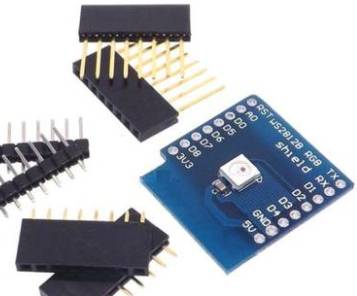
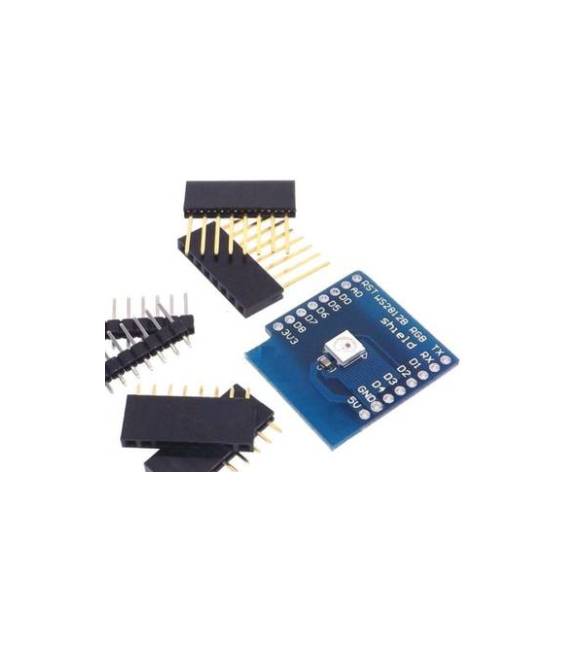
The WS2812B Shield RGB for WeMos D1 mini is a module that allows you to add RGB lighting to your WeMos D1 mini. It enables you to control each LED of the module individually to create dynamic lighting effects.
Features
- Compatible with WeMos D1 mini
- WS2812B RGB LED
- Price: 2.11 €
- SKU: ARD0011508
What it is for
The module is ideal for lighting and display projects. You can use it to create interactive RGB lamps, festive decorations, interactive installations, and much more. Compatibility with WeMos D1 mini allows you to control the lighting via Arduino code.
Tutorial: How to use WS2812B Shield RGB for WeMos D1 mini
This WS2812B Shield RGB for WeMos D1 mini is an ideal component for makers who want to add a touch of color and light to their creations. With the WeMos D1 mini, you can create dynamic and customized lighting effects for projects such as smart lamps, festive decorations, and interactive installations.
What you need
- WeMos D1 mini
- USB cable
- Arduino IDE software
- Adafruit_NeoPixel library
Steps
- Install Arduino IDE software and add the Adafruit_NeoPixel library
- Connect the WS2812B Shield RGB to the WeMos D1 mini following the product documentation
- Open a new sketch in Arduino IDE and include the Adafruit_NeoPixel library
- Create a variable for the number of LEDs and the output pin
- Initialize the NeoPixelStrip in the setup
- Add code in the loop to control the LEDs
- Save and upload the code to the WeMos D1 mini
- Verify that the LEDs change color and brightness according to the code
Example code
Adafruit_NeoPixel strip = Adafruit_NeoPixel(8, 2); // Numero di LED e pin di outputMini project
Create an interactive RGB lamp with the WS2812B Shield RGB and WeMos D1 mini. Use a light detector to adjust the light intensity and a button to change the colors.
Common mistakes
- Do not correctly connect the WS2812B Shield RGB to the WeMos D1 mini
- Forget to include the Adafruit_NeoPixel library
- Set the number of LEDs or the output pin incorrectly
- Do not correctly upload the code to the WeMos D1 mini
Recommended accessories
- Light detector
- Button
- Resistor
- Power cable
Frequently asked questions
What is the difference between WS2812B and WS2812?
The WS2812B is an improved version of the WS2812 with greater stability and communication speed.
Can I use other microcontrollers with this shield?
Yes, but make sure the microcontroller supports the Adafruit_NeoPixel library and that the output pins are compatible.



Reviews
There are no reviews yet.