 EN
EN IT Italiano
 ES Español
 FR Français
 DE Deutsch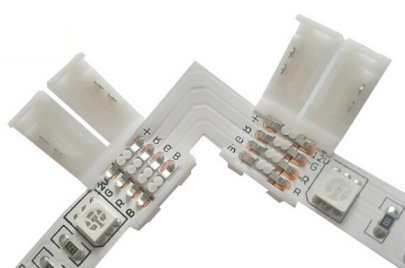
Description
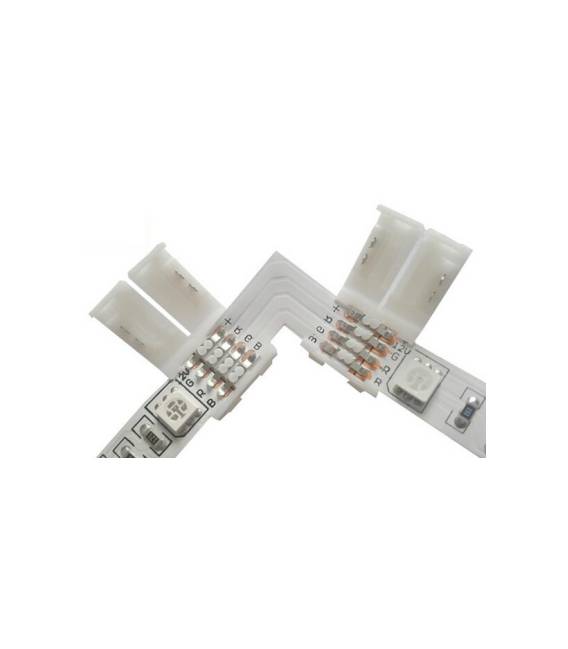
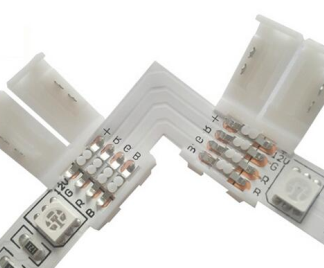
WS2812 WS2811 RGB L PCB 4P Connector Tutorial: How to use WS2812 WS2811 RGB L PCB 4P Connector
Ideal for RGB lighting projects and real-time data visualization. Suitable for beginners and intermediates.
Required Components: Arduino or compatible microcontroller, 220Ω resistor, 5V power cable, Arduino IDE software
Steps: 1. Check the datasheet for your microcontroller specifications. 2. Connect the WS2812 connector to a digital pin on the microcontroller. 3. Attach a 220Ω resistor between VCC and Data input. 4. Connect VCC to 5V and GND to GND on the microcontroller. 5. Upload the provided Arduino code. 6. Run the code to display RGB colors. 7. Check the required current supply. 8. Verify the power supply voltage on the datasheet.
Example Code:
“`cpp
#include
#define PIN 6
#define NUMPIXELS 32
Adafruit_NeoPixel pixels = Adafruit_NeoPixel(NUMPIXELS, PIN, NEO_GRB + NEO_KHZ800);
void setup() {
pixels.begin();
}
void loop() {
for(int i = 0; i < 255; i++) {
pixels.setPixelColor(0, pixels.Color(i, 0, 255-i));
pixels.show();
delay(20);
}
}
“`
Mini-project: Create a 32-LED RGB lighting bar. Connect the connector to the microcontroller and run the code to display a color effect.
Common Errors: Forgetting to add a 220Ω resistor between VCC and Data, using the wrong voltage for power supply, connecting the WS2812 to the wrong pin on the microcontroller, not updating the microcontroller firmware.
Recommended Accessories: Arduino Uno microcontroller, 220Ω resistor, 5V power cable, Arduino IDE software
Reviews
There are no reviews yet.