 EN
EN IT Italiano
 ES Español
 FR Français
 DE Deutsch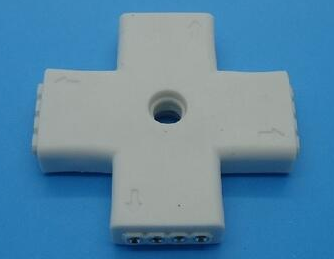
Description
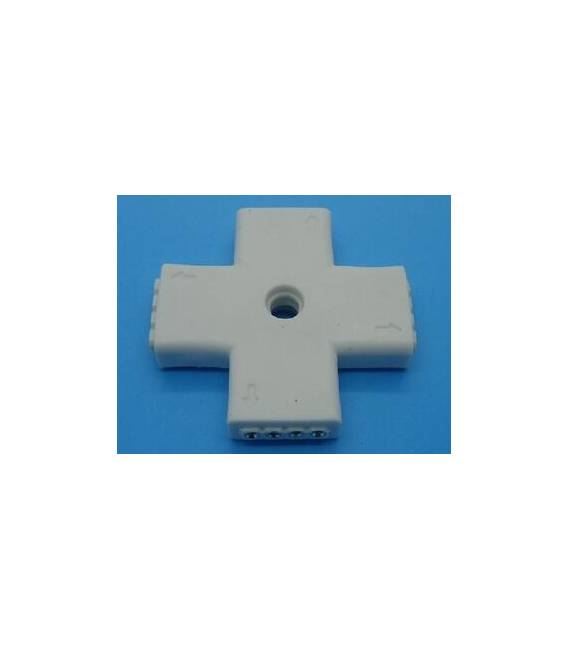
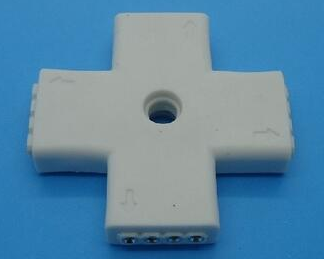
Tutorial: How to Use 3528/5050 LED Strip Connector 4 Pin This connector is ideal for connecting SMD LED strips such as 3528 and 5050 without damaging them. It is perfect for both beginners and more experienced makers. What you need LED strip Arduino or microcontroller power source Steps Check the compatibility of the connector with the LED strip. Connect the connector to the microcontroller using the GND, VCC, and data pins (typically Din/DOUT). Connect the power source to the LED strip via the connector. Check the correct illumination of the LEDs. If necessary, modify the microcontroller settings to adjust the color and intensity. Mini-project Create an RGB lighting installation controlled by Arduino. Common errors Incorrect pin connection Insufficient power LED strip damaged during connection Recommended accessories LED strips 3528/5050 Arduino Uno R3 Voltage regulator LM7805 Frequently asked questions What is the difference between 3528 and 5050 connectors? Connectors are designed for LED strips of different sizes, ensuring a secure connection. How can I control multiple LED strips simultaneously? Use a serial network or multiplexer to manage multiple strips from Arduino.

Reviews
There are no reviews yet.