 EN
 IT Italiano
 ES Español
 FR Français
 DE Deutsch
Description
What it is
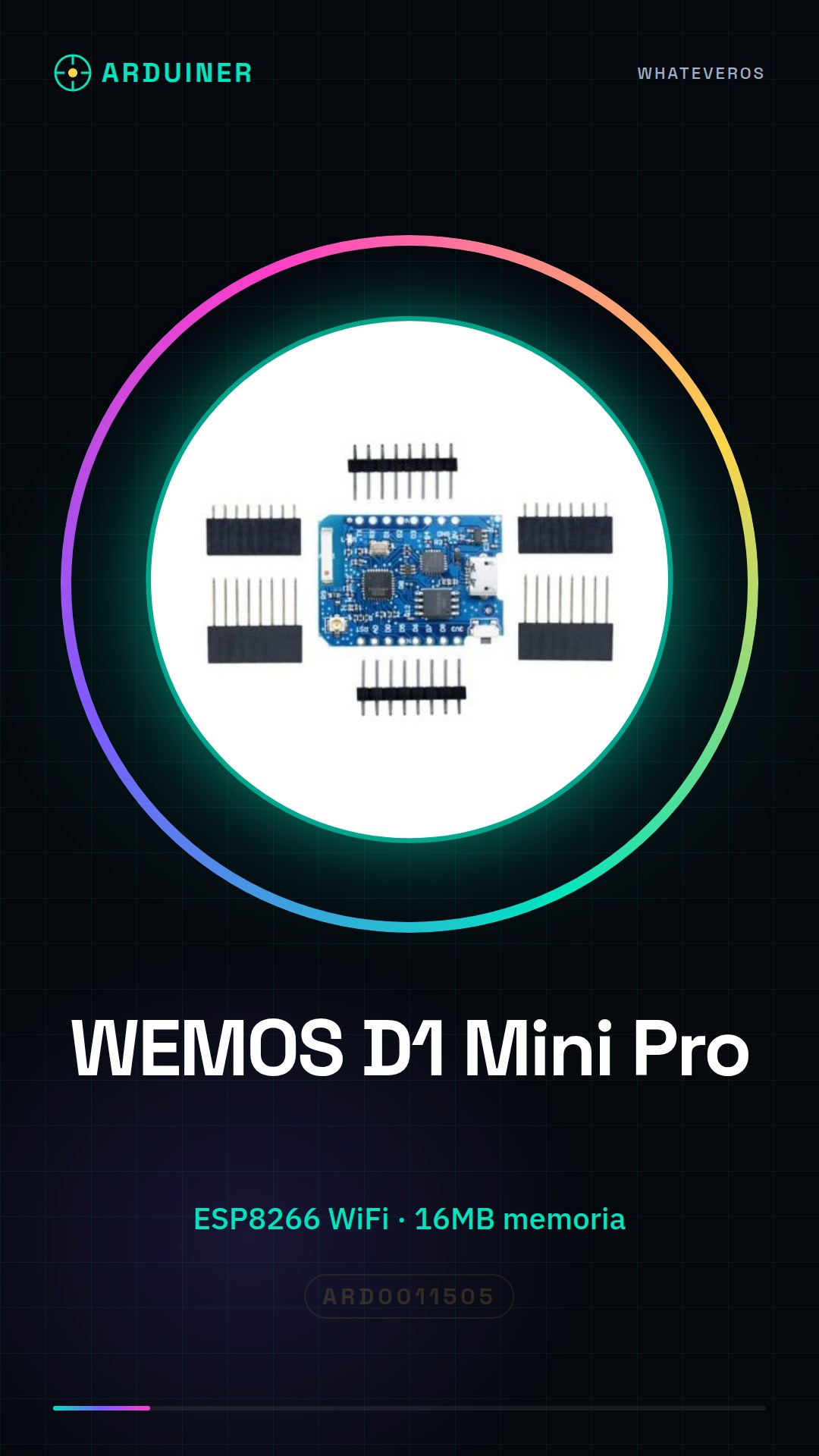
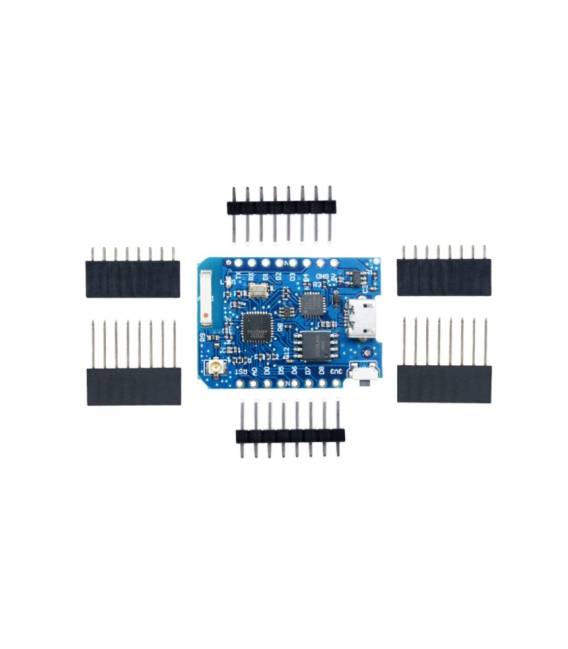
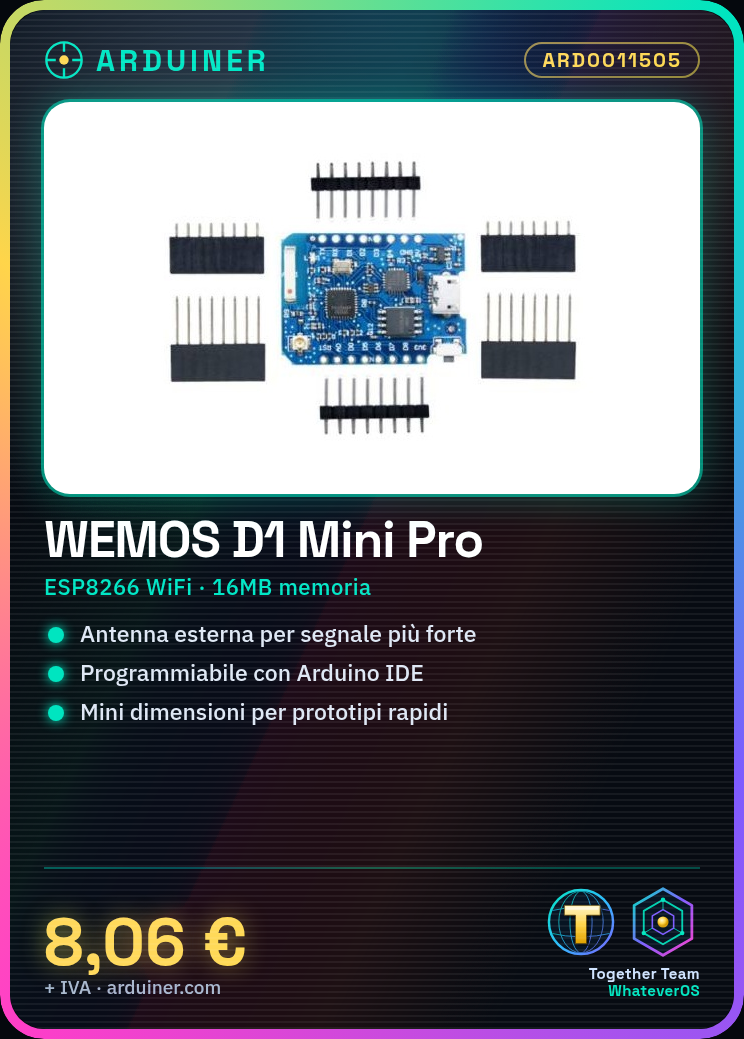
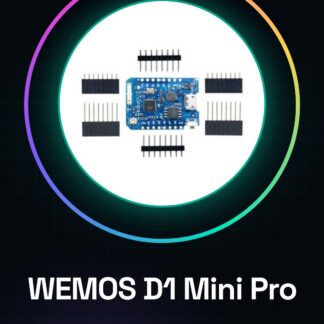
The WEMOS D1 Mini Pro is an ESP8266 WiFi IoT board with 16MB of memory. It is a small WiFi board ideal for IoT projects and quick prototypes.
Features
- Microcontroller: ESP8266
- Memory: 16MB
- External antenna connector
- WiFi
What it is for
The WEMOS D1 Mini Pro is suitable for IoT projects and remote connectivity. It can be used to create temperature sensors that send data to IoT platforms like Blynk, or to send temperature and humidity data using DHT11 sensors. The board is compatible with the Arduino programming environment.
Tutorial: How to use Wemos D1 Mini Pro
The Wemos D1 Mini Pro is a small ESP8266-based WiFi board, ideal for IoT projects and quick prototypes. It is perfect for those learning electronic programming and wanting to add WiFi connectivity to small devices.
What you need
- Arduino IDE installed
- Micro-B USB cable
- External antenna (optional)
- WiFi configuration software (optional)
Steps
- 1. Install the ESP8266 library in the Arduino IDE
- 2. Connect the Wemos D1 Mini Pro to the computer via USB
- 3. Download and load a sample sketch (such as Blink)
- 4. Configure WiFi in the IDE or use a configuration software
- 5. Test WiFi connectivity
- 6. (Optional) Connect an external antenna to improve reception
Example code
void setup() {
  Serial.begin(115200);
  WiFi.begin("SSID", "PASSWORD");
  while (WiFi.status() != WL_CONNECTED) {
    delay(1000);
    Serial.println("Connettiti al WiFi");
  }
  Serial.println("WiFi connesso");
}

void loop() {
  // Codice del tuo progetto
}
Mini project
Create a temperature sensor that sends data to an IoT platform like Blynk. Use a DHT11 sensor and the Wemos D1 Mini Pro to send temperature and humidity data.
Common mistakes
- WiFi connection error: check WiFi configuration
- Compilation error: check ESP8266 library installation
- Power issues: ensure the Wemos D1 Mini Pro is powered correctly
- Connectivity issues: check the external antenna (if present)
Recommended accessories
- DHT11 sensor
- ESP8266 external antenna
- 3.7V LiPo battery
- 5V Relay Module
Frequently asked questions
How can I add a library?
In the Arduino IDE menu, go to Sketch > Include Library > Manage Libraries and search for ESP8266
Which languages does it support?
It primarily supports C/C++ through the ESP8266 library
Can I use another antenna?
Yes, but make sure it is compatible with the ESP8266 and that the connector is compatible with the Wemos D1 Mini Pro



Reviews
There are no reviews yet.