 EN
 IT Italiano
 ES Español
 FR Français
 DE Deutsch
Description
What it is
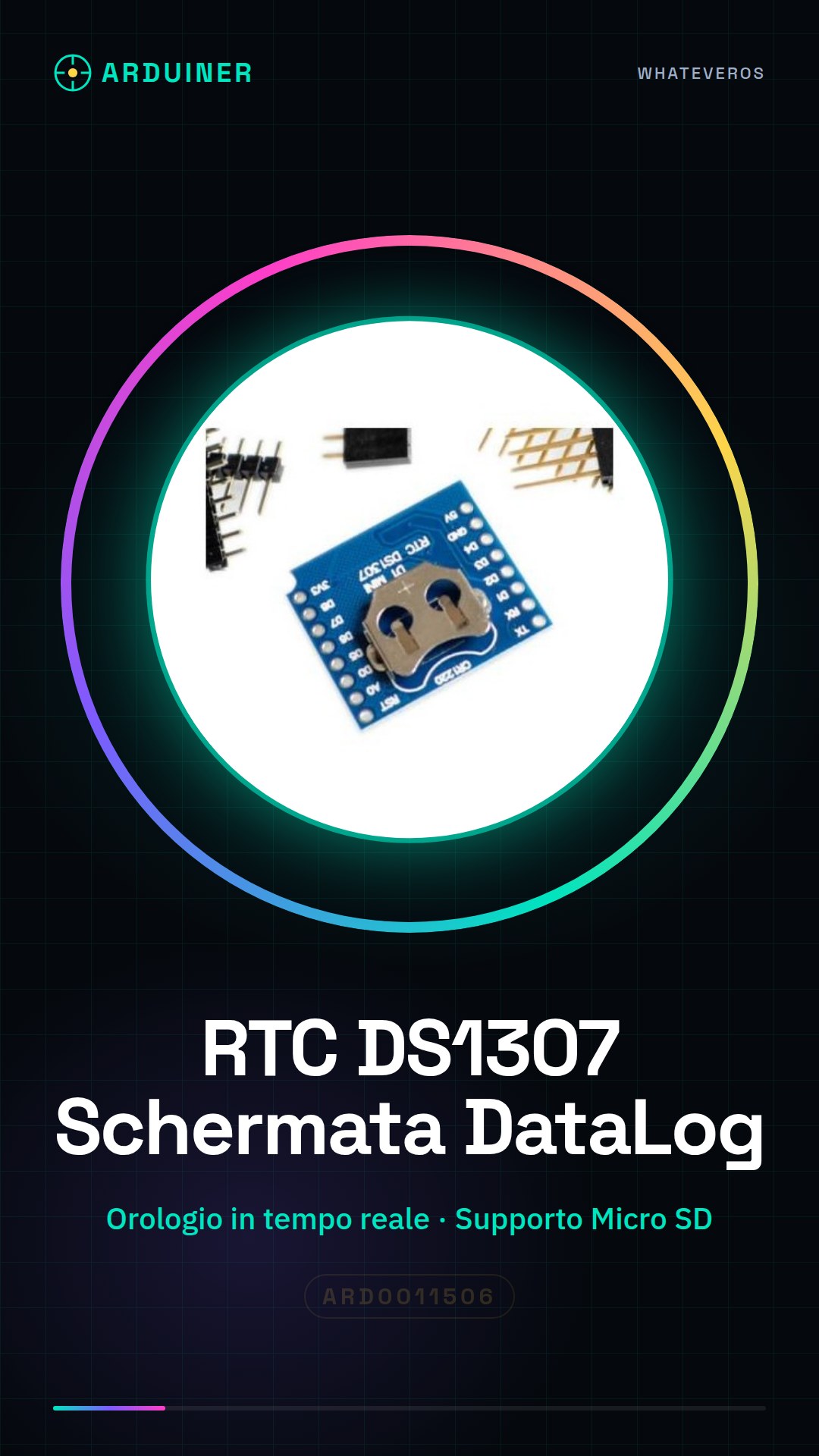
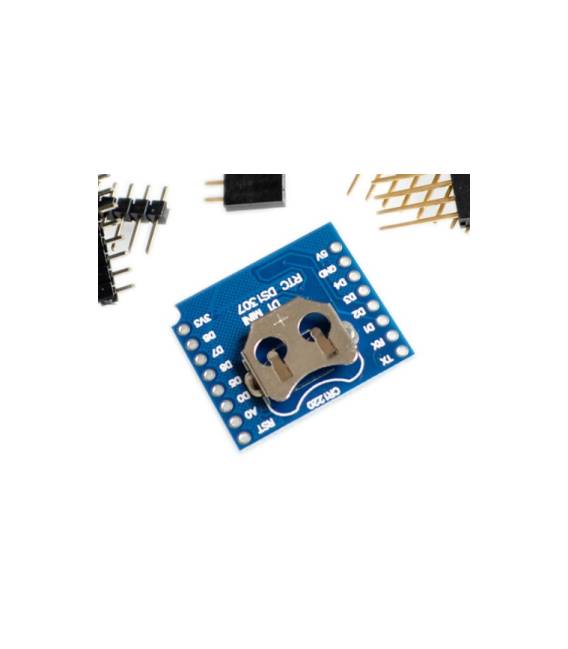
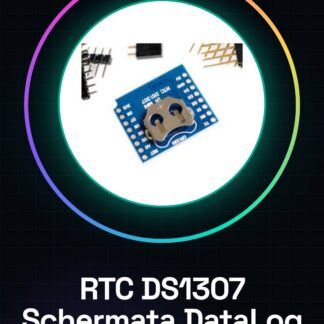
The DS1307 RTC Data Logging Display is a real-time clock for WeMos D1 Mini that keeps the date and time even without power supply. It is ideal for projects that require precise time-stamped logging.
Features
- Real-time clock DS1307
- Compatibility with WeMos D1 Mini
- Pin-header set for connection
- Micro SD card support
What it is for
The DS1307 RTC Data Logging Display is perfect for creating data loggers that record information such as temperature, humidity, or other parameters at regular intervals. Precise time-stamping is crucial for analyzing trends and behaviors over time.
Tutorial: How to use RTC DS1307 with WeMos D1 Mini
The DS1307 RTC is a real-time clock that keeps the time and date even when the device is off. It is ideal for projects that require accurate time-stamped logging, such as data loggers.
What you need
- DS1307 RTC with pin-header set
- WeMos D1 Mini
- Micro SD Card
- USB Cable
- Arduino IDE Software
Steps
- Connect the RTC DS1307 to the WeMos D1 Mini following the pinout guide for the module.
- Install the RTClib library in the Arduino IDE software.
- Write an Arduino sketch that reads the time from the RTC DS1307.
- Check the datasheet to verify that the RTC DS1307 is correctly powered.
- Write a sketch that logs data to the micro SD card.
- Verify that the micro SD card is mounted correctly and accessible from the WeMos D1 Mini.
- Compile and upload the sketch to the WeMos D1 Mini.
- Verify that the data is correctly logged to the micro SD card.
Example code
/*
  Sketch di esempio per il RTC DS1307 con WeMos D1 Mini
*/
#include <Wire.h>
#include <RTClib.h>

RTC_DS1307 rtc;

void setup () {
  if (!rtc.begin()) {
    Serial.println("Errore: non riesco a connettermi al RTC DS1307");
    while (1);
  }
  Serial.begin(9600);
}

void loop () {
  DateTime now = rtc.now();
  Serial.print("Data ora corrente: ");
  Serial.print(now.year(), DEC);
  Serial.print(":");
  Serial.print(now.month(), DEC);
  Serial.print(":");
  Serial.print(now.day(), DEC);
  Serial.print(", ");
  Serial.print(now.hour(), DEC);
  Serial.print(":");
  Serial.print(now.minute(), DEC);
  Serial.print(":");
  Serial.println(now.second(), DEC);
  delay(1000);
}
Mini project
Create a data logger that records temperature and humidity every hour on a micro SD card.
Common mistakes
- Connection error between the RTC DS1307 and the WeMos D1 Mini.
- Power supply issues for the RTC DS1307.
- Formatting error of the micro SD card.
- Read/write issues on the micro SD card.
Recommended accessories
- Temperature and Humidity Sensors DHT11
- USB Power Supply
- Wi-Fi Antenna for WeMos D1 Mini
- Electronic Prototyping Kit
Frequently asked questions
How can I synchronize the time of the RTC DS1307?
Use an Arduino sketch that reads the time from the NTP server and sets it on the RTC DS1307.
What are the advantages of using an RTC with a micro SD card?
Preserves the time and date even when the device is off, useful for data loggers.



Reviews
There are no reviews yet.