 EN
 IT Italiano
 ES Español
 FR Français
 DE Deutsch
Description
What it is
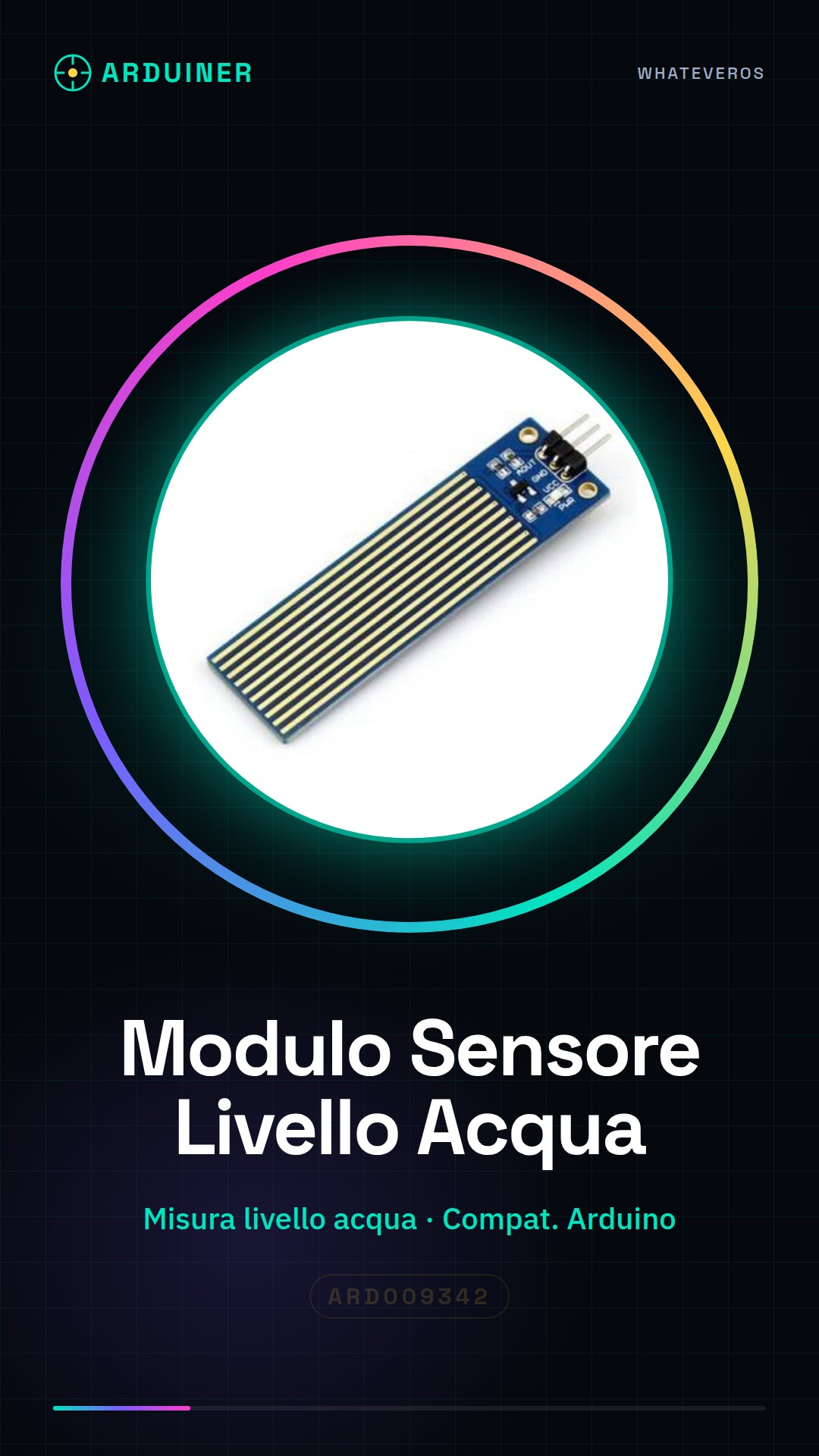
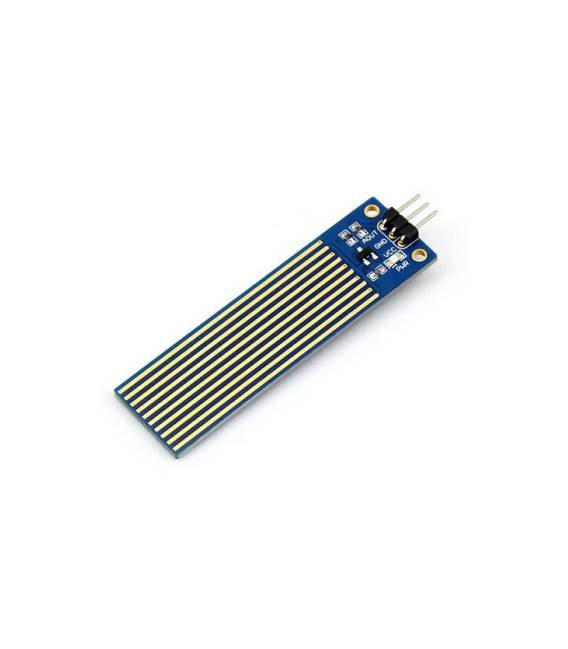
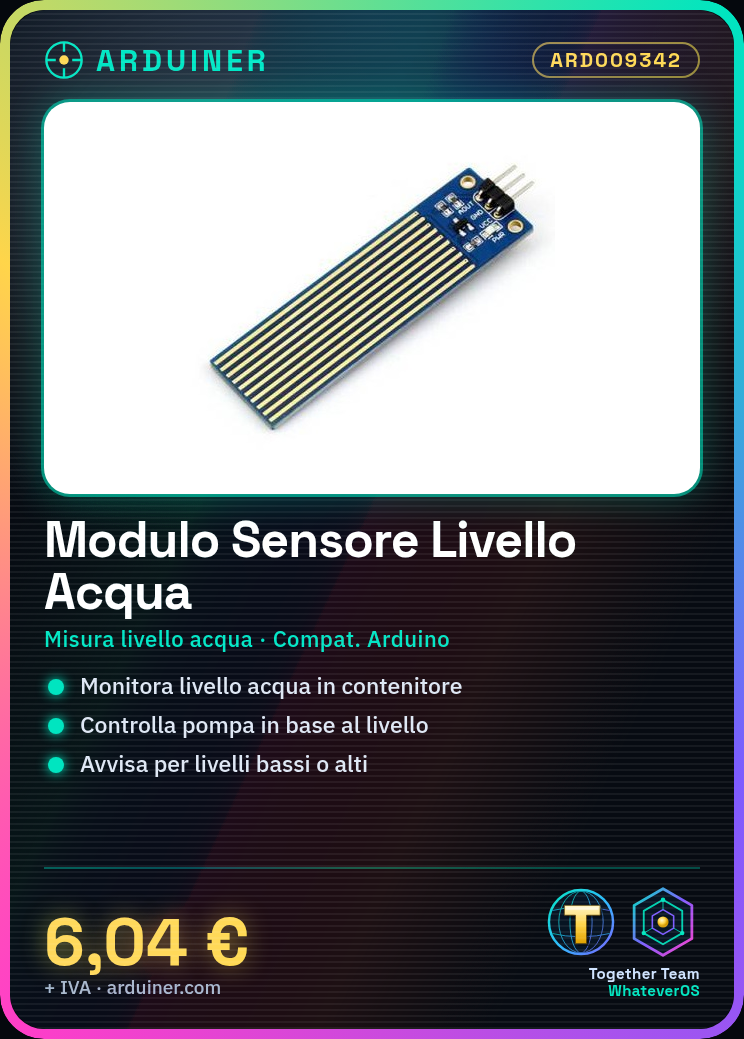
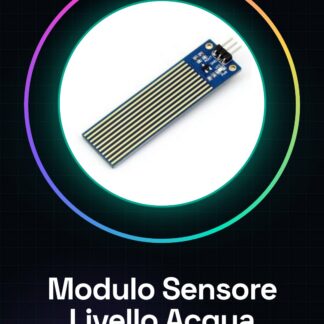
The Water Level Sensor Module for Arduino is an electronic device designed to measure the water level in a container. It can be used to automate irrigation systems or to monitor the water level in aquariums and other water systems.
Features
- Measures water level
- Compatible with Arduino
- SKU: ARD009342
- Price: 6.04 €
What it is for
This module is ideal for automatic irrigation projects, where it can be used to control the activation of a pump based on the water level in the reservoir. It can also be used to monitor the water level in aquariums or other water systems, alerting in case of too low or too high levels.
Tutorial: How to use Water Level Sensor Module
The Water Level Sensor Module helps you monitor the water level in water systems. Ideal for automatic irrigation projects and water controls.
What you need
- Arduino Uno or compatible
- Power supply cable for Arduino
- 10kΩ resistor
- Connection cable
- Water to test
Steps
- 1. Install the module: insert the module into your Arduino circuit.
- 2. Connection: connect VCC to the 5V of Arduino, GND to the GND of Arduino, and the SDA pin to pin A0 of Arduino.
- 3. Add resistor: connect a 10kΩ resistor between SDA and GND to protect the sensor.
- 4. Functionality test: insert the minimum code to control the water level.
- 5. Code configuration: set the pins and functions based on your project.
- 6. Test: immerse the module in water and verify that it works correctly.
- 7. Implementation: integrate the module into your irrigation system.
- 8. Debug: verify that the system works correctly in real situations.
Example code
```void loop() { int sensorValue = analogRead(A0); Serial.println(sensorValue);}```Mini project
Create an automatic irrigation system with an electric pump controlled by Arduino based on the water level.
Common mistakes
- Do not connect the sensor directly to the Arduino pin without a resistor.
- Submerging the sensor too deep in water can damage it.
- Do not use an incompatible Arduino.
- Ignore error signals on the datasheet.
Recommended accessories
- Electric pump
- Control valve
- 220V power cable
- Temperature sensors
Frequently asked questions
How can I protect the sensor from water?
Use a waterproof container or protective cover.
Does the module work with salt water?
Check the datasheet, it may not be suitable.
Can I use an Arduino Uno or compatible?
Yes, but make sure it is compatible.
Reviews
There are no reviews yet.