 EN
 IT Italiano
 ES Español
 FR Français
 DE Deutsch
Description
Product Description
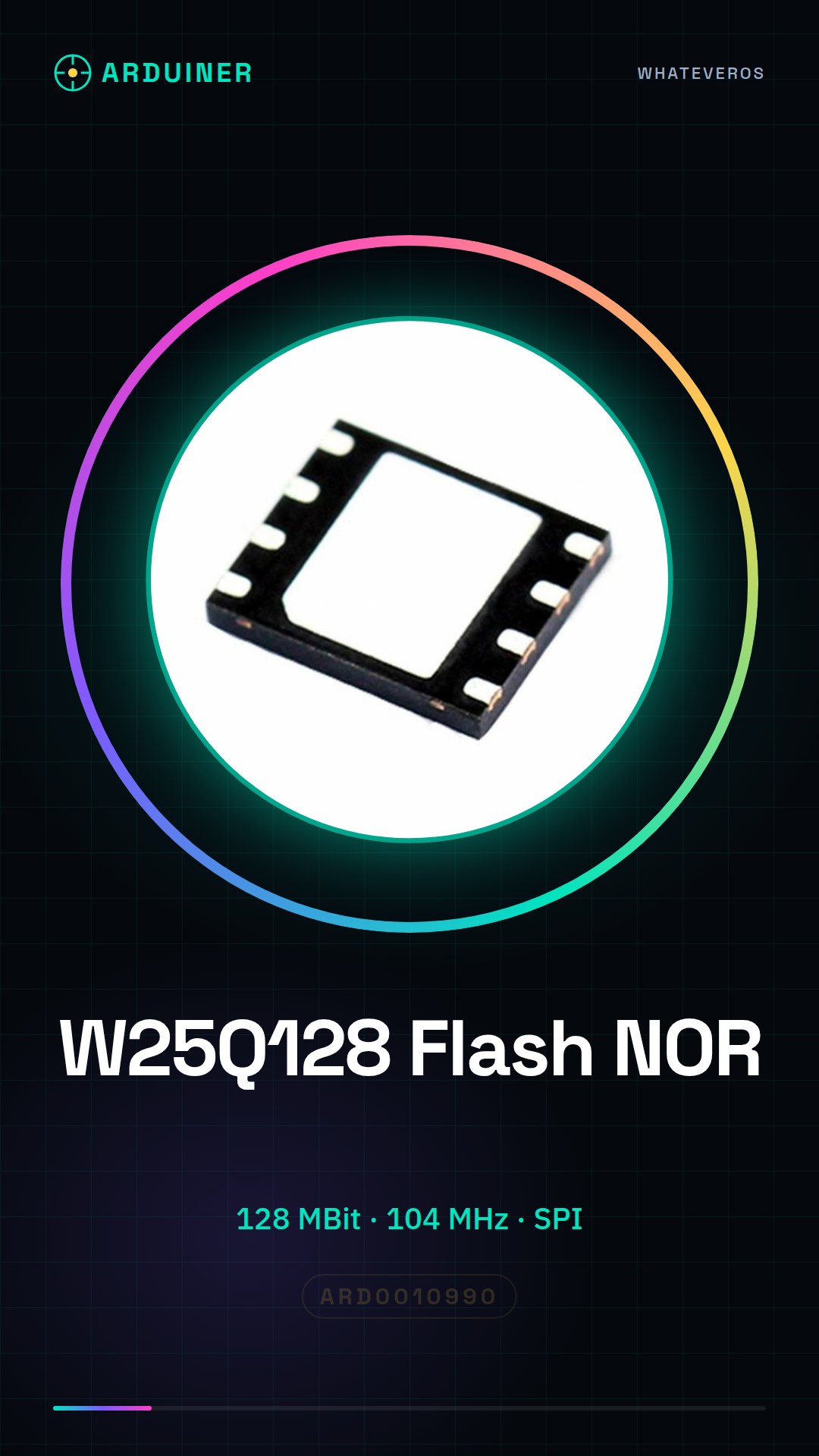
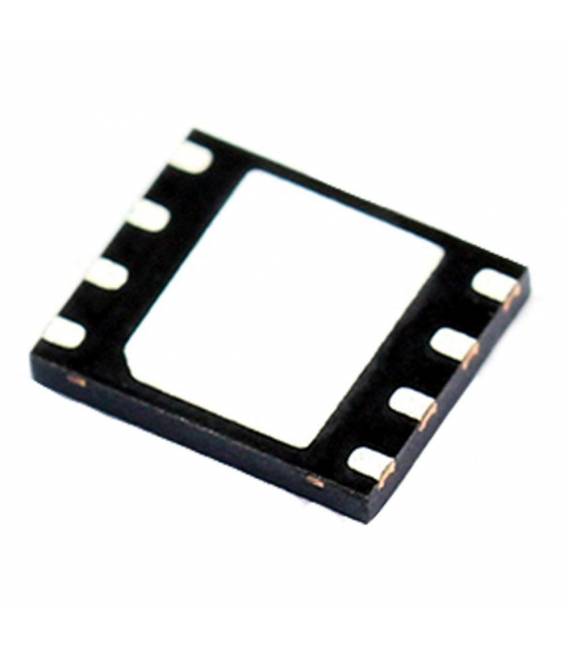
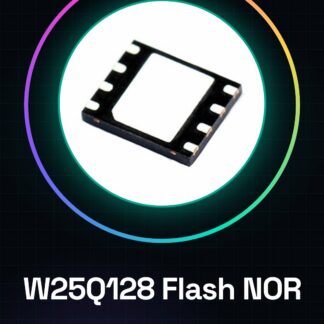
Part NO.:W25Q128FWPIG
Package:8-WSON (6×5)
Description:IC FLASH 128MBIT 104MHZ 8WSON
Supplier:SICSTOCK
Compare Parts:
Other Part Number:W25Q128FWPIG-ND
Format – Memory:FLASH
Memory Type:FLASH
Memory Size:128M (16M x 8)
Speed:104MHz
Interface:SPI Serial
Voltage – Supply:1.65 V ~ 1.95 V
Operating Temperature:-40?C ~ 85?C
Tutorial: How to Use W25Q128
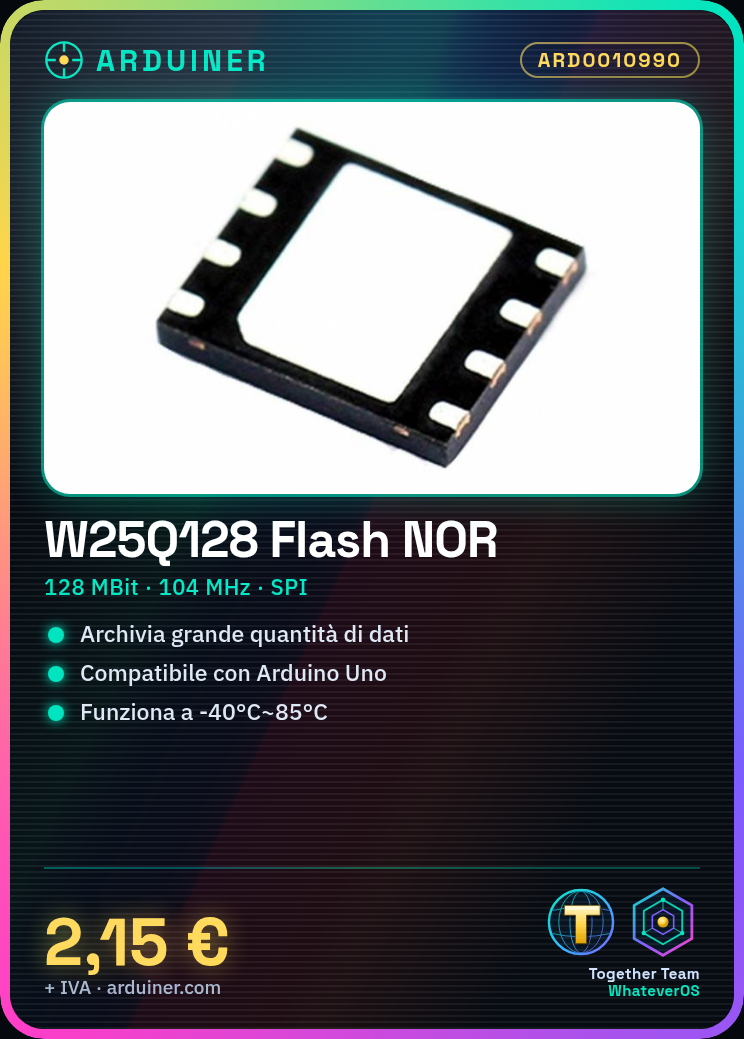
The W25Q128 is a NOR Flash memory IC ideal for storing large amounts of data on prototypes and maker projects. Useful for anyone who wants to save code, images, or sensitive data.
What you need
- Arduino Uno or Compatible
- USB Cable
- ISP Programmer
- Multimeter
- 10kΩ Resistor
- Advanced Programming Capabilities
Steps
- 1. Connect Arduino to PC with USB cable.
- 2. Install SPI and SPIFlash libraries on Arduino IDE.
- 3. Download and install W25Q128 driver on Arduino IDE.
- 4. Connect W25Q128 to Arduino as indicated in the datasheet.
- 5. Connect 10kΩ resistor between VCC and GND of W25Q128.
- 6. Load example sketch for W25Q128 onto Arduino.
- 7. Verify electronic connectivity with multimeter.
- 8. Run sketch to test read and write operations.
Example code
```cpp
#include <SPI.h>
#include <SPIFlash.h>

SPIFlash myFlash;

void setup() {
  Serial.begin(9600);
  if (!myFlash.begin(SPI_HALF_SPEED, 0x00)) {
    Serial.println("Flash not present or wrong speed");
    while (1);
  }
  Serial.println("Flash found");
}

void loop() {
  // Esempio di scrittura
  myFlash.write(0, "Hello, World!");
  // Esempio di lettura
  char buffer[16];
  myFlash.read(0, buffer, 16);
  Serial.println(buffer);
}
```
Mini project
Create a logging system on Arduino using W25Q128 to save temperature and humidity logs from a DHT22 sensor.
Common mistakes
- Forgot to connect the pull-down resistor.
- SPI driver configuration error.
- Connect W25Q128 to Arduino correctly.
- Set SPI speed incorrectly.
Recommended accessories
- DHT22 sensor
- 16×2 LCD display
- Arduino Uno R3
- ISP cable
Frequently asked questions
How can I verify the correct connection?
Check electronic connections with multimeter and load example sketch.
What are the speed limits?
Check datasheet for maximum speed specifications.
Can I use this IC with other microcontrollers?
Yes, but check SPI protocol compatibility.
Reviews
There are no reviews yet.