 EN
 IT Italiano
 ES Español
 FR Français
 DE Deutsch
Description
What it is
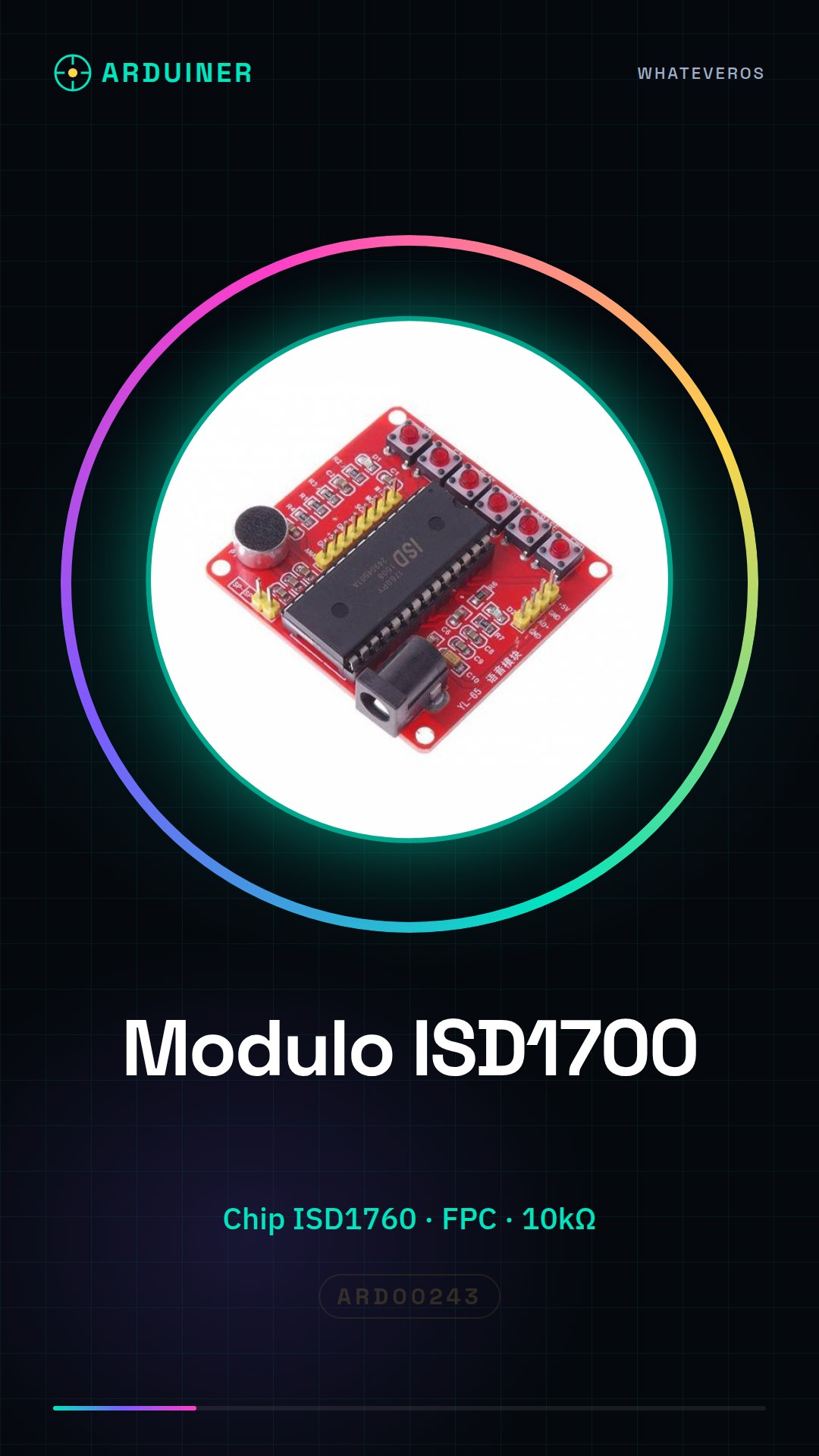
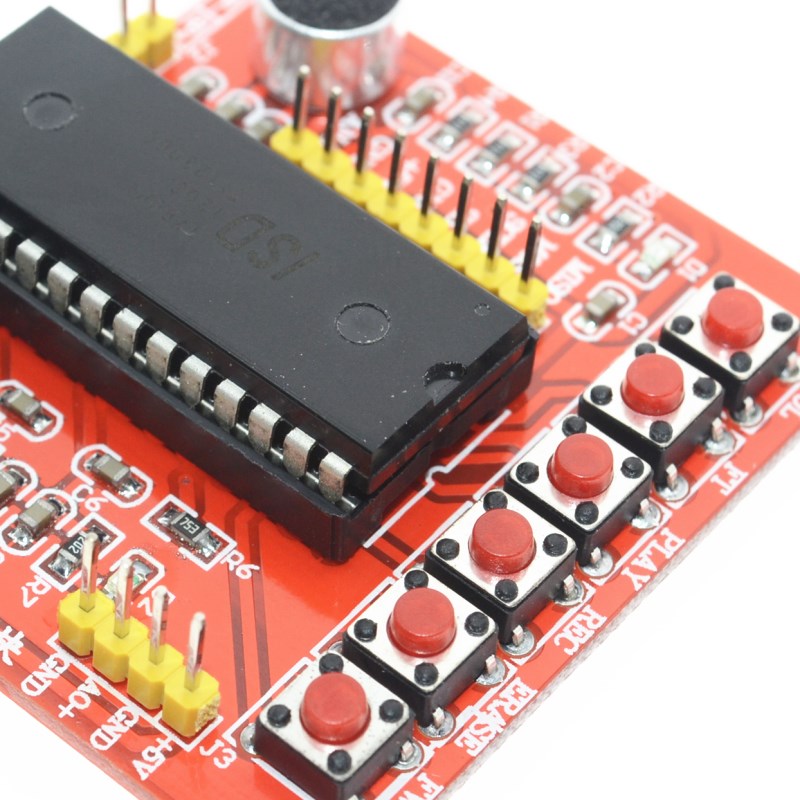
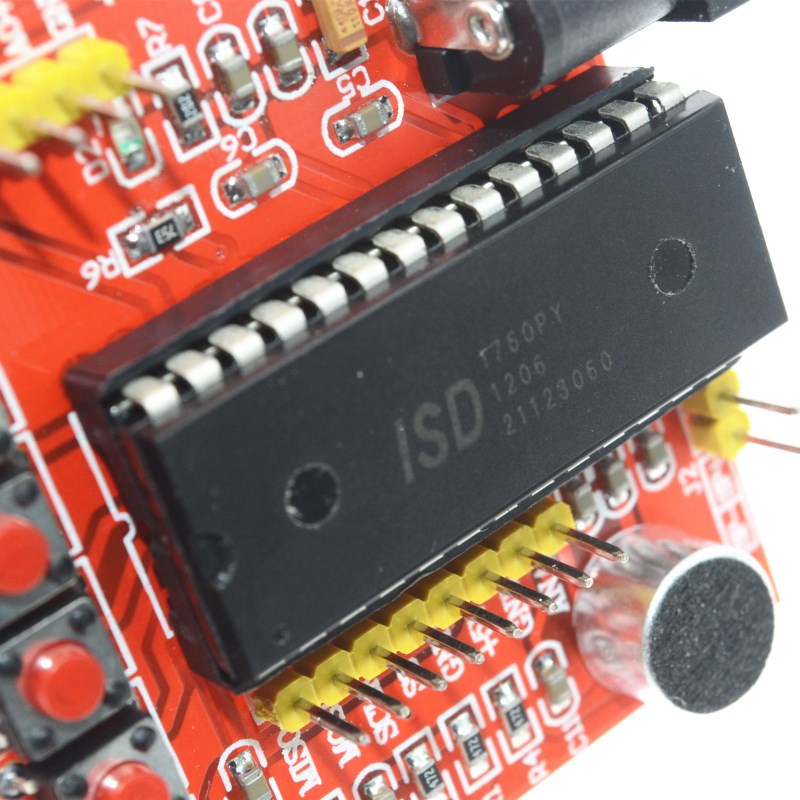
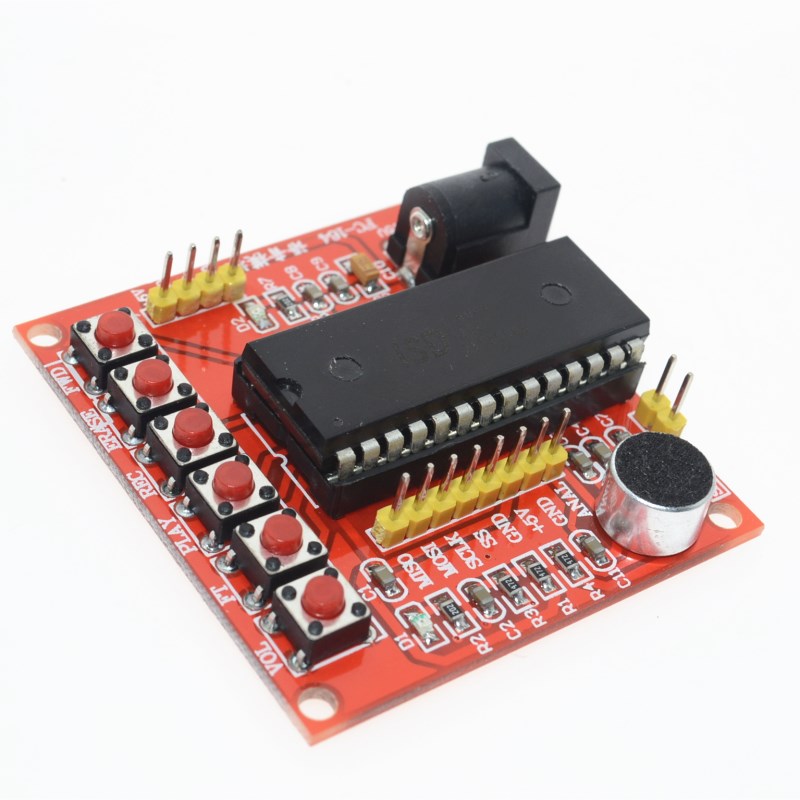
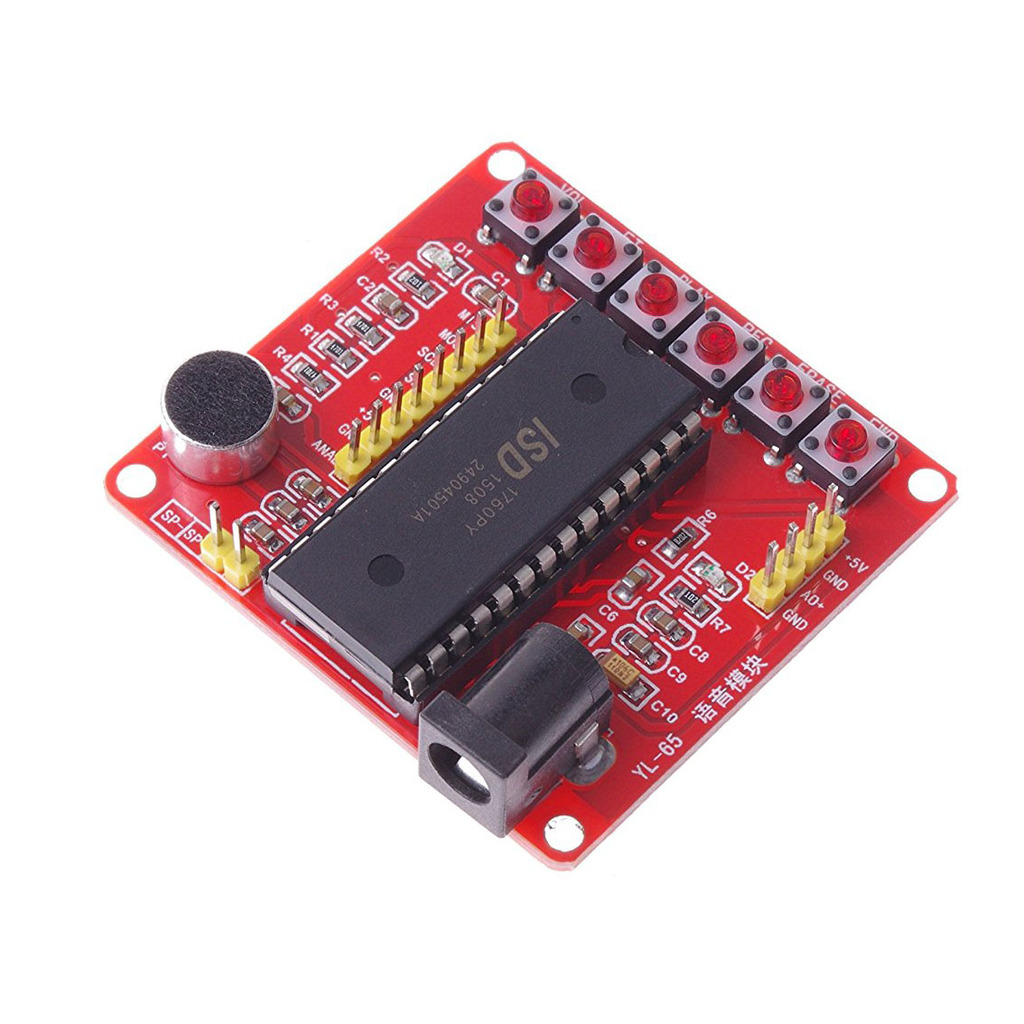
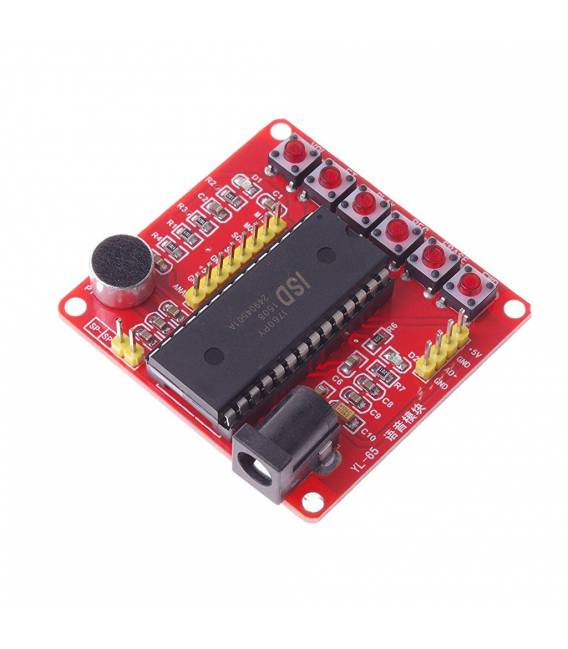
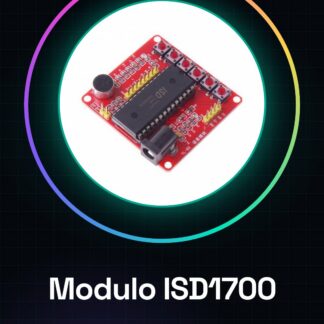
The ISD1700 voice recording module is a device that uses the ISD1760 chip for recording and playing back sounds. This module is ideal for Arduino projects that require the integration of voice functionality.
Features
- Includes the ISD1760 chip
- Ideally suited for voice recording and playback in Arduino projects
What it is for
The module is useful for beginners who want to incorporate voice interactions into their projects. It can be used to create simple voice switches, for example, to turn a light on or off.
Tutorial: How to Use the ISD1700 Voice Recording Module
The ISD1700 Voice Recording Module is ideal for projects that require the recording and playback of short voice phrases. Useful for beginners and those who want to incorporate voice interaction features into their projects.
What you need
- Arduino
- FPC Connector
- 10kΩ Resistor
- 100nF Capacitor
- Power cable
Steps
- 1. Connect the ISD1700 module to the Arduino using the FPC connector.
- 2. Connect the 10kΩ resistor between VCC and GND of the module for the pull-down.
- 3. Connect the 100nF capacitor between VCC and GND to filter the power supply.
- 4. Connect VCC of the module to the 5V of the Arduino.
- 5. Connect GND of the module to the GND of the Arduino.
- 6. Connect the audio output line of the module to the analog pin of the Arduino.
- 7. Load the provided Sketch code.
- 8. Test the voice recording and playback.
Example code
void loop() { ISD1760_startRecord(); delay(2000); ISD1760_stopRecord(); delay(2000); ISD1760_play(); }Mini project
Create a simple voice switch to turn a lamp on/off.
Common mistakes
- Do not correctly connect the VCC and GND pins.
- Omit the pull-down resistor.
- Do not use a capacitor to filter the power supply.
- Connect the audio output line to a digital pin instead of an analog pin.
Recommended accessories
- Lamp
- Switch
- Variable resistor
- 5V power cable
Frequently asked questions
How can I record a voice?
Press the record button and speak for 2-3 seconds.
Why don’t I hear anything when I try to play?
Check that the module is selected in the code Sketch and that the voice is recorded correctly.
Can I record more than one voice?
Yes, but check the datasheet for memory limits.
Reviews
There are no reviews yet.