 EN
 IT Italiano
 ES Español
 FR Français
 DE Deutsch
Description
What it is
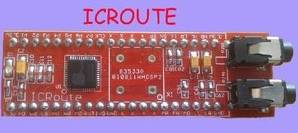
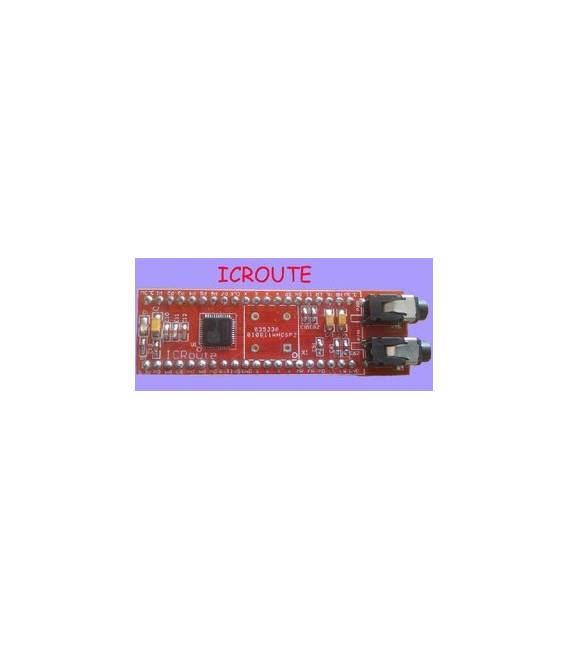
The ARD0011076 voice module uses the LD3320 chip to integrate voice recognition functionality into your projects. It allows you to add voice interaction to your Arduino devices.
Features
- LD3320 chip
- Voice recognition
- Price: 23.42 €
- Availability: Pre-order
What it is for
The LD3320 voice module is ideal for Arduino projects that require voice interaction. You can create a simple voice assistant that responds with ‘Hello!’ when it hears your name.
Tutorial: How to use the LD3320 Voice Module
The LD3320 voice module is ideal for projects that require voice interaction. Useful for beginners and intermediates, it allows you to add audio features to your projects.
What you need
- Arduino or compatible
- Power cable
- 10kΩ resistor
- Microphone (optional)
- Arduino breadboard
- Audio setup (for testing)
Steps
- 1. Connect the module to the Arduino via digital pins and GND.
- 2. Connect the 10kΩ resistor between VCC and GND.
- 3. Connect the microphone (if used) to the audio input pin.
- 4. Power the module with a USB cable or a battery.
- 5. Upload the code to Arduino.
- 6. Check the serial communication to verify the connection.
- 7. Try speaking into the microphone and verify the voice response.
- 8. Adapt the code to your specific needs.
Example code
```cpp
#include <SoftwareSerial.h>

SoftwareSerial vocale(10, 11); // RX, TX

void setup() {
  Serial.begin(9600);
  vocale.begin(9600);
}

void loop() {
  if (vocale.available()) {
    Serial.write(vocale.read());
  }
}
```
Mini project
Create a simple voice assistant that responds with ‘Hello!’ when it hears your name.
Common mistakes
- Forget to connect the 10kΩ resistor.
- Power the module with incorrect voltages.
- Connect the wrong pins.
- Swap the RX and TX pins.
Recommended accessories
- Microphone for Arduino
- Audio setup
- Arduino Nano
- 3.7V LiPo battery
Frequently asked questions
Does the module work with any Arduino?
Yes, it works with Arduino Uno, Nano, and compatible models.
Can I use an external microphone?
Yes, connect the microphone to the audio input pin.
How can I customize the response?
Modify the code to insert your response.



Reviews
There are no reviews yet.